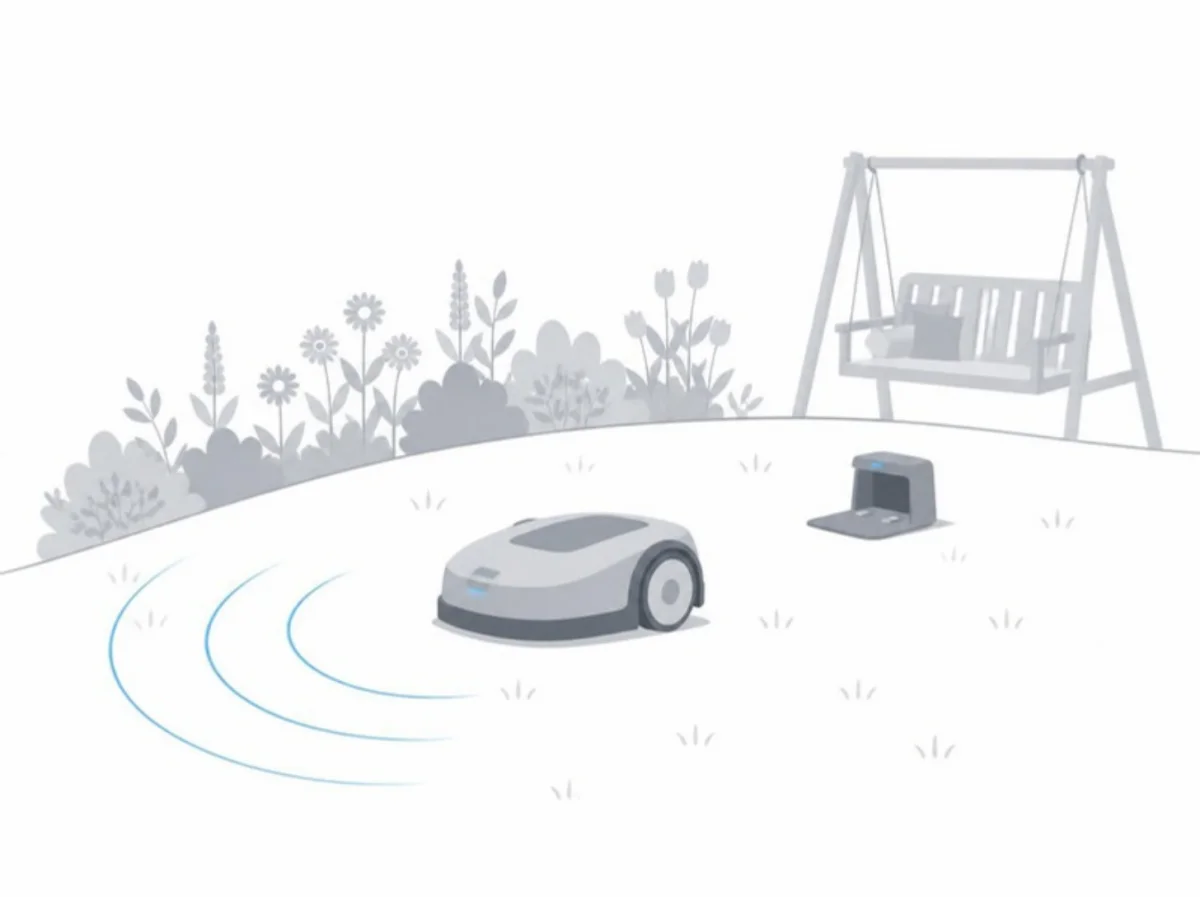
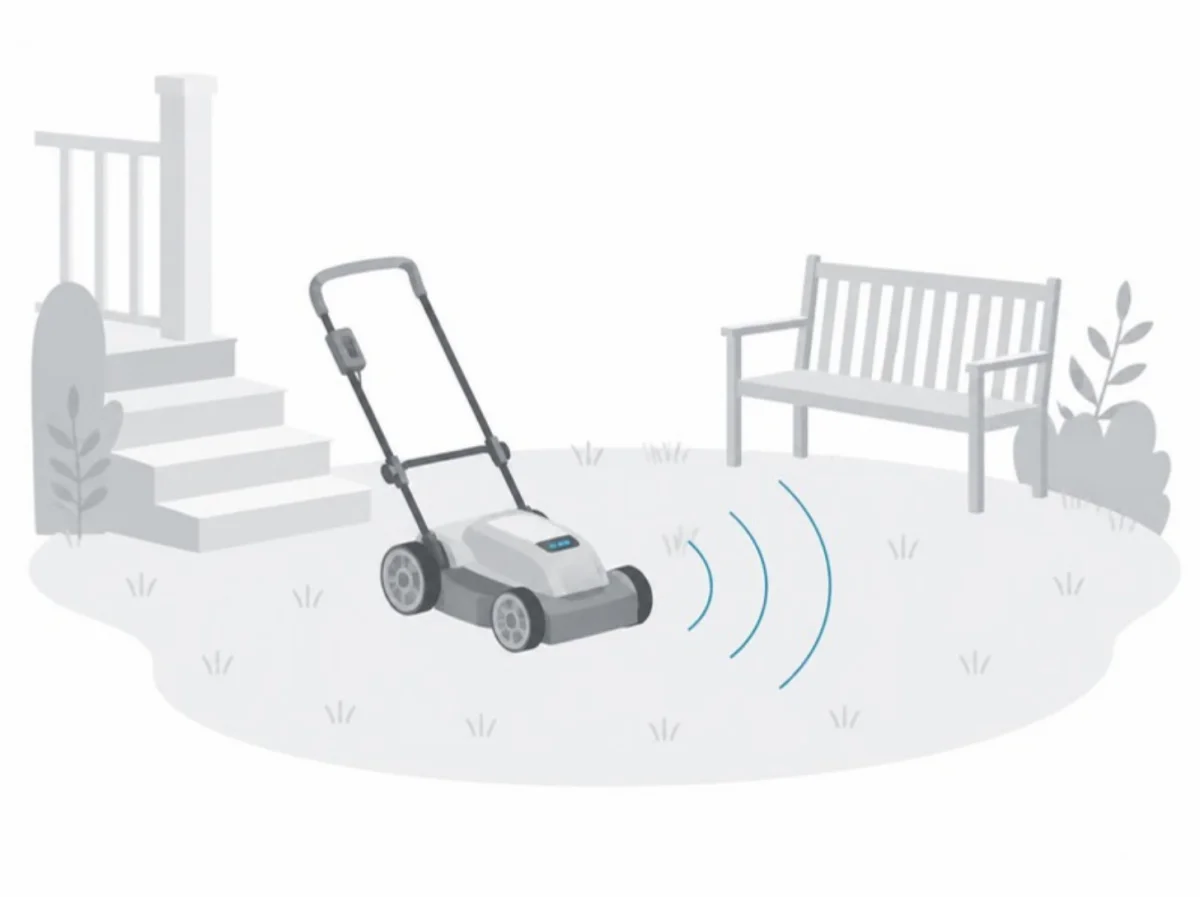
Most robot mower noise starts in the cutting system. The manuals from Husqvarna, Worx and STIHL put a shaking or rattling mower down to its cutting system first: a damaged blade, two blades sharing a screw, a loose blade, or grass wound round the blade disc.
The other sounds owners search for have causes of their own. A siren that will not stop, a noise at the charging station, a whir from a LiDAR sensor and blades that fall silent on the way home all turn up in a maker's manual or help page, and several of them are signs of a mower working as designed.
Every document quoted here was opened in November 2026. They are Husqvarna's Automower operator's manuals, Worx's Landroid owner's manual and help articles, STIHL's iMOW EVO instruction manual, and ECOVACS' GOAT help pages and one GOAT manual. Searches name the Automower more than any other model, so Husqvarna gets the most room, but most fixes carry across brands.
| Sound | Where the makers point | First step |
|---|---|---|
| Shaking, rattling or vibration | Damaged blades, a disc out of balance (Husqvarna, Worx, STIHL) | Switch it off, check blades and screws |
| Vibration after a blade change | Two blades on one screw, mixed thickness (Husqvarna), loose blades (STIHL) | One blade per screw, tighten the nut |
| Shorter runs between charges | Grass clogging or wrapped round the blade disc (Worx, Husqvarna) | Take the disc off and clean it |
| Louder than expected on a new lawn | The first weeks after installation (Husqvarna) | Give it time |
| A piercing siren | Theft alarm (Husqvarna, ECOVACS) | Enter the PIN |
| Odd noise as it docks | Debris or copper rust on the charging contacts (ECOVACS) | Power off, wipe the contacts |
| Whir from the LiDAR sensor | The LiDAR motor turning (ECOVACS) | Nothing, unless an alert appears |
| Blades silent while it drives | Searching for the charging station (Husqvarna, Worx) | Nothing, this is normal |
| Grinding or wheel noise | Not explained in any document found | Blade and debris checks, then a dealer |
Why is my robot mower making noise?
A robot mower making noise most often has a cutting system out of balance. Husqvarna, Worx and STIHL all send owners to the blades first, then the screws or nut holding them, then debris on the blade disc.
The design explains why. On an Automower or a Landroid, the blades are fixed to a spinning blade disc by screws, and Worx asks owners to check that the blades spin freely around those fixing screws. STIHL's iMOW calls the same parts the "mowing blades, nut and blade disk". Damage a blade or crowd two onto one screw, and in Husqvarna's terms the cutting system is no longer in balance.
Before you look underneath, switch the mower off. Husqvarna's Automower 410iQ, 420iQ and 440iQ manual asks owners to "Set the product to OFF before you clear a blockage, do maintenance or examine the product, and if the product starts to vibrate abnormally." It also asks for protective gloves during maintenance.
Why is my robot mower vibrating?
Vibration in a robot mower means the blade disc has lost its balance, according to the troubleshooting tables of Husqvarna and Worx. Damaged blades come first on both lists, followed by extra or mismatched blades and debris.
Husqvarna's table gives three causes for "The product vibrates." The first is a cutting system unbalanced "because of damaged blades", and the action is to examine the blades and screws and replace them if needed. Next comes "too many blades in the same position", answered by a check "that only one blade is attached at each screw". Last is "Different thickness of blades are installed on the product." The 435X AWD manual lists the same three, calling the third different versions of Husqvarna blades.
The mower can also catch the problem itself. Its fault message "Cutting system major imbalance" is explained as "There is vibrations in the blade disc." Running on "can cause damage to the cutting system", the manual warns, so the blades and screws should be checked for damage or wear, each position should carry one blade, and the blades and cutting disc need cleaning.
Worx's Landroid owner's manual, covering the WR140, WR143, WR150 and WR153, lists "Landroid vibrates." with the cause "The blade disc is unbalanced. Blades may be damaged." Replace any damaged blade and clear debris and foreign objects from the blades and disc. The Worx help article on that symptom adds a second cause, grass or another object wrapped round the blade disc, and a second article puts a Landroid "shaking heavily" down to an unbalanced disc too.
STIHL and ECOVACS treat it as a reason to stop
STIHL's iMOW EVO instruction manual puts vibration under safety: "Stop and inspect the robotic mower for damage if it hits a foreign object or exhibits unusual operating behavior, such as abnormal vibration." Once the mower is disabled, inspect the blades, nut and blade disk. If it still behaves abnormally, STIHL wants an authorized iMOW servicing dealer to see it before it mows again.
ECOVACS is briefer. The UK edition of the GOAT O1200 LiDAR PRO manual says to restart the mower after abnormal vibrations and to contact Customer Service if they persist.
Grass wound around the blade disc
Grass wound around the blade disc unbalances it, slows it, or stops it turning freely. Worx and Husqvarna both list wrapped grass as a fault, and both clear it with the mower switched off.
On an Automower, the message "Cutting height blocked" means "Grass or other objects is wound around the cutting height adjustment, or between the blade disc and chassis." Check the disc and the bellows around the height adjustment and pull out anything caught there. A separate "Cutting system blocked" message gets the same treatment, with gloves on.
Worx lists the wrapped disc under uneven cutting, with a fix that reads "remove any grass or other objects that might prevent it spinning." Gloves matter here. Its maintenance pages have owners turn the Landroid upside down, brush off clippings with gloves on, and rotate the disc to check that it turns freely. Lodged debris matters for more than sound: Worx warns it can crack the blade disk, and even a tiny crack hurts mowing.
Worx also ties a clogged disc to shorter runs. When a Landroid starts to have shorter runs between charges, one cause in its table is "Something is clogging in the blade disc creating friction and increasing power consumption." The answer is to take the disc off and clean it.
Cleaning method varies little. ECOVACS cleans the GOAT's blade disc and wheels with a brush and wipes the rest with a dry cloth. Husqvarna rules out high pressure washers and solvents. Worx rules out a hose or pressure washer too, since water forced past the seals can damage electronic and mechanical parts.
Blades, screws and the blade disc nut
Fit new screws every time new blades go on. Husqvarna, Worx and ECOVACS all print this, and STIHL asks for the blade disk nut to be tightened after its blades are replaced.
Husqvarna explains the risk in a warning: "The used screws can wear quickly and make the blade come loose, this can cause serious injury." Worx's wording is "Always use new screws when fitting blades. This is important to ensure blade retention and balance the blade turning disc." It also asks for ALL the blades to be replaced together, and its fix for dull blades is "Change all the blades and screws in order to balance the blade disc."
ECOVACS wants new blades and screws fitted "ensuring the Blades can spin freely", with blades made by ECOVACS only. Husqvarna certifies only blades with its embossed crowned H mark. STIHL's warning is the bluntest of the four: "Damaged or loose mowing blades may vibrate, crack, break or come off the robotic mower, which may result in serious or fatal injury."
How long robot mower blades last
Husqvarna's manual says "The usual lifetime of the blades are 3 to 6 weeks." Run time and lawn size, the length and thickness of the grass, soil, sand, fertilizer, and objects such as cones, tools, stones and roots all shorten or stretch that. On a new mower, Husqvarna asks for a look at the discs and blades every week.
ECOVACS' maintenance table for the GOAT O1200 LiDAR PRO says to replace the blades every 4 to 6 weeks. Our robot mower guide covers why sharp blades help the mower stay quiet.
Why is my Husqvarna Automower so loud?
A newly installed Automower can be louder than it will be later. Husqvarna's manuals warn that for some weeks after a new install, the sound level while cutting can run higher than usual, and then it decreases.
A second passage in the same manual goes further: "When the product has cut the grass for some time, the perceived sound level is much lower." The 435X AWD manual prints the same advice for that mower.
A mower that keeps bumping into things is noisier too. The installation pages carry a caution: "For careful operation without noise, isolate all obstacles such as trees, roots and stones." Our Husqvarna decibels page has the perceived sound level the manual gives for each current Automower, from 56 dB(A) for the 420iQ upward.
Why is my robot mower alarm going off?
A robot mower alarm usually means theft protection has tripped. An Automower sounds it when STOP is pressed without the PIN, or when it senses being carried away; a GOAT sounds it after being lifted mid task.
Husqvarna does not soften it: "The built-in alarm is very loud. Be careful, especially if the product is handled indoors." From the factory, the PIN is required and "the alarm duration is 1 min", adjustable from 1 to 10 minutes in the Security menu.
Three triggers are listed. With "STOP button pressed" enabled, "the alarm goes off if someone presses the STOP button and the PIN code is not entered within 30 seconds." With "Carried away" enabled, the mower "senses unexpected motions, and the alarm goes off." GeoFence, if switched on, disables the mower and starts an alarm once it is more than a set distance from its center point. Entering the PIN silences it.
That first trigger catches owners who press STOP to clear grass or move the mower and then forget the code. Enter the PIN within the 30 seconds, or change the theft settings in the app.
The GOAT waits 10 seconds
ECOVACS explains a delay in its lift alarm answer for the GOAT A2500 RTK. Lifted during operation, the mower tries to self-escape for 10 seconds to avoid false alarms, then locks and sounds the alarm. The alarm has to be switched on under Settings, Robot Settings, Security Settings, or it will not trigger on standby or with a task paused. The O1200 manual adds: "Press the STOP Button at once when the mower makes the abnormal sound or raises the alarm."
Sounds at the charging station
Dirty charging contacts can make a robot mower noisy as it docks. ECOVACS ties docking noise on the GOAT to debris or copper rust on the contacts, on the station and the mower alike.
The ECOVACS docking answer reads: "If there are debris or copper rust on them, it may cause abnormal noise when docking. It is recommended to wipe it regularly with a clean rag." Power both the station and the GOAT off first.
Worx cleans the Landroid's contact pins and charging strips with a cloth and clears grass build up around them, though its manual links that to charging rather than sound. Where the station sits matters as well, and the guide's section on a flat base covers ECOVACS' siting rules.
Sensor whir and the edge trimmer
A whir or faint vibration from the LiDAR sensor on a GOAT is its internal motor turning, and ECOVACS calls that normal operation. A faulty sensor brings up a sensor abnormality reminder instead.
The LiDAR answer puts it this way: "Under normal operation, the rotation of the Lidar internal motor will cause certain sound and vibration," and the page ends mid sentence there.
Some GOATs also carry a line trimmer for edges, a separate module from the mowing blades. For the GOAT A2000 LiDAR PRO, ECOVACS says "Fluctuating noise levels during trim are normal for the GOAT." Its trimming answer describes the cutting head as "quieter during navigation, louder in dense grass, and briefly accelerating during line deployment." That covers the trimmer only. The O1200 manual adds one rule for it: "Do not use the trimming function at night."
Silent blades on the way home are normal
A robot mower that drives with its blades still is usually heading back to charge. Husqvarna and Worx both describe the blade disc standing still while the mower searches for its station, and both call that normal.
Husqvarna's table lists "The product operates, but the blade disc does not rotate." and answers "Usual operation for the product." Worx's version reads "This is normal: when Landroid needs to recharge, the blade disc does not rotate while it is searching for the charging base automatically."
The opposite happens on an iMOW. STIHL warns that "The mowing blades continue to rotate for a short period after the motor is switched off", which it calls the "flywheel effect", so a brief whir after a stop is the blades coasting. Wait for them to stop before lifting or carrying the mower. Husqvarna asks for at least 3 seconds after setting the product to OFF before moving it.
Grinding, squealing and wheel noise
No robot mower document opened for this page explains a grinding or squealing sound, or noise from a wheel motor or gearbox. Grinding is a common Automower search, yet the manuals offer only the cutting system faults above.
What the manuals do cover is grass on the wheels. Husqvarna notes that the mower "does not operate satisfactorily in slopes if the wheels are blocked with grass", and Worx brushes mud off its drive wheels for grip. Neither ties that to noise. If a grind stays after the blades, screws and disc are clean and sound, treat it as a job for the dealer in the next section rather than a part to take apart.
When to stop the mower and call a dealer
Stop the mower before looking under it, and take it to a dealer if vibration or an odd sound outlasts a blade and disc check. Husqvarna, STIHL and ECOVACS each print a version of that order.
Husqvarna asks owners to examine the mower for damage before starting it again, and not to use it if it is damaged. Its manual sends owners to a Husqvarna servicing dealer, or, in North America, to 833-991-ROBO (7626).
STIHL's rule is firm: if an iMOW "continues to function abnormally" after the blades, nut and disk are checked, it goes to an authorized iMOW servicing dealer. ECOVACS has GOAT owners restart after abnormal vibration and contact Customer Service if it persists. Taking a Landroid to a service center? Worx says to give them your PIN, since no one, its authorized centers included, can reset it.
How loud should a robot mower be?
Published robot mower figures sit between 55 and 65 dB, and few makers say what kind of number theirs is. Our robot mower guide explains why one mower's sound power rating sits several decibels above its sound pressure rating.
Husqvarna's figure is "perceived" sound, which the manuals measure to ISO 11094:1991, and the Husqvarna decibels page lists each model. All those numbers describe a mower in good order. A new rattle, a shake or a siren is a change from that baseline. Start with the blades.
Running a robot at dawn or late evening is a separate question from faults. The guide's section on night mowing covers the GOAT's default, and local quiet hours may apply as well.
Related guides and explainers
The quietest robot mowers guide compares the published figures and what each one measures. For mowers you walk behind or sit on, lawn mower noises and riding mower noises cover blades, belts and engines.
Battery and gas walk-behind mowers have their own guides in quietest battery lawn mowers and quietest lawn mowers. The wider garden, from blowers to trimmers, is covered in how to keep a quiet yard.