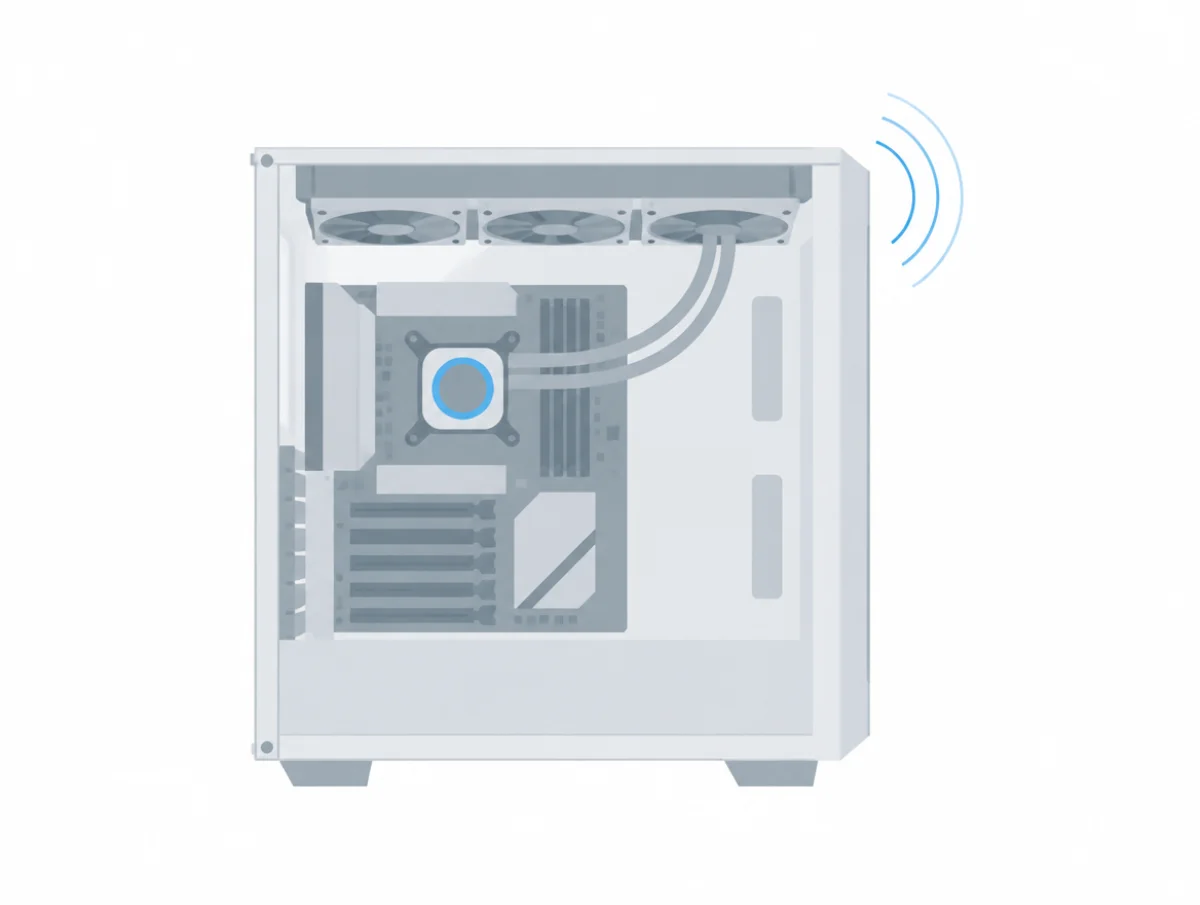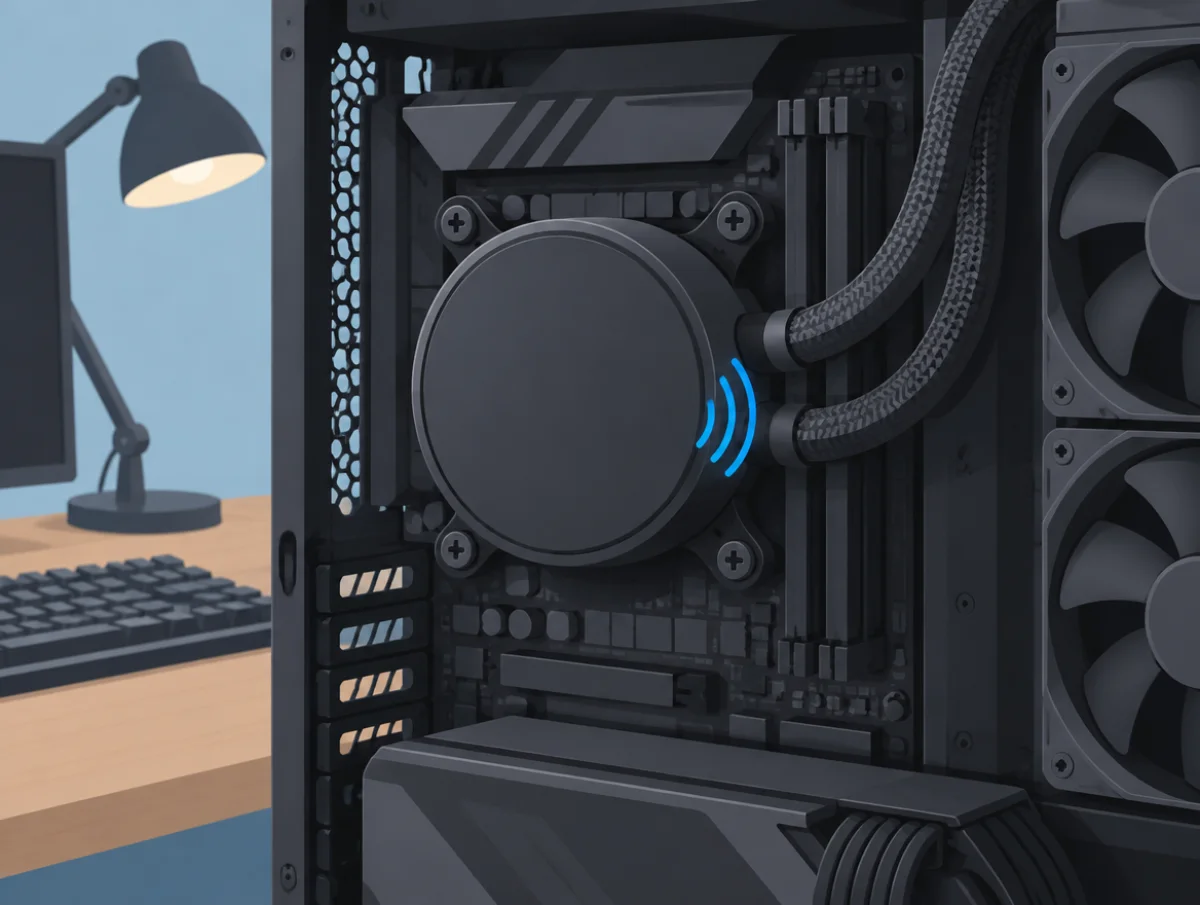
Two motors and a pocket of air explain almost every sound an all-in-one liquid cooler makes. The pump in the head on your processor pushes coolant around a sealed loop, the fans on the radiator push air through its fins, and a little air rides inside the loop by design. When that air drifts into the pump, you hear gurgling, trickling or a rattle. When it stays put, what remains is fan noise, electrical whine or a part vibrating against the case.
Everything below comes from support articles, manuals and installation guides by Corsair, NZXT, ARCTIC, Lian Li, ASUS, EK, Cooler Master and Fractal Design, read on November 16, 2026. EK's support site refused automated access that day, so its three articles are quoted from Internet Archive copies made on November 5, 2024. MSI's and be quiet!'s support pages would not load for us either, and neither brand is quoted here.
| Sound | Cause a maker names | First step |
|---|---|---|
| Gurgling, bubbling, trickling | Air in the pump (Corsair, NZXT, EK) | Check the radiator top sits above the pump |
| Rattle from the pump | Air bubbles (Corsair), impeller contact (Lian Li) | Silence the fans, then purge the air |
| Loud clicking or grinding at the pump head | Pump striking its housing because of air in the cap (NZXT) | Shake the air out; replace if it returns |
| High-pitched buzz or whine | Coil whine (NZXT), a vibrating tube straightener bracket (Lian Li) | Another PSU cable; remove the bracket |
| Louder steady pump note | Pump header fixed at full speed (ASUS) | Set a curve or preset in software |
| Rattle near the radiator fans | Loose screws, a wire touching the blades (Corsair) | Tighten and reroute |
| Pump lights flickering | Air bubbles in the pump housing (EK) | Tilt the PC; RMA if it stays |
Which AIO sounds are normal?
A soft, steady pump note and light trickling after installation are expected. Corsair writes that modern AIO pumps "do not typically produce much noise," and both Corsair and NZXT build a little air into every loop.
"Every AIO liquid cooler ships with a small amount of air in the loop on purpose," reads NZXT's radiator mounting guide. Corsair's orientation article agrees that "there's not a way to get around that." What matters is where the air ends up.
Cooler Master applies that to the build itself. "During the entire build process, it is good to keep the AIO radiator higher than the pump to prevent air bubble forming," its installation guide advises, and it ties the habit to "silent performance later on." Holding the radiator low while you fit the pump block invites a gurgle at first boot.
Time tells the two kinds of sound apart. Noise that fades over hours is air settling into the radiator. Noise that grows over weeks, or a hard click or grind, belongs in the replacement section at the end.
Gurgling and bubbling mean air has reached the pump
Gurgling, bubbling and a rattle that tracks pump speed usually mean air is moving through the pump. Corsair and EK both name trapped bubbles as the cause, and both start the fix with where the radiator sits.
Why should a few bubbles be so loud? "The impellers of a water cooling pump are designed with the resistance of water in mind," Corsair explains, so even a small amount of air "will create annoying noise" and "can potentially weaken the pump over time." NZXT reaches the same verdict in plainer terms: "A pump running on air instead of liquid moves less heat, makes more noise, and wears out faster."
Where the radiator goes decides where the air sits
Air rises to the highest point in the loop, and the pump must not be that point. NZXT's rule is that "the highest point of the radiator should always sit above the pump cap." Corsair's mounting article words it as "The radiator is in a higher position in the loop than the pump."
A radiator in the case roof meets that rule with room to spare, and Corsair, NZXT and Cooler Master all name it first. "If your case supports a top mount for your radiator size, take it," NZXT writes. The floor of the case is the layout to refuse. NZXT says "Do not bottom-mount an AIO," and the Liquid Freezer III 360 manual from ARCTIC draws a radiator on the case floor under the heading "Radiator below pump" and crosses it out.
Front mounts usually pass, because the radiator top sits well above the socket in a mid tower. In a small case, NZXT's advice is "measure it rather than assuming."
Tubes up or tubes down
On a front radiator the makers part ways over where the tubes should enter. Corsair wants them at the bottom and allows tubes at the top only "as a last resort," with the pump "in a lower position than the top of your radiator." ARCTIC ticks the tubes-up layout in its manual but prints "Risk of bubbling noise" beneath it. NZXT says the choice "comes down to preference," then adds that tubes at the bottom are "generally" quieter because "you are less likely to hear a trickling sound." On temperatures, NZXT finds that tube direction "does not change thermal performance in any way you would notice."
Corsair gives the reason for its preference. "The side of the radiator where the tubes are connected should not be at the top of the loop," because air gathered at the top is then "not sucked into the tubes and the pump."
The pump head has orientation notes too. NZXT tells Kraken Core owners to route the tubes "from the right side of the pump," which its support article says keeps bubbles from collecting in it; that cap cannot be rotated. The ROG Ryujin III quick start guide from ASUS asks for pump pipes facing "towards or away from you," which it ties to performance rather than noise.
Moving the air back into the radiator
Each published procedure tries to give the air a path up into the radiator. They differ on whether the PC stays on, how hard to move it, and how long to wait.
| Maker and article | PC running? | Motion | Pump setting | Time |
|---|---|---|---|---|
| Corsair, rattling or bubbling | Yes | Tilt forward and backward, then 45 degree turns in several directions | Extreme preset | An hour |
| NZXT, bubbling or rattling | No, cap released from the CPU | Shake the cap below the radiator | 100% afterward | 30 to 60 seconds of shaking, then 4 hours to overnight |
| NZXT, cooler failing | No, cooler taken out | Shake the pump head below the radiator | 100% afterward | 1 to 2 minutes of shaking, then 4 hours to overnight |
| EK, loud pump | Yes | Tilt the case | 100% | Not stated |
| EK, flickering LEDs | No | Tilt to different angles | Not stated | Not stated |
Two NZXT articles, two shaking times. The bubbling article asks for 30 to 60 seconds and the failing cooler article for 1 to 2 minutes, both followed by at least 4 hours at full pump speed. NZXT also has owners refit the four thumb screws evenly in an X pattern.
Corsair's troubleshooting steps carry one warning that matters for older builds: "If you have traditional spinning disks hard disk drives, disable them before moving your computer during operation." Lian Li's shortest fix, for the HydroShift II LCD-C, needs no tilting at all: "Simply wiggle the tubes to get rid of air bubble build up within the AIO."
Why is my AIO pump buzzing or whining?
Usually coil whine, an electrical sound from coils inside the pump that NZXT calls normal. On Lian Li's HydroShift II LCD-C, a high-frequency buzz has a mechanical cause instead: a bracket vibrating against the case.
NZXT describes coil whine as "a typically high-pitched buzzing sound caused by electrical current passing through an electromagnetic coil like the ones found inside of the pump." Volume is the warning sign. An extremely loud whine "could indicate a power issue to the cooler," and the fixes offered are another power connector from the supply, "ideally one without other devices connected," or a UPS with power conditioning.
Lian Li's HydroShift II FAQ has the other answer. "This is caused by the tube straightener bracket vibrating against the case. Simply remove it to solve the issue." That entry covers one cooler. Still, any clip or bracket that touches a panel can turn a faint pump vibration into a buzz, so it costs nothing to look.
A steady hum that is simply louder than expected can be a setting. The Ryujin III guide warns: "The AIO_PUMP and W_PUMP+ headers are set to operate at full speed (PWM 100%) and will cause the pump to operate louder." The same step also offers the 4-pin CPU_FAN header.
Clicking and grinding from the pump head
A loud click or grind is the sound NZXT ties to air in the pump cap, where the spinning pump can hit its outer housing. If purging the air does not stop it, NZXT treats the cooler as failing.
The wording is direct: "Air in the cap can result in the pump colliding with the outer housing and producing a loud clicking or grinding noise." NZXT's fix is the same as for gurgling. Confirm the cap sits below the radiator's highest point, shake the pump head, then run at 100% for hours.
Lian Li treats a rattle on the HydroShift II LCD-C as a fault, writing that it "may be caused by internal impeller making contact," and asks owners to reach it through its support form. EK's loud pump article lists "Faults on the pump" beside orientation and trapped bubbles.
Before blaming the pump, though, rule out the fans. In NZXT's experience a clicking or rattling noise "is more likely to be from the fans rather than the cooling pump."
Is it the pump or the fans?
Silence the fans and listen. Corsair says to unplug them or set them to "0% duty cycle"; whatever noise survives is in the pump or the loop.
Changing the pump instead of the fans gives the opposite check. NZXT has owners of CAM-controlled Krakens drag the pump curve as low as it goes: "If the noise changes, this indicates a potential issue with the pump. If the noise remains consistent, there may be another source of the noise." Owners of a Kraken Core, 120 or M22 may try that briefly in the BIOS, but NZXT does not want the pump left slow.
If the fans turn out to be the source, Corsair's fan noise article starts with how they are mounted, then dust, then anything brushing the blades. It also suggests holding the fans at one steady speed, since that can stop "clicking sounds caused by variable fan speeds."
What makes an AIO radiator rattle?
Mostly the fans bolted to it. Corsair blames loose screws or poor installation for vibration, and a wire touching the blades for noise, and Lian Li found one buzz in a bracket that held the tubes.
"Loose screws or improper installation can cause vibrations," Corsair's fan article warns, and "Even a slight touch can result in noise." Check every fan screw on the radiator, then the cables running past it. A rattle that changes with pump speed rather than fan speed points back to air, which is why Corsair files rattling and bubbling under one article.
Dust is the other job. Corsair's AIO overview says "Keeping the fans and radiator fins free of dust is all you need to do in terms of cleaning the AIO." NZXT clears radiator fins with compressed air and a brush, then has owners feel both tubes with the PC running. A minor temperature difference is normal; a major one could mean a blockage.
Pump speed settings that change the noise
Pump speed is the setting most likely to change a steady pump note, and makers disagree on how low it should go. NZXT keeps several Krakens at 100%, while Lian Li suggests a curve for the Galahad II LCD.
Each brand's software works differently. Corsair's iCUE setup article gives liquid coolers "four presets to select from: Quiet, Balanced, Extreme, and Zero RPM," plus custom presets by fixed percent, fixed RPM or curve. Lian Li's Galahad II LCD FAQ explains that its Asetek pump was "originally capped at a maximum speed of 2600 RPM" and has since been unlocked to 3600 RPM. Its advice is a PWM curve in L-Connect 3, adding that "The pump motor operates efficiently at 2200 to 2500 RPM for regular use, maintaining a friendly noise level." On the HydroShift II, the BIOS "can read the AIO pump's RPM, but it cannot control pump speed," so L-Connect 3 is the only control.
NZXT pulls the other way for its simpler coolers: "We generally do not recommend adjusting the pump speeds of the Kraken Core, Kraken 120, or Kraken M22 below 100% as this can cause issues for the longevity of the pump itself."
Fractal's Lumen V2 user guide lists a DC pump at 4000 RPM (±10%). Its warranty excludes "Products where the pump or the fans have been operated above or below the nominal voltage," so quieting that pump by cutting its voltage would leave the cover, on Fractal's own terms.
ARCTIC adds a monitoring trap. The Liquid Freezer III manual says to set the headers to PWM "instead of DC control," and notes that "The reported speed for the pump is 50% higher than the real speed," so 1500 RPM in the BIOS means about 1000 RPM at the pump.
Published pump figures show how much speed and design matter. Lian Li prints 16.59 dBA for the Galahad II Trinity 360 pump, beside a 3200 RPM speed, and 32.1 dBA for the Galahad II LCD 360 pump, beside 3600 RPM; neither noise row names the speed it was taken at. Those rows and the rest of the published pump numbers are in our quietest AIO coolers guide. Corsair says the 3-phase pump in its TITAN coolers is "more efficient and quieter than the 2-phase design of the NAUTILUS."
When to ask for a replacement
Ask when the noise survives two rounds of purging air, keeps getting worse, or comes with a 0 RPM pump reading or hot idle temperatures. Those are NZXT's markers; EK, Lian Li and Corsair also send stubborn noise to support.
NZXT's failing cooler article gives the checks in order. Read the pump speed in the BIOS with the header set to "100% Fixed Speed"; 0 RPM or N/A "could indicate a potential power issue to the pump," so check the cables before anything else. An idle temperature of 70°C or more at startup is a common sign of overheating, and idle above 75°C is on its list of signs of a blocked loop. Then the verdict: "If the noise continues after a second attempt the cooler may need to be replaced."
Do not open the loop. "We do not recommend opening the cooler to drain or clean the coolant, as this is not covered under the limited warranty," NZXT writes. EK's pump troubleshooting article admits that "In rare cases, the coolant level might be insufficient," and sends that case to its support team too. When tilting fails to cure a loud pump, the instruction is to "contact EK support for the AIO replacement," and flickering pump lights that tilting does not fix mean an RMA ticket, per its LED article.
Cover runs long. NZXT lists six years for the Kraken Elite, Kraken Plus and Kraken (2023), and five for the Z, X and Core series. Corsair's AIOs carry "a 5- or 6-year warranty." Fractal guarantees the Lumen V2 for sixty months, with claims returned to the agent who sold it, and excludes "Products which have not been installed in accordance to the user manual."
Bring evidence. Corsair's fan support page asks owners to "Attach any relevant documents, photos, or videos" to a ticket, and a short clip recorded with the fans stopped is the kind of proof that request has in mind.
More on PC cooling noise
Case fans, graphics card coil whine and power supply clicks are covered in computer fan noises, and how to make PC fans quieter walks through fan curves, low-noise adaptors and BIOS settings. If you are shopping, the quietest AIO coolers guide groups pump and fan figures by how each maker states them, and the quietest CPU coolers guide covers air coolers, which have no pump to gurgle at all.