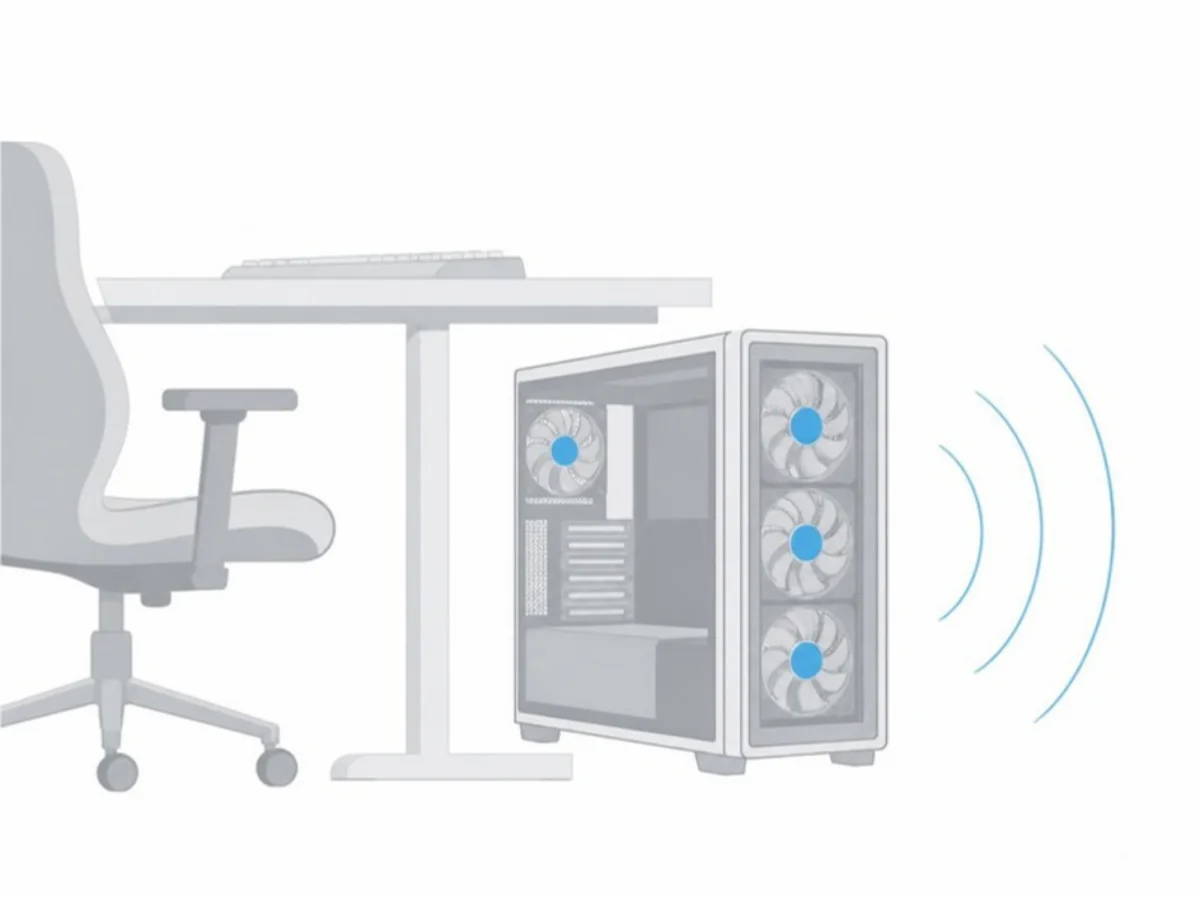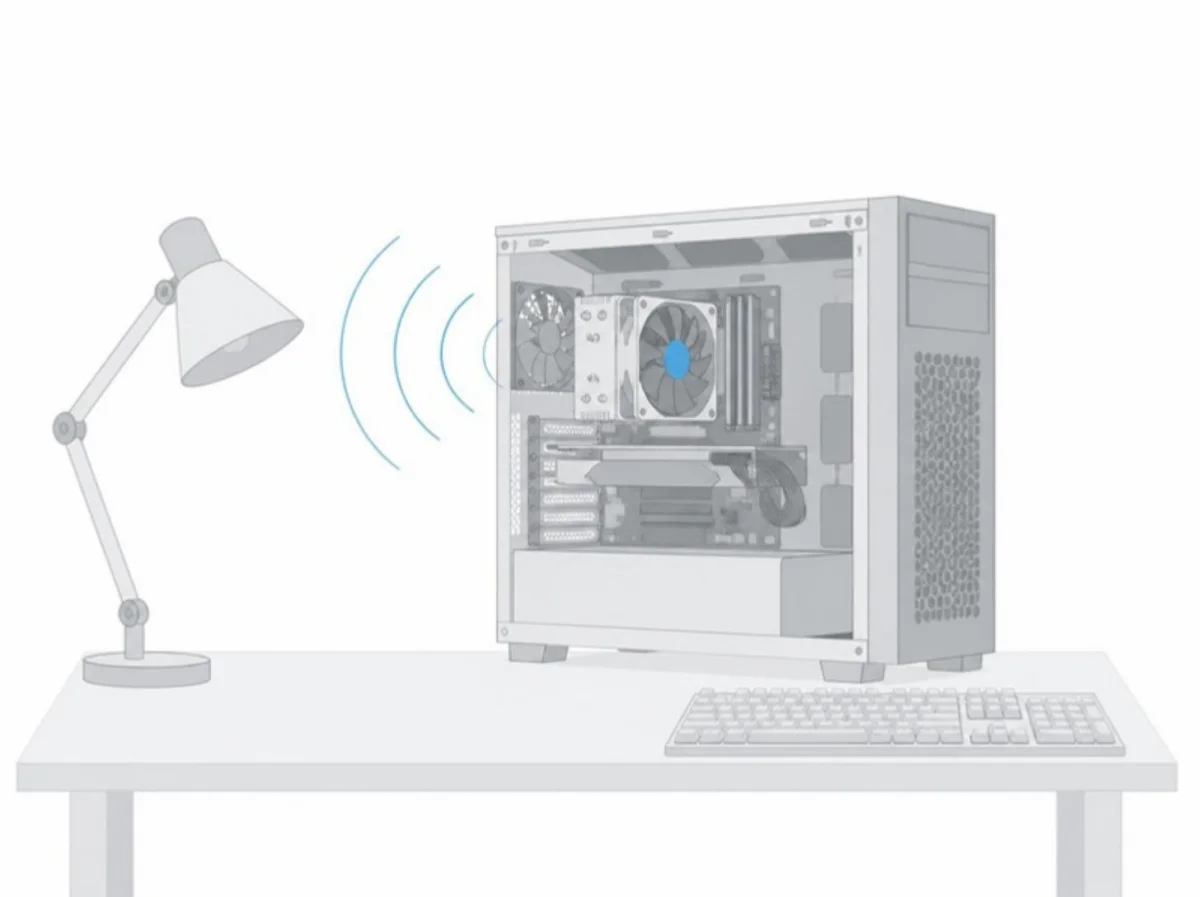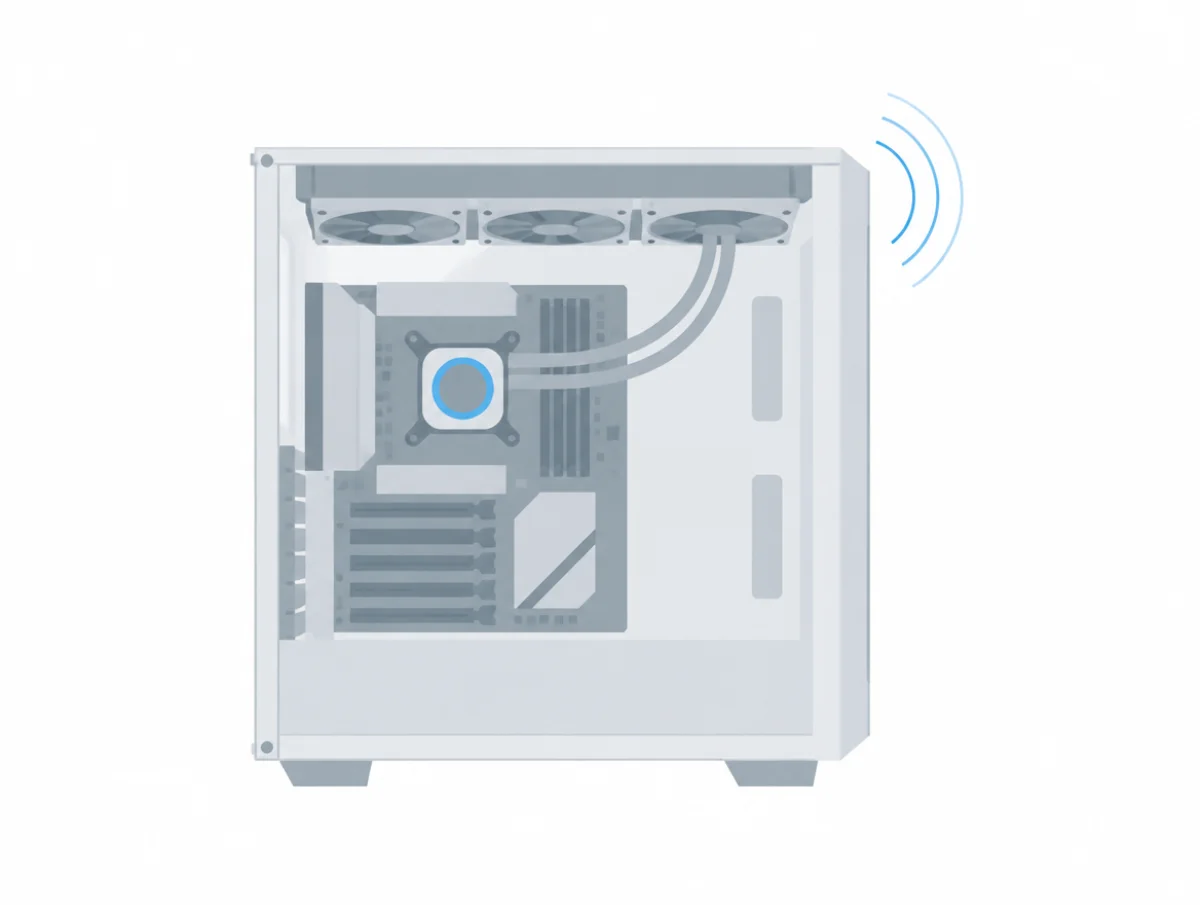
A computer fan making noise is usually telling you the processor or graphics card is warm, not that something has broken. Apple calls the rush of air from a busy Mac "a normal part of the cooling process", and Dell, HP and Lenovo say the same of Windows PCs under load. The trouble sounds are narrower: grinding, scraping, a rattle that tracks fan speed, and noise that keeps getting louder.
This page sorts PC and laptop sounds by when you hear them: at power-on, while the fans change speed, from a liquid cooler, from the electronics, and from a laptop. Each explanation and fix is the maker's own, from the Noctua, Corsair, NZXT, be quiet!, Cooler Master, MSI, Dell, HP, Lenovo and Apple pages listed at the end.
Is it normal for a computer fan to make noise?
Yes. Computer fans speed up as temperatures rise, and Apple, Dell, HP and Lenovo all describe audible fan noise under heavy work as expected. A fan that stays loud while the computer is idle and cool is the case they treat as a problem.
Apple says tasks like compressing HD video, a graphics-heavy game or Spotlight indexing make the fans "run faster to provide additional airflow", and that you may notice it "especially if you're in a quiet environment."
Lenovo gives a rough threshold. With "a graphical intensive program running, like a game or photoshop, and the CPU usage is over 50%; it is normal for the fan to produce noise."
Dell draws the line: "Fans that continue to spin quickly and make abnormally loud noises might indicate a problem."
What noises does a PC make when it starts up?
A PC's fans roaring for a few seconds at power-on, a liquid cooler pump running fast at first, and a single click from the power supply are all normal start-up sounds, according to HP, Noctua, Cooler Master and be quiet!.
A burst of full-speed fans
HP puts a number on it for desktops: "It is normal for the fans to spin loudly for five to twenty seconds when you first turn on the computer." Its notebook page says the same of laptops.
A liquid cooler pump that starts loud
Noctua answers "No, it is not defective." Its NL-LC1 pumps run fast "for the first 50 seconds after startup" to bleed trapped air, because "Closed-loop liquid coolers require a certain amount of air inside the loop to allow for thermal expansion and safe transport in different environmental conditions."
For a newly built system, Cooler Master says "the pump may make some noise when you first use the cooler. This is normal and should go away after a few minutes."
A click from the power supply
be quiet! answers a click at start-up and shutdown with "Yes, that is completely normal." It says high-powered units draw an inrush of current that can trip a breaker, so it fits an inrush-current limiter, and the click is that part switching on when you start the PC and off when you shut it down.
A fan that does not spin at all at boot can also be normal. Noctua says a motherboard's automatic control may not "provide the required starting voltage due to the low CPU temperature", and that the fan should start once the processor warms.
Why is my computer fan making a grinding noise?
Grinding from a computer fan usually means something is touching the blades or the fan is wearing out. HP and Dell both start with a visual check for wires and debris, and Dell warns that grinding can also come from a hard drive.
HP gives the same first step for the processor, case and graphics card fans: "Visually inspect the fan and check that no wires or debris are stuck in or touching the fan blades." If the noise persists, it says the fan "might need to be replaced", and it sends you to HP support rather than describing a replacement.
The power supply is the exception. HP warns: "To avoid the risk of fire and electrical shock, do not try to replace the fan inside the power supply by yourself." be quiet! says a power supply fan should stay quiet "for the whole of its warranty period", and sends owners of a noisy one to its service staff while the unit is still covered.
Before blaming a fan, rule out the drive. Dell says a spinning hard drive can make clicking or grinding sounds, "often indicating mechanical wear or potential failure", and advises: "Noisy hard drives might fail soon, secure your files by backing up your data."
Why is my PC fan making a clicking or rattling noise?
Clicking or rattling in a PC is most often a fan blade catching a cable or a loose part, or a fan's drive electronics at low speed. NZXT says rattles blamed on a liquid cooler are far more likely to come from a fan.
Clicking at low speed
Noctua described this effect when it launched its own PWM chip in 2011. It said most conventional PWM driver chips "put out square signals that cause sudden torque impulses", which can flex the whole fan slightly and make it click, most noticeably "with many common PWM fans running at slower speeds."
That page explains the cause but gives no cure for other brands' fans. Noctua's fan settings guide does say to choose "PWM" as the control mode for PWM fans in the BIOS.
Finding the fan that rattles
NZXT says "A clicking or rattling noise is far more likely to be coming from a fan than from the cooling pump." Its test is to stop fans one at a time in software and listen. Without software control, it says to press the center hub gently: "Press the hub, never the blades."
NZXT makes one exception. Its high-performance F120X and F140X fans should never be stopped by hand, because "These fans carry enough force to cause serious injury." Corsair isolates the same way: "Unplug or turn your fans to 0% duty cycle to isolate the noise." be quiet! adds: "Make sure that no tubes or cables come into contact with fans in the case."
Why is my computer fan revving up and down?
A computer fan that revs up and down is usually following a steep fan curve, or a motherboard setting that does not suit the fan. Noctua, HP and Lenovo also name out of date BIOS or graphics drivers as causes.
A fan curve that reacts to every degree
Noctua says default curves "can be set too aggressively (i.e. too steep, too high fan speeds at low temperatures)". It notes that "changes in fan speed can be perceived as more noticeable or distracting than a constant fan speed", and that "If two points are connected by a constantly increasing line, the fan speed will change even with minuscule changes in temperature."
Its answer is a curve with flat stretches, so the fans hold one speed across a band of temperatures. Noctua does not publish one curve for everyone ("We do not wish to recommend a universal fan curve"), but suggests setting curves in the BIOS or UEFI "to avoid any software issues", and adding about 10% to CPU fan values as "a rule of thumb".
A fan that stops and starts
Noctua says the BIOS Auto setting "at times fails to recognise PWM fans correctly", which can leave the board controlling them by voltage. On some boards, its fan fault FAQ says, the voltage drops so low "that the fan stops." On Supermicro server boards, it says, a low minimum speed read as a fault "can result in oscillating fan speeds".
Out of date BIOS or drivers
HP lists "fluctuates from loud to quiet" as its own symptom. For processor and case fans, "The computer BIOS might be out-of-date"; for a graphics card fan, "The graphics driver might be out-of-date." Lenovo covers a fan that "cycles on and off more frequently than expected" and lists a BIOS update among its fixes.
Why does my PC hum or buzz?
A PC that hums in slow pulses often has two identical fans running at almost the same speed. A steady electrical buzz is more likely coil whine or the power supply, which Dell links to possible electrical issues.
Two fans beating against each other
Noctua explains that when two fans of the same type spin "at almost the exact same RPM speed side-by-side or in push-pull", their interaction can cause "periodic humming or intermittent vibrations." The fix is to run them at slightly different speeds: "Usually, a difference of 50-100rpm is sufficient".
On a radiator or front panel with three fans, Noctua says "the middle fan should run either slower or faster than the outer two."
A hum from the power supply
Dell lists power supply noise separately from fans: "Humming or buzzing sounds could indicate electrical issues within the power supply." For desktops, HP says a noisy power supply that is free of debris and dust "might need to be replaced", through HP support.
What is coil whine, and is it normal?
Coil whine is a high-pitched electrical noise from coils on a graphics card, power supply or pump vibrating as current passes through them. MSI, Corsair and NZXT all call it normal and say it does not harm the hardware.
MSI says current through inductors "might cause interior coil to vibrate at high frequency", that "the vibration of the coil is a normal behavior and it is not hardware defect", and that "It does not lead to any damage to graphics card".
Corsair agrees that it "does not affect performance or reliability", but notes that "in rare cases it can be a sign of a problem, such as a poorly connected cable or a badly worn electromagnetic coils (which could occur after several years of use)." Corsair adds that hearing fades with age, and jokes: "Therefore we recommend aging as the cheapest solution to coil whine."
NZXT explains why an old game can be worse than a new one: a light game lets the card render huge frame rates, and "An old title running at 900fps can whine far harder than a modern one running at 90." Capping the frame rate is its main fix. It says coil whine alone is not grounds for a warranty replacement on its products.
A laptop charger can whine too. Dell says to unplug the charger from the laptop; if it keeps "a humming or whining noise even after unplugging", contact Dell support. Its AC adapter page suggests trying another wall outlet.
What does AIO pump noise mean?
AIO pump noise that gurgles, bubbles or rattles is usually trapped air in the pump, which Noctua, Corsair, NZXT and be quiet! all describe. A high-pitched buzz from the pump is typically coil whine, according to NZXT.
Gurgling and bubbling
Noctua: "A rattling or bubbling sound usually indicates that air bubbles are trapped in the system." It says to tilt the case gently while running, to run the pump at 100%, and to step through the speed range, but to "Avoid abrupt movements, tapping the pump, and do not apply excessive force."
Corsair's list is similar: keep the pump below the radiator "so that air collects in the radiator instead of in the pump", tilt the PC forward and back, and run the pump in its Extreme mode "for an hour". It warns that if you have spinning hard drives, you should "disable them before moving your computer during operation."
NZXT says some trickling is designed in: "Every AIO has a small amount of air in the loop by design", so a faint trickle in the first days "is expected". It adds: "Persistent loud gurgling is not." For Kraken owners it describes, with the PC powered down and unplugged, shaking the pump head below the radiator for 30 to 60 seconds.
be quiet! says air "may have become trapped in the pump's impeller during transportation", and that repeated on and off or load cycles may free it. Its coolers have a refill port, and it says low coolant "leads to more noise and can damage the device". Noctua and NZXT say their sealed coolers must not be opened or refilled.
When the pump itself is failing
NZXT says that if the noise "continues after two attempts at clearing the air, or if it is getting worse over time rather than better, that points to a failing pump", which cannot be repaired in place. Noctua asks you to contact support "and include a recording of the sound."
NZXT also says not to run the pumps of its Kraken Core, Kraken 120 and Kraken M22 below 100% for long, "because sustained low pump speed shortens pump life." Mounting matters: it calls top and front radiator positions good and says "Bottom mounting is the one to avoid."
A whine from the pump
NZXT: "A high-pitched buzzing or electrical sound from the pump is typically coil whine", and "it is not a sign of failure." If the whine is extremely loud, it suggests moving the cooler to a different power supply cable and adding a UPS with power conditioning.
Why is my laptop fan so loud?
A laptop fan is loud mainly because the processor is busy, the vents are blocked, or the room is warm. Apple, Dell, HP and Lenovo also point to background processes, soft surfaces, dust and out of date firmware.
Work you cannot see
HP's notebook page says an unnecessary process "can consume anywhere between 1% to 100% of the CPU. Even a low but constant 3% to 4% load can cause the fans to spin faster." HP, Dell and Lenovo all start with Task Manager, sorting by CPU. Dell warns against disabling antivirus software at startup.
Vents, surfaces and dust
Apple says that on "a soft surface like a couch, pillow, bed, or your lap, its fans might run more." HP calls a lap, bed or couch cushion a surface that "can restrict or completely block the airflow." Dell says "Lint and dust accumulation prevents air from flowing around the cooling fins and causes the fan to work harder."
The makers disagree on cleaning. HP's notebook page says to "Use a vacuum to remove the dust from the vents". Dell says no, because "vacuum cleaners can generate static electricity, which might damage internal components. Use compressed air instead." Lenovo also uses compressed air, with the laptop off and the AC adapter removed.
Firmware and quiet modes
HP says some notebooks have a quiet mode in the Thermal Profile tab of HP Command Center. For one model, the ideapad Yoga 720-13IKB, Lenovo says a loud fan "under light use" needs BIOS level 34 or later, then Thermal Control changed from Performance to Quiet.
On a Mac where the fans run fast without heavy use, Apple says to "Close and open the lid on your laptop, or restart your computer" on Apple silicon, or reset the System Management Controller on an Intel Mac.
When should you stop using the computer or contact the maker?
Stop using the computer when a fan has stopped or is not working correctly, HP says, because heat can damage parts. Contact the maker when a fan or pump grinds, fails a diagnostic, or keeps getting louder.
HP: "Do not continue to use the computer when a fan is not working correctly." It warns that "When the processor fan stops working, the processor quickly overheats and can become damaged beyond repair." For a laptop that overheats straight away, Dell says "It is best to shut down your computer until it cools down to prevent any damage."
Dell says to contact its support "if the noise is getting louder from the fan" or if the SupportAssist fan test finds a fault. Lenovo says that if a fan stays fast after its checks, "hardware failure is possible." Never open a power supply; HP gives fire and shock as the reasons.
How loud should a PC fan be?
Quiet PC case fans are rated at roughly 13 to 23 dB(A) at full speed in the makers' own figures, and some coolers far lower at partial speed. None of those spec lines says how far from the fan the figure was taken.
Noctua lists its NF-A12x25 G2 PWM at 22.5 dB(A) at 1800 RPM and 18.1 dB(A) at 1500 RPM with the Low-Noise Adaptor; our Noctua fan decibel ratings cover the rest of the range. be quiet! lists the Silent Wings 4 140mm PWM at 13.6 dB(A) at full speed, 1100 rpm, the lowest full-speed figure in our quietest PC fans guide.
For whole coolers, be quiet! rates the Dark Rock Pro 5 at 8.9, 16.3 and 23.3 dB(A) at 50, 75 and 100% PWM; see the quietest CPU coolers. Its Light Loop 360mm liquid cooler lists 17.2 dB(A) at 50% PWM, from our quietest AIO coolers.
Laptops use a different scale. Apple declares 1.3 bels of sound power at idle for the 14 inch MacBook Pro with M5, and Lenovo declares 26.7 dB where the user sits, with the processor busy, for the ThinkPad T14s Gen 7. Our quietest laptops guide explains both conventions.
How do PC fan and laptop makers measure noise?
PC fan makers mostly print one dB(A) number with no test distance or standard, while laptop makers file formal declarations that cite ISO 9296 or ECMA-109. Our catalog counts, taken on October 26, 2026, show how wide that gap is.
The counts come from the fact sheets behind our fan, cooler and laptop guides, each quoting a maker's spec sheet, infosheet or regulatory declaration. They describe products we track, not every fan or laptop sold, and no product appears in more than one of the catalogs counted.
Of the 49 case fans in our two fan catalogs, 45 state a figure in dB(A) or dBA and 4, all ARCTIC, state a loudness in sone. Not one of the 49 says how far away it was measured or to which standard. Nine give a figure without saying which speed it belongs to, such as Fractal's 28.03 dBA for the Momentum 12, printed beside a 350 to 2200 RPM range.
Liquid coolers split almost evenly on the pump. Of the 13 in our cooler catalogs, 8 print a separate pump figure, from under 5 dB(A) for Noctua's NL-LC1-36 in quiet mode to 23 dBA at maximum for Thermalright's Aqua Elite 360 V3. The other 5, including NZXT's Kraken Plus 360 and ARCTIC's Liquid Freezer III 360, print none for the pump.
Laptops are the opposite case. All 34 in our laptop and gaming laptop catalogs carry a declared figure: 27 from Dell, HP, Lenovo and MSI cite ISO 9296, and 7 from Apple and ASUS cite ECMA-109. Four Alienware declarations still cover only idle and disk access, with no row for a busy processor or graphics card.
A laptop's declared figure and a fan's spec line are different measurements, taken in different ways, so the two should never be compared. Even among fans, a full-speed figure and a figure with no speed attached describe different things.
Where do these answers come from?
Every cause, fix and warning above comes from the support pages, FAQs and install guides of Noctua, Corsair, NZXT, be quiet!, Cooler Master, MSI, Dell, HP, Lenovo and Apple, quoted with the conditions each attaches. Decibel figures come from the maker spec sheets cited in our guides.
We did not open, listen to, measure or repair any desktop, laptop, fan, cooler or power supply for this page. Arctic publishes no fan noise troubleshooting page that we could reach, so it is not quoted here.