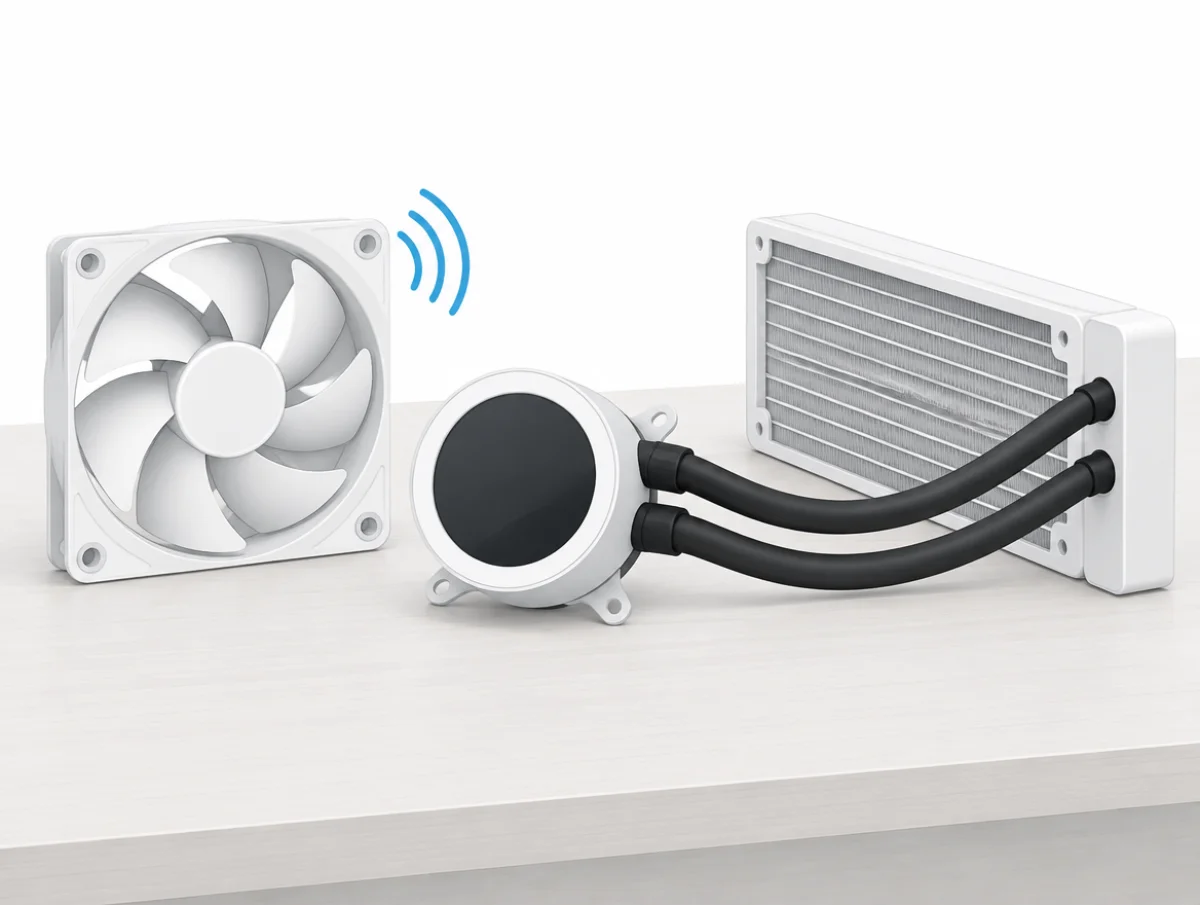
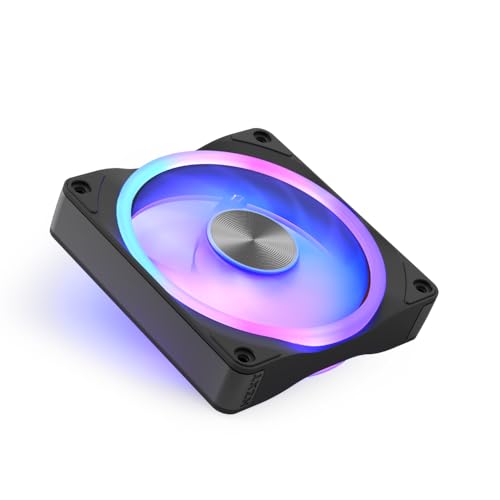
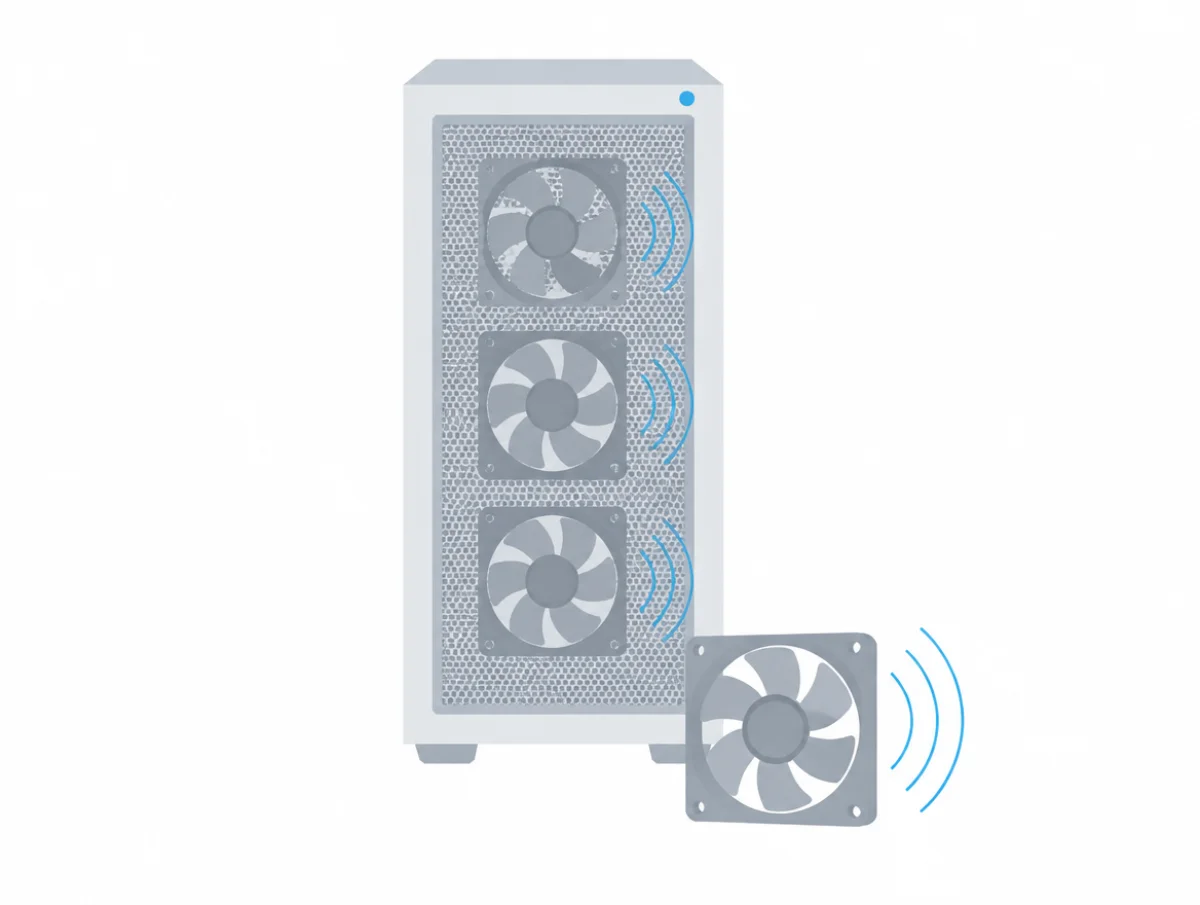
One Noise Level row per fan
Every case fan and Kraken page carries it in the Tech Specs table, one value in dBA, beside the fan's speed range, airflow and static pressure.
Single-frame units such as the F360 RGB Core add "per fan" to the row. Kraken pages repeat it for the fans in the box. Their pump section says nothing about noise.
Some FAQ answers name the condition. The F120Q FAQ gives "25.1 dBA at its full 1,700 RPM", the Kraken Plus FAQs say each F120P "is rated at 30.0 dBA at full speed", and the F120U FAQ says "32.2 dBA at full tilt". What no NZXT page gives is a measuring distance or the standard behind its numbers, which makes them fair to compare inside the brand and rough against anyone else's, as the decibel ratings explainer sets out.
What is the quietest NZXT 120mm fan?
The F120Q, at 25.1 dBA and 1,700 RPM for $14.99. At the other end sits the F120X, 41.0 dBA at 3,100 RPM. Prices are what nzxt.com showed on November 8, 2026.
| 120mm fan | Noise Level, dBA | Top speed, RPM | Airflow, CFM | NZXT price |
|---|
| F120Q | 25.1 | 1,700 | 74.26 | $14.99 |
| F120P | 30.0 | 2,000 | 73.47 | $14.99 |
| F120U Ultra | 32.2 | 2,250 | 60.0 | $29.99 |
| F120 RGB | 33.05 | 2,400 | 70.67 | $17.99 |
| F120 RGB Core | 33.88 | 1,800 | 78.86 | $19.99 |
| F120X | 41.0 | 3,100 | 104.0 | $44.99 |
The F120 RGB Duo is missing because its page prints two figures, 31.0 dBA in the table and 29 dBA in the FAQ.
Notice, too, that the plain Q and P fans undercut every lit fan on price. The 120mm fan guide sets them beside other brands.
Which NZXT 140mm fan is quietest?
The F140Q: 29.8 dBA and 1,500 RPM with 102.9 CFM. The F140X is loudest, at 41.0 dBA and 2,400 RPM.
| 140mm fan | Noise Level, dBA | Top speed, RPM | Airflow, CFM | NZXT price |
|---|
| F140Q | 29.8 | 1,500 | 102.9 | $16.99 |
| F140P | 30.0 | 1,700 | 93.2 | $16.99 |
| F140 RGB | 34.03 | 2,000 | 91.83 | $19.99 |
| F140 RGB Core | 34.48 | 1,500 | 90.79 | $21.99 |
| F140U Ultra | 36.9 | 2,400 | 92.2 | $34.99 |
| F140X | 41.0 | 2,400 | 116.0 | $46.99 |
Sold as a twin pack for $84.99, the F140 RGB Duo prints 38.0 dBA in its table and 36 dBA in its FAQ, and stays unranked. The F140Q page argues that a 140mm fan "reaches a given airflow at a lower speed". If that holds, it often runs quieter in use than its 4.7 dBA gap to the F120Q suggests. The 140mm case fan guide puts these numbers beside other brands.
Two- and three-fan frames list 30.00 to 41.0 per fan
Two or three fans share one frame and one cable on these units, and each repeats the figure of the matching single fan where one exists.
| Single-frame unit | Per fan, dBA | NZXT price |
|---|
| F240 RGB Core and F360 RGB Core | 30.00 | $44.99 and $69.99 |
| F360U Ultra | 32.2 | $89.99 |
| F360 RGB | 33.05 | $49.99 |
| F420 RGB | 34.03 | $59.99 |
| F360 RGB Reverse | 34.39 | $49.99 |
| F280 RGB Core and F420 RGB Core | 34.5 | $49.99 and $74.99 |
| F420 RGB Reverse | 34.6 | $59.99 |
| F420U Ultra | 36.9 | $99.99 |
| F240X, F280X and F360X | 41.0 | $84.99, $89.99 and $119.99 |
One exception stands out. The F360 RGB Core frame lists 30.00 dBA per fan, the single F120 RGB Core 33.88. Despite the shared name they are different fans: the frame fan tops out at 2,400 RPM, the single at 1,800.
How loud is an NZXT Kraken AIO cooler?
30.0 to 34.5 dBA, and in every case the figure belongs to the fans in the box rather than the cooler as a whole.
| Kraken | Included fans | Fan figure, dBA | NZXT price, Nov 8 |
|---|
| Plus 240, 280 and 360 | F120P or F140P | 30.0 | $139.99, $159.99 and $179.99 |
| Elite 240 and 360 | F120P | 30.0 | $239.99 and $279.99 |
| Elite 240 RGB and 360 RGB | RGB Core frames | 30.0 | $259.99 and $299.99 |
| Plus 240 RGB and 360 RGB | | 31.9 | $179.99 and $219.99 |
| Core 240 RGB and 360 RGB | | 31.9 | $99.99 and $109.99 |
| Elite 280 RGB and 420 RGB | 140mm RGB Core frames | 34.5 | $274.99 and $334.99 |
The cheapest route to the 30.0 figure is the Kraken Plus 240. Paying for the Elite buys a bigger screen, not a lower number. The AIO cooler guide sets Krakens against coolers from Arctic, be quiet! and Lian Li.
No Kraken page gives the pump a dBA figure, so the published numbers describe the fans only, and two Krakens with the same fans print the same figure.
On the Kraken Plus and Elite lines, the Turbine pump gets "Motor Speed 1,200 to 2,800 ± 300 RPM" (written with a dash on the page), and the FAQ says "you can set both fan and pump curves in NZXT CAM".
The Kraken Core is different. "The pump is designed to run at a fixed speed and doesn't support speed adjustment", its FAQ says, and it recommends setting the pump header "to run at full speed", which is 3,100 RPM. If pump hum bothers you, a Turbine pump you can slow down is the safer bet, even though neither pump has a number.
The same FAQ says to route the tubes from the right side of the pump, which "helps prevent air bubbles from collecting in the pump, which could otherwise cause noise". The explainer on computer fan noises covers the sounds a pump or fan can make.
The T120 air cooler is gone
NZXT's US site listed no air cooler on November 8, 2026. The T120 and T120 RGB product pages redirected to the CPU cooler collection, which held only the 13 Kraken liquid coolers.
So there is no current NZXT air cooler figure to rank. For tower coolers with published noise figures, the CPU cooler guide covers Noctua, be quiet!, Thermalright and others.
Sometimes the spec table and the FAQ on one page disagree; sometimes two pages describe the same fan differently.
| Fan | First figure | Second figure |
|---|
| F120 RGB Duo | 31.0 dBA and 50.00 CFM in the table | "rated at 29 dBA" with 48.58 CFM in the FAQ |
| F140 RGB Duo Twin Pack | 38.0 dBA in the table | "rated at 36 dBA" in the FAQ |
| F360 RGB Core | 30.00 dBA per fan on its page and on the Kraken Elite 360 RGB page | 31.9 dBA, 75.05 CFM and 3.07 mmH₂O on the Kraken Plus 360 RGB and Kraken Core 360 RGB pages |
Neither Duo fan is ranked, and both of their figures are quoted. For the F360 RGB Core and the Krakens that carry it, each product keeps the figure printed on its page. That puts the Kraken Elite RGB and Kraken Plus RGB in different groups.
What do the 27 dBA and 30 dBA rows on Ultra and X fans mean?
They give the speed each fan reaches at a fixed noise level, 27 dBA for the Ultra fans and 30 dBA for the X fans.
The F120U lists "Speed (27 dBA) 1,800 RPM" with 50.0 CFM, against 32.2 dBA and 60.0 CFM at its full 2,250 RPM, and the F140U reaches 27 dBA at 1,700 RPM with 61.73 CFM. The X fans are built for speed. Flat out, the F120X lists 41.0 dBA at 3,100 RPM, with "Speed (30 dBA)" at 2,300 RPM, and the F140X gives 1,700 RPM at the same 30 dBA.
Because these rows are a different kind of figure from the full-speed ones, they stay out of the rankings. They still help when you build a fan curve, and this walkthrough on quieter PC fans shows how.