Fan speed on a server is set by its management controller: iDRAC on Dell PowerEdge, iLO on HPE ProLiant and the BMC on Supermicro boards. It reads temperatures across the machine and spins the fans until the warmest part is safe, so a quieter server either asks the controller for a calmer response or hands it less heat.
This page collects what the makers themselves publish for tower and small rack servers kept at home or in a small office: Dell's iDRAC9 guide, support articles, white papers and PowerEdge technical guides, HPE's iLO 6 guide and QuickSpecs, Supermicro's FAQs and one system manual, and Lenovo Press product guides. Fan-speed scripts and raw controller commands that override the makers' fan control are left out.
Eight fixes, quickest first
- Rule out a fault that holds fans high, such as a loose cover or old firmware.
- Set the controller to its quiet thermal mode and leave fan offsets at their defaults.
- Turn on Sound Cap (Dell) or Smooth Cooling (HPE) if your model lists it.
- On HPE towers, install AMS so drive temperatures reach iLO.
- Trim the automatic airflow Dell adds for third-party PCIe cards, one slot at a time.
- Keep the room between 21 and 26 °C and clean out dust at least yearly.
- Leave out the GPU, fast network card or NVMe drives the job does not need, or cap the GPU's power.
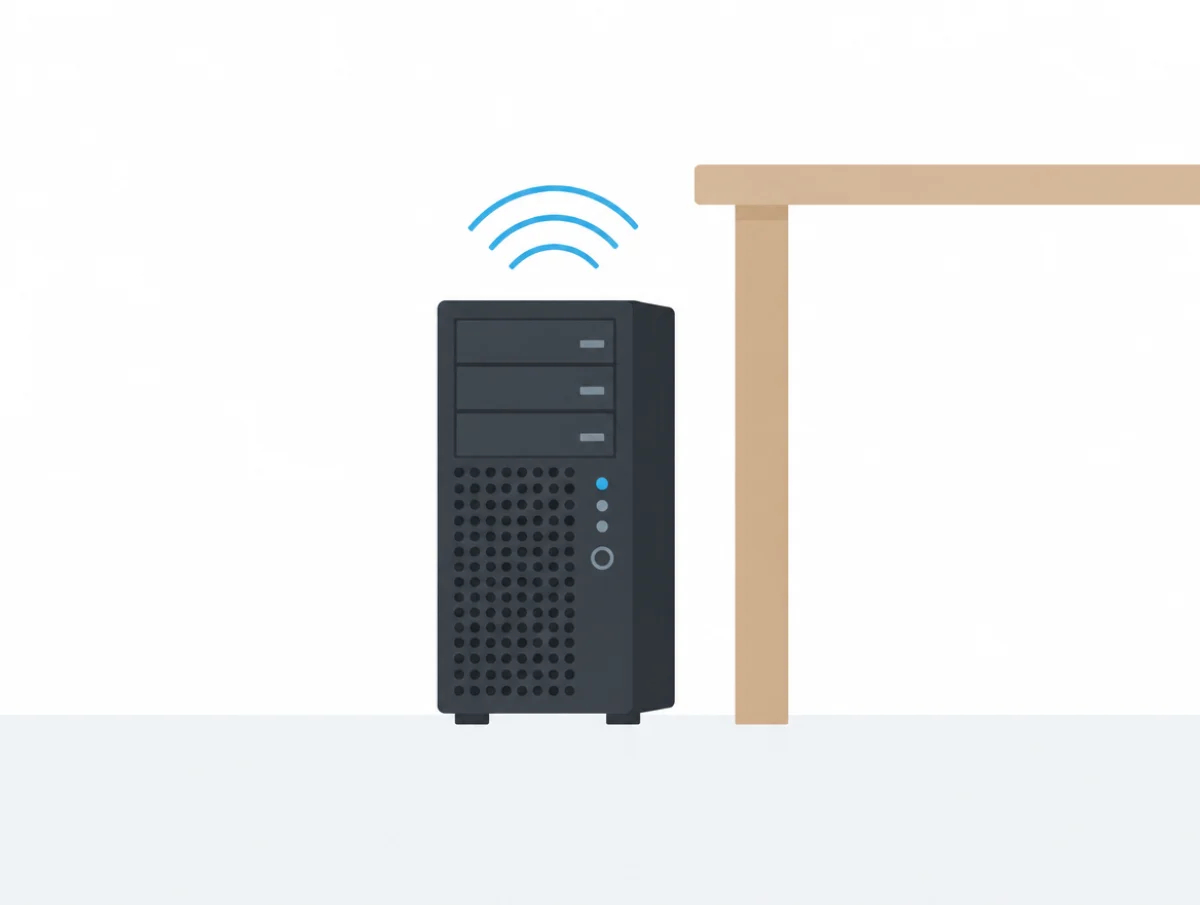
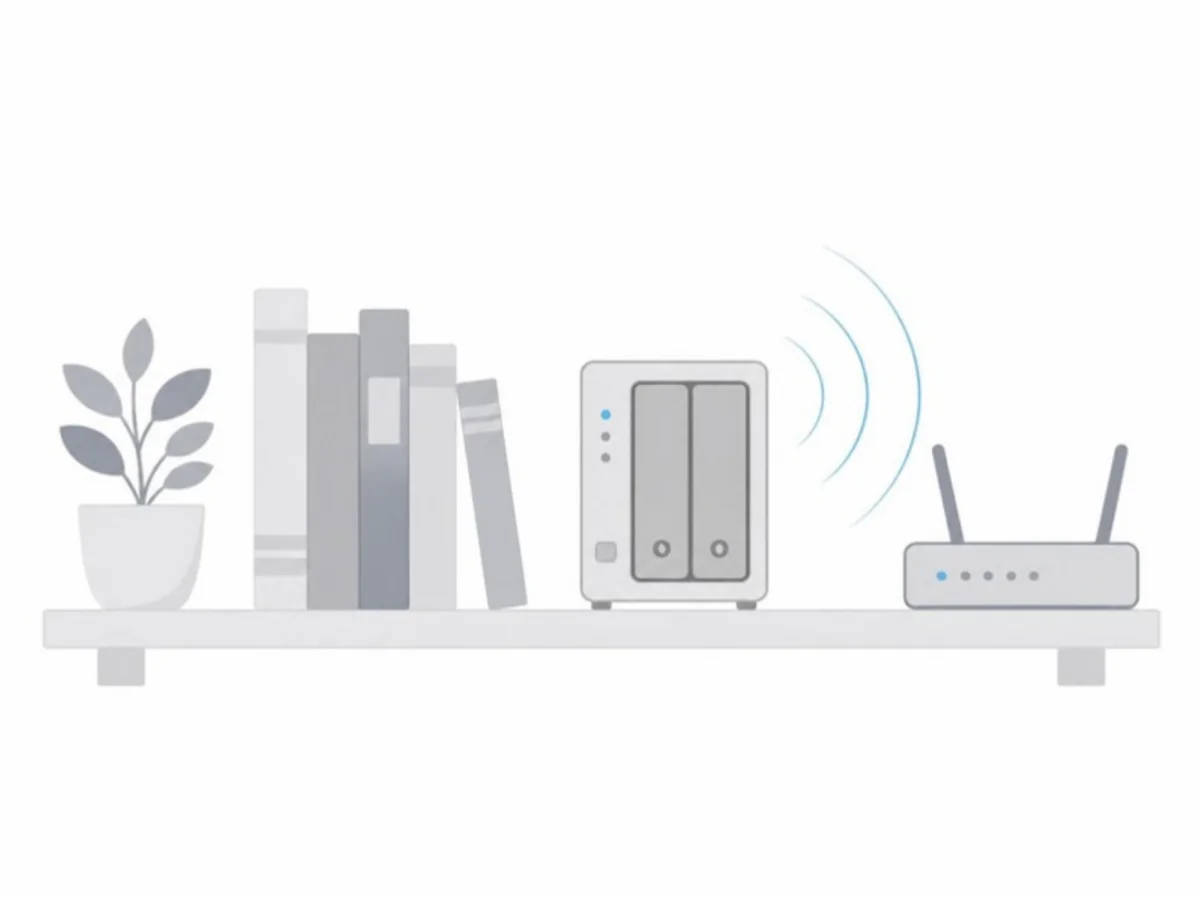
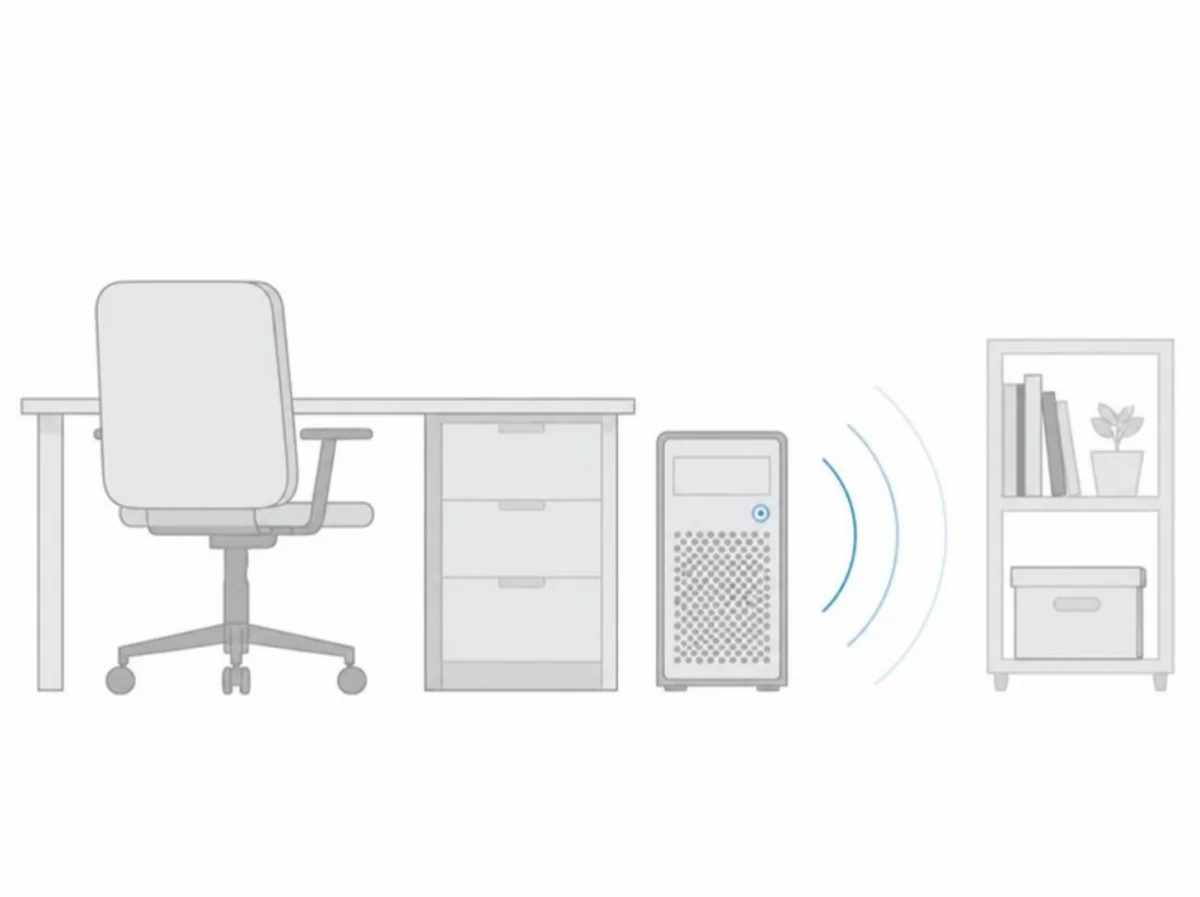
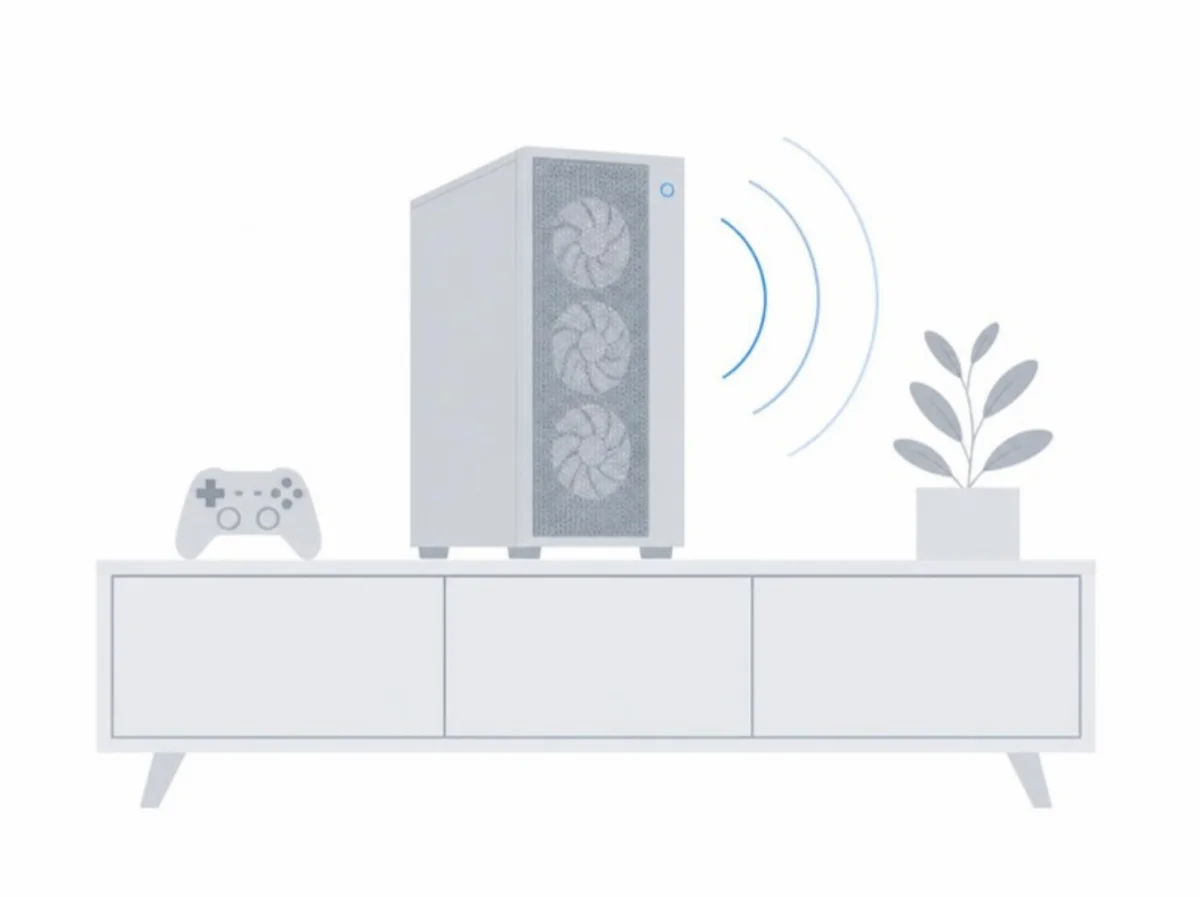
- Put distance between the server and the people near it.
Why are servers so loud?
Servers are loud because their fans answer to the hottest component, and makers set that answer to protect hardware first. A warm room, a hot processor, fast drives or an add-in card each push the fans faster.
Dell's PowerEdge T560 technical guide lists the "strong drivers of acoustical response": ambient temperature, processor thermal design power, storage type, the thermal profile picked in BIOS or iDRAC, and PCIe cards. HPE's iLO 6 guide says the fans "react to the temperatures monitored throughout the system to provide sufficient cooling with minimal noise."
There is a floor under every setting. Dell's custom cooling white paper says the server "does not allow fan speeds to drop below the threshold that is required to cool the server and any adapters that Dell provides." No setting Dell documents pushes fans below that floor.
The build sets the baseline. Dell's T360 idles at 24 dB in its Quietest Config and at 41 dB with a GPU fitted, measured at the bystander position. The fan sounds themselves, from hum to whine, are sorted in computer fan noises explained.
Why are my server fans running at full speed?
Full speed usually means the controller has lost a temperature reading or found a fault. Dell's fan noise article and HPE's ML30 Gen11 QuickSpecs both describe maximum fan speed as a deliberate safety response.
Dell's fan noise troubleshooting article lists the usual causes:
- a failed, missing or damaged fan;
- outdated firmware;
- lost communication with iDRAC;
- unsupported or uncertified hardware;
- an unfinished second processor or other upgrade that needs different fans;
- heat beyond normal coverage, from heavy load or poor airflow;
- a cover that is off or badly seated;
- a changed configuration setting, or a failed inlet sensor.
Two of those are quick to check. Firmware first: "Outdated firmware can cause fans to spin high (make noise) when nothing else is even wrong." Then the lid: "If the cover is not installed, and as a result the intrusion switch is triggered, the fan speed does increase to max as a precaution."
For a card Dell has not certified, its test is to "remove the third party device and see if the fan noise returns to normal," and Dell adds that it "cannot support your third-party device and cannot guarantee its function within the system."
HPE behaves the same way with parts it cannot read. Its ML30 Gen11 QuickSpecs explain that when iLO finds no temperature sensor on a component, such as a third-party OCP card, it "assumes the worst-case scenario to protect the server" and runs the fans at full speed on fallback sensors. HPE adds a warning: "HPE does not recommend disabling fallback sensors, as they play a critical role in maintaining safe operating temperatures."
A failed fan raises the rest, since the iLO 6 guide notes that after a fan failure "fan operation policies might increase the speed of the other fans."
The roar at power on is normal
Dell explains it: "When the iDRAC, BMC or CMC/OME-M loses connection to the sensor suite, the fans return to the unmanaged speed (full) to protect the system from overheating." That is also why the fans race at power on and then settle once the controller takes over. A roar that never settles belongs on the fault list above.
Thermal profiles and Sound Cap in Dell iDRAC9
On iDRAC9 PowerEdge servers, the quiet choices share one page: Configuration, System Settings, Hardware Settings, Cooling Configuration. Keep the default thermal profile, or pick Sound Cap if it appears, and leave fan offsets off.
| Thermal profile | What Dell says about fans and noise |
|---|---|
| Default Thermal Profile Settings | "generally provides a lower air mover speed thus lower acoustical output than those of other thermal profiles" (T560 guide) |
| Maximum Performance (Performance Optimized) | "Generally, higher fan speeds at idle and stress loads." |
| Minimum Power (Performance per Watt Optimized) | "Generally, lower fan speeds at idle and stress loads." |
| Sound Cap | "reduced acoustical output from a server at the expense of some performance" |
Dell's documents label the default differently from one another, so read the wording on your own server's page rather than assuming which mode it matches. Dell's fan noise article warns that "Changing the profile from the default profile can also increase the fan speeds," and its reset steps end with checking that the thermal profile is back on the default.
Sound Cap
Sound Cap works by limiting processor power. Dell's white paper puts it plainly: "System sets cap to CPU power to limit fan speed, consequently limiting acoustics." The iDRAC9 user's guide frames it for a server placed for a while "in an occupied space," and says it "should not be used during benchmarking or performance sensitive applications."
Availability varies, too: Dell's thermal settings article says "The sound Cap option is not available on all models," and we found no list of the models that have it.
Settings that only add noise
Fan Speed Offset and Minimum Fan Speed raise cooling and never lower it. Dell says the offset "allows additional cooling to the server," with Off as the default, and that fans may run above the minimum "but not lower than the defined minimum speed." Leave both alone.
The white paper adds that the thermal algorithm "maintains enough cooling without application of such offsets," and names the common reason to use one: extra cooling for custom PCIe cards.
Licence, reboot and other ways in
Dell's thermal settings article says the web interface method "requires an Enterprise or Datacenter license." The white paper also lists BIOS setup (press F2 at boot, then iDRAC Settings) and RACADM as routes to the same settings; Dell does not say whether those need the licence.
The 2026 user's guide says "You must reboot the system for the settings to take effect," and that the choices persist through reboots and firmware updates. It also warns that custom cooling options "may not be supported on all servers," in which case they are hidden.
What does Smooth Cooling do in HPE iLO?
Smooth Cooling, in HPE's iLO 6 guide, "Reduces fan speed response, resulting in an improvement in the acoustic experience." It is one of five thermal settings, listed beside Optimal, Enhanced CPU, Increased and Maximum Cooling.
To reach them, click Power & Thermal in the iLO navigation tree, then the Fans or Fans & Cooling Modules tab, and open Fan Settings. The account needs the Configure iLO Settings privilege, and iLO reports that a reset is required before a change applies.
| iLO 6 thermal setting | HPE's description |
|---|---|
| Optimal Cooling | "configuring fan speeds to the minimum required to provide adequate cooling" |
| Smooth Cooling | "Reduces fan speed response, resulting in an improvement in the acoustic experience." |
| Enhanced CPU Cooling | "Provides additional cooling to the processors, which can improve performance." |
| Increased Cooling | "Operates fans at a higher speed." |
| Maximum Cooling | "Provides the maximum cooling available for the system." |
Optimal Cooling aims for the lowest adequate speed, while Smooth Cooling damps how quickly the fans respond. HPE's guide does not say which setting is the default or which ProLiant models offer Smooth Cooling. The same page has a minimum fan speed percentage, and HPE says it "overrides the thermal configuration setting if the minimum fan speed is greater than the thermal configuration value." Raising it works against everything above.
Install AMS on HPE towers
On the ML30 Gen11 and the MicroServer Gen11, HPE marks its Agentless Management (AMS) tools as required in the operating system, so that iLO can read drive temperature sensors for fan control, "otherwise may experience acoustic noise impact."
Standard, Optimal, Full and Heavy IO modes on Supermicro
Supermicro sets fan speed through preset modes in its IPMI web interface rather than a curve. Full Speed gives "Maximum cooling," and no Supermicro document we read puts a decibel number on any mode.
FAQ 23547, written for the X10SRL-F board, describes each mode:
| Supermicro fan mode | Supermicro's description |
|---|---|
| Standard | "Provide standard fan speed" |
| Optimal | "Balanced fan speed and power consumption" |
| Full Speed | "Maximum cooling" |
| Heavy I/O | "Boost cooling to the add-on card zone" |
Not every board has every mode: FAQ 16758 says Heavy IO "is only available for X10 motherboards with dual cooling zone designs," and that PUE Optimal, on specific X10 single-zone boards, aims "to achieve lowest possible cooling fan power consumption under normal system operating conditions."
The only percentages we found are in the SYS-822GA-NGR3 manual: Standard runs fans "at 60% PWM by default" and Optimal makes them "start at 50% PWM." That is a GPU server, so the numbers may differ on yours. Its menu path is System, Component Info, then Cooling, Fan mode.
Exact speeds are off the table. Asked whether owners can set an RPM to cut noise, Supermicro's FAQ 15633 answers: "No. We only provide preset modes for the safety of the equipment." FAQ 24740 adds that the same modes can be chosen from Supermicro's ipmicfg command line tool.
Does Lenovo have a quiet fan mode for ThinkSystem servers?
Not one Lenovo documents for its small servers. The product guides for the ST50 V3, ST45 V3 and SR250 V3 give noise declarations but no user fan or acoustic mode, and the ST45 V3 has no XClarity Controller at all.
An XClarity Controller event on the ST50 V3, FQXSPEM4032I, reads "Acoustic Mode [arg1] has been engaged. Fan speed limits are in place." The acoustic mode pages we found, though, cover Lenovo's dense SD650 enclosures, not towers, so we cannot point to a setting.
What Lenovo does show is how much the parts matter. In the ST50 V3 guide, the typical build idles at 20.3 dBA. Add two more hard drives, an SSD, a RAID adapter, a network card and more memory for the maximum build, and idle rises to 27.6 dBA. The SR250 V3 guide says levels shift with configuration changes, "for example with M.2 drive."
Which parts make a server louder?
GPUs, fast network cards, NVMe drives, boot cards and higher wattage processors all make a server louder in the makers' own tables. Each needs more airflow, and the controller raises fan speed to supply it.
| Part | What the maker says |
|---|---|
| GPU | T360 idles at 41 dB and reaches 63 dB operating with an A2 GPU; Dell says it is "not recommend for an acoustically sensitive environment" |
| 10 Gb or 25 Gb network card | T360: "higher fan speeds are required and hence high acoustics, which is not suitable for office environment"; T560 lists 25 Gb NICs as raising output |
| NVMe SSDs | "will pre-heat down-stream components (for example, Processor, DIMM)" (T560) |
| BOSS boot card | T360 Volume Plus build idles at 37 dB, against 27 dB for the same build without it |
| Higher wattage processor | "may require more airflow to cool under load" (T560) |
| Any PCIe card in an ML30 Gen11 | requires HPE's Front PCI Fan and Baffle Kit (P65106-B21) |
| Extra options on HPE towers | "Additional options may result in increased sound levels." |
Dell's T360 guide rates the tower for typical offices but says a BOSS card makes it "noticeable louder, but still suitable for an office environment." It adds that BOSS "has been optimized for acoustic usage," with a Performance Mode in BIOS for owners who do not mind the noise. Leave that mode off.
Cap a GPU's power
Dell's power capping tables show a large drop. By "limiting GPU performance by up to 20%," the T360's sound power falls from 7.5 to 5.9 bels, and the R360 guide shows its GPU build falling from 8.0 to 6.3 bels. Bels measure total sound power, not what reaches your ear; the sound power and pressure explainer covers the difference.
Third-party PCIe cards on Dell servers
Dell estimates how much air an uncertified card needs, and its PCIe cooling white paper bases that estimate on "card power delivery expectations for the slot (not actual card power consumption)," which "may result in overcooling or undercooling of the card."
A card with its own fan may need less. For that case Dell says you can "disable the automatic response for that slot to reduce fan power consumption and noise levels in the server." The setting sits on the same iDRAC Cooling Configuration page, and Dell's PCIe airflow topic notes it is not available for M.2 drives on direct risers or BOSS.
Dell's limits are firm. It recommends you "do not turn off the default system fan response unless you have a good understanding of the PCIe adapter cooling requirements in your system," allows it one slot at a time, and warns that it "does not necessarily mean that fan speeds drops." The card must also show up as third-party in the Lifecycle Controller log, or no airflow change is possible.
Slot choice helps too. Dell suggests placing "the card with the highest LFM requirement" in "the slot with the highest LFM capacity." On iDRAC9, the Maximum PCIe Inlet Temperature Limit defaults to 55°C, and Dell offers a lower 45°C choice for third party cards that require a lower inlet temperature.
On 13th generation PowerEdge servers, the R230 to R930 era, Dell's KB 000135682 documents a vendor IPMI command to turn this response off. It also says the change "may have no effect" when fans were already high for other reasons.
Room temperature, dust and placement
Server noise falls in a cooler room, and Dell gives typical inlet temperatures of 21 °C to 26 °C (70 °F to 79 °F) for lower fan speeds at default settings and normal workloads.
Above that, the fans make up the difference. Dell evaluates its servers at 23 °C plus or minus 2 and says rooms "more than 25°C has higher acoustical output." The T560's Minimum build idles at 35 dB at 25 °C and 42 dB at 28 °C, the same machine in a room three degrees warmer. At 35 °C under maximum loading, every T360 build reads 61 to 63 dB.
HPE sets a similar edge for the ML30 Gen11: performance "may be reduced if operating with a fan fault or above 30°C (86°F)." A closed cupboard that warms the server's own intake air works against all of these figures. Dust matters as well, and Dell wants cleaning "carried out every year at least once (more often the more the machine is exposed to dust)."
Where the server sits
We found no maker figure for the change a rack door, a closet or acoustic foam makes. Lenovo's guides say the level you hear depends on the room, other equipment, ambient temperature and "employee's location in relation to the equipment," so distance is the free fix.
Dell's own placement wording sorts its range. It calls the T160 "appropriate for a quiet office environment," the T360 fit for typical offices, and the T560 "appropriate for attended data center environment," though "lower acoustical output is attainable with proper hardware or software configurations." HPE says the MicroServer Gen11 can stand flat, upright or on a wall, but prints no noise difference between them, and its wall kit "does not support mounting on a drywall."
What makers say about quieter replacement fans
We found no guidance from Dell, HPE or Lenovo on fitting third-party fans in their servers, and Supermicro offers only preset modes. What they do document are fan fault rules that can make a swap louder.
Supermicro's FAQ 11576, for an X8SIU board in an SC515 chassis, says a fan below 700 RPM "will be considered a fan-fail situation, and hence the rest of fans will spin up to full speed." A slower aftermarket fan can trip that rule.
Dell's fan noise article warns that unsupported hardware "might cause the system to run the fans higher than normal or even at maximum speed," and that after some upgrades a server may need its fans swapped "from standard to silver or to gold fans," which is the opposite direction. Searches for iDRAC fan scripts lead to raw controller commands, and we found no Dell document for them on current servers, so they are not covered here.
How quiet can a rack server get?
A small rack server can idle in the high twenties. HPE's 1U ProLiant DL20 Gen11 declares 27 dBA, Dell's R260 30 dB and its R360 35 dB.
Those figures come from our quietest servers guide, which keeps Dell and HPE sound power apart from Lenovo's because they declare different quantities. The settings on this page apply to 1U and 2U machines the same way, and Dell's R260 guide titles one of its tables "Hardware and software configurations for lower acoustical output."
Dell rates the R260 for an attended data center, then adds that "with typical loading condition in 23°C ± 2 °C ambient temperature, R260 is suitable for the office environment."
If floor space allows, a tower can declare less: Dell's T360 reads 24 dB in its Quietest Config, against 30 dB for the R260.
More on quiet servers and storage
The quietest servers guide ranks current towers and 1U boxes by the makers' ISO 9296 declarations. For file storage alone, how to make a NAS quieter covers fan modes, drive sleep and scrub schedules, and the quietest NAS guide compares makers' figures. Drive clicks and seeks inside a server are explained in hard drive noises explained, and a workstation in the same room is covered by the quietest desktop PCs.
The settings and figures here come from Dell, HPE, Supermicro and Lenovo documents read on November 22, 2026. Dell's support site, HPE's QuickSpecs and Supermicro's FAQ pages opened only in a browser. Dell's technical guide PDFs refused direct downloads, so they were read in Internet Archive copies of the same files, and the links point to Dell's original addresses. We did not change a fan setting, fit a card or measure a server for this page.