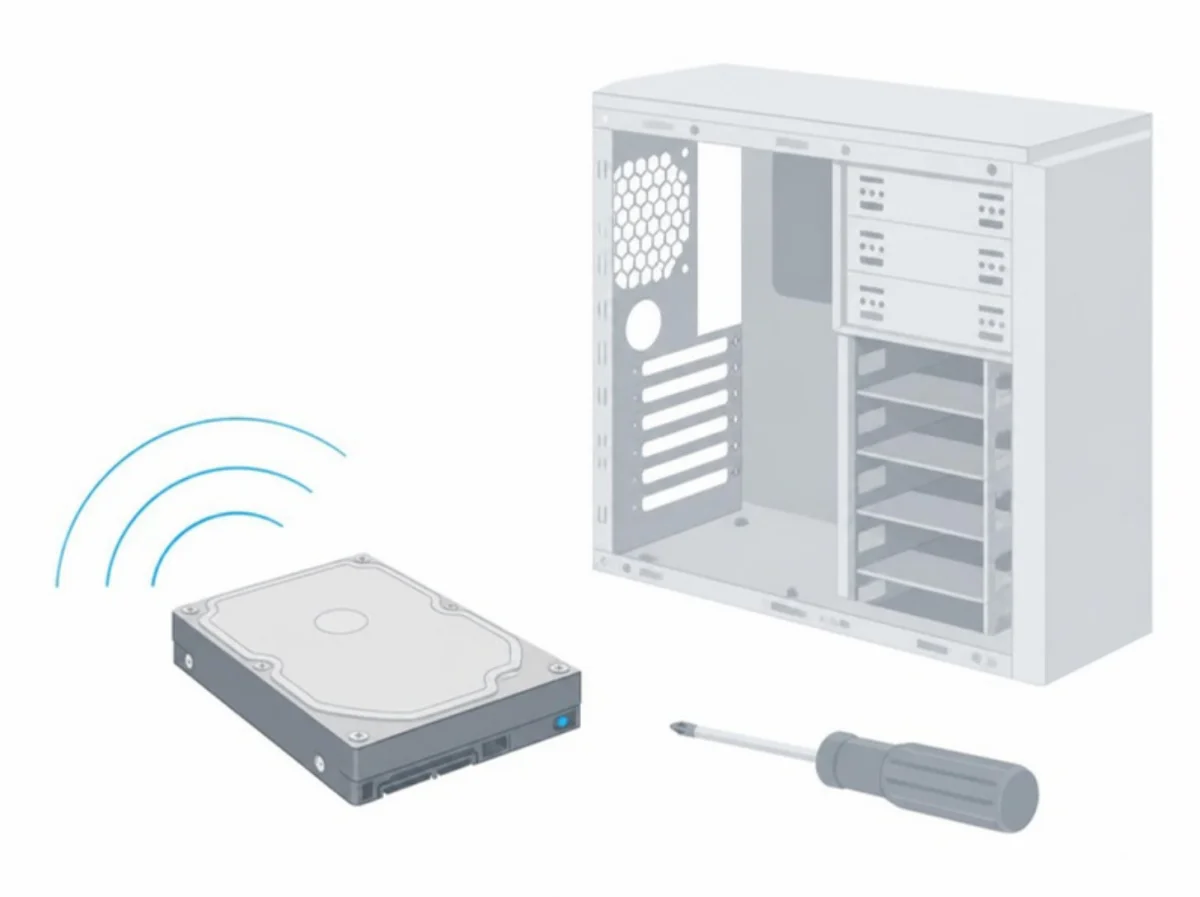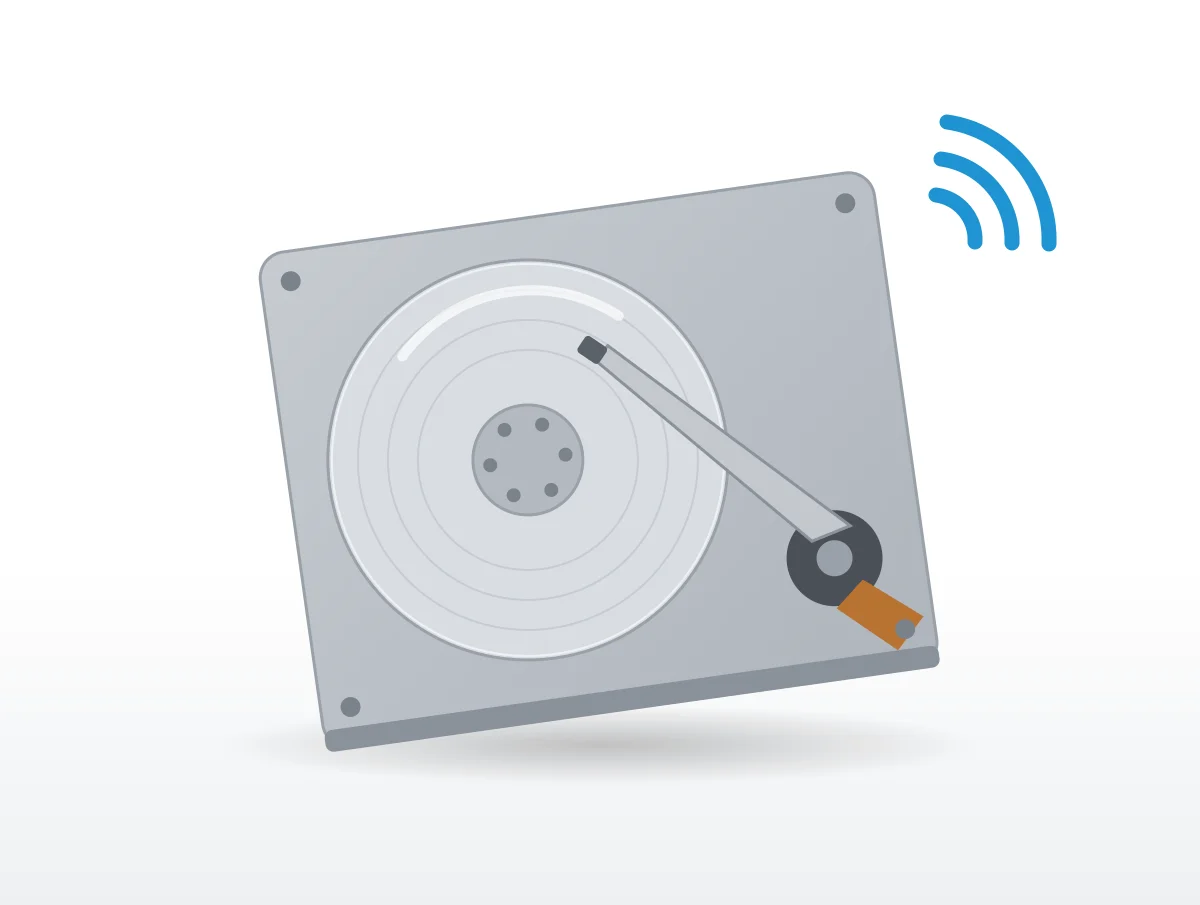
Count the clicks. One hard click as a drive stops is its heads parking, and Seagate expects it; hard clicks that keep coming, with clunks or grinding behind them, are the sound it ties to a physical fault. Most of the rest of what a hard drive does out loud, the steady whir and the soft chatter, is the sound of it working.
Inside are platters that spin the whole time the drive is on and read/write heads that swing across them. Seagate, its LaCie brand, Western Digital, Toshiba, Synology and QNAP all publish support articles on what those parts sound like, and each section here takes one sound with the cause and remedy those makers give, quoted as written.
Before you troubleshoot anything, though, check that your important files exist somewhere else. Every maker starts there when a sound is new or abnormal.
The whir, the chatter and the soft clicks are normal
A whir comes from the spinning platters, and soft clicks or chatter come from the heads as data is read and written. Seagate calls those clicks "reassuring sounds indicating that the drive is active."
The LaCie article allows that a drive can "chatter" or "click" when reading and writing data. "Both internal and external hard drives can make sounds while they're working just fine," in Western Digital's phrasing. Toshiba's storage FAQ, dated 2015 and now hosted on the Dynabook support site, goes further: "In most cases, rattling noises are normal and are no reason to worry", because they show the drive "is reading, writing or calibrating itself."
Speed and class change the pitch. "Normally, the faster the drive motor spins, the higher-pitched the resulting sound will be, and there is a greater chance of a low hum," Seagate explains, and bigger business drives pay for their speed in sound: "Enterprise class HDDs are designed to provide higher performance and reliability. However, this elevated performance can include increased levels of noise versus standard drives."
Large helium drives click more
"It's normal for helium-based drives to make random clicking noises." That is Western Digital, which says of its 12TB and larger helium drives that "they run cooler but they may make more noise when looking for data."
The data sheets agree. On our WD hard drive decibels page, the 20TB helium Red Pro idles at 20 dBA and seeks at 32. A big drive can be close to silent at rest and easy to hear the moment it gets busy.
Why does my hard drive click every few seconds?
Routine upkeep, if the drive still works. "Good hard drives also make clicking noises every few seconds or hard clicks when they're getting ready to stop," according to Western Digital, and "These sounds happen because the drive is doing things to keep itself working well."
Seagate describes a related habit: "some drives occasionally run off-line scans resulting in similar sounds even when the drive is not actively reading or writing."
The LaCie clicking article draws its line at whether the drive functions. "Soft clicking can be the normal sound of the drive working. If the drive is functional, this is normal." It also warns that "Drives do not typically give an indication of any problems prior to failure". Read the other way, a working drive that clicks has given no sign that it is about to fail.
Nobody gives a normal interval in seconds. An older WD answer titled "Drive Makes a Clicking Noise Every 5 Seconds" showed "This answer is no longer available" on November 11, 2026, so no figure from it appears here.
One hard click at shutdown is the heads parking
Head movement usually sounds soft "but can sound like a hard click when the heads get parked, for example during shutdown or when entering sleep mode," in Seagate's description. Its list of abnormal sounds makes the same exception: "a solitary hard clicking sound can mean the heads are getting parked."
What separates this from trouble is the count. One click as the drive stops is fine. Hard clicks that keep repeating are the click of death, further down.
Why does my hard drive make noise when not in use?
Because the computer is still using it. Drives "are often used by the computer in the background, for example, during automatic indexing," Seagate points out, and Toshiba says the same of system disks: "Even if the drive is not being actively written to or read from, most operating systems do a lot of accesses to the system disk in the background."
A quiet room makes all of this louder to the ear. "Sounds may be noticed more when it is idle or placed in a metal case", WD notes, and Seagate agrees that "In an otherwise quiet room, HDD sounds can get exaggerated." Encryption adds its own share, since "writing new data to an encrypted volume may produce a higher level of noise compared to a standard volume."
Network drives can stay busy for hours after you copy files in. My Cloud devices "will work to index and make thumbnails of the files when data is moved onto My Cloud," and QNAP describes the same thing on its units: "When you upload data, your NAS indexes files and generates media thumbnails."
A whir at start-up is the platters spinning up
When the computer starts, wakes, or the drive comes out of idle, "it might make a whirring noise," Western Digital says. The platter sound "typically emits a whirring sound and can be more pronounced when an HDD is winding up or down," and the LaCie article puts it simply: "A healthy drive emits mild and regular sounds of whirring."
Silence is the worrying version. One sign of a weak power supply is that "the drive no longer spins up (doesn’t whir or vibrate)", and that case belongs with beeping, under drives that are not detected.
What does the click of death sound like?
Loud, hard and repeating, often with clunks or grinding. Hard clicking, in the LaCie article, "is akin to hearing metal-on-metal impacts." It goes on: "It is loud enough to interrupt conversation, and can definitely not be ignored. Sometimes this sound is accompanied by an alarm or beeping. This behavior usually indicative of a physical failure."
Seagate's longer sound guide agrees: "if a hard clicking persists or is accompanied by any kind of repeating clunking (or grinding) sound, then there is likely a physical issue with the drive." Where you can, compare the sound with "other drives known to be healthy" before deciding.
A clicking drive that will not work
LaCie gives two causes short of a broken drive. "The drive could be corrupted. Reformatting the drive can solve this issue." And "The drive could have a failure in the external power supply or power cable. Try using a different one, if possible."
Reformatting wipes the drive. Do it after you have rescued your files, never before. LaCie also says "If nothing traumatic happened to the drive prior to this starting, consider it to be soft clicking", which in practice means trying power and cables first.
Why is my hard drive making noise but not detected?
Most often it is short of power, especially a USB-powered external drive. "When an external drive beeps, this can be due to insufficient electrical power," Seagate explains, and "sometimes drives can require a little more power as they age, and this can cause them to beep when connected." Seagate adds that "Most beeping occurs with USB-powered drives, which do not have a separate power adapter." In the LaCie sound guide, "In most cases, a single intermittent beep means the drive isn’t getting enough power."
Seagate and Western Digital list these fixes between them:
| Fix | Who suggests it |
|---|---|
| Connect straight to the computer, not through a hub | Seagate, WD |
| Try other USB ports, and the rear ports on a desktop | Seagate |
| Use a new or known-good cable | Seagate, WD |
| Plug in both ends of a Y-cable if the drive has one | Seagate |
| Keep the cable to 18 inches or less | WD |
| Try the drive on another computer | Seagate, LaCie |
WD explains the cable rule: "The drive may not get enough power if the cable is too long." On hubs the two disagree. WD says "Do not use a USB hub", while Seagate says that if the drive works on a different computer, "A powered USB hub may help."
Still not seen? Seagate points to its external drive troubleshooters, and says noise that "accompanies persistent non-detection problems which our troubleshooters cannot remedy" may mean a replacement drive. Other beep patterns are model specific, and LaCie asks owners to "check the specific drive model’s User Guide."
Drives with their own power adapter
A slight hum from an external drive's adapter is normal. "If the humming is pronounced, or you can hear occasional crackles coming from it, it’s possible the power supply is no longer supplying enough power to the drive." Seagate's fix is to "test with another supply which is compatible", after checking that the test supply suits the drive.
Is the noise from the hard drive or a fan?
Often a fan. "Noise from the cooling fans in the computer’s power supply are often mistaken as hard drive noise," Seagate warns, and its SeaTools software, which runs only on Windows, has a spin down test to tell them apart. It stops an internal drive briefly. "If the sound goes away, then the sound was produced by the drive. If the sound remains, then the drive is not the cause of the sound."
Western Digital does it with cables. Turn the system off, connect only the drive's power cable and start it: "The issue is the drive if noise occurs." Then add the data cable: "The data cable may be faulty if noise occurs now".
External boxes can hide fans as well. "Some external drive enclosures have internal fans, especially devices with multiple hard drives," and they start sooner in a warm room. If a fan is the culprit, computer fan noises explained and power supply noises explained take it from there.
Hum through the desk is vibration finding a sounding board
A drive's normal vibration "may cause other objects on the desk, or even the desk itself, to emit a sound," Seagate explains. Western Digital adds that "Vibration sounds can be caused by how the drive is mounted or, in rare cases, drive failure."
The remedies are cheap. For internal drives, WD's advice is to "Use strips of rubber and place it between the hard drive and computer case." For external ones: "An anti-vibration pad can be placed under the drive to dampen the noise." Wooden desks are the worst offenders, because "the sound waves will propagate in the wood and can act like a speaker," and Seagate suggests "a rubber mat or Vibration Dampening Pad." It also says "Do not place the external HDD near the wall" and "It is not recommended to stack drives, as this combination can increase noise levels."
Checking the mount
For a drive light enough to lift, Seagate's echo test is to "hold the enclosure suspended in the air and note if the sound has diminished". Look for loose screws too, because "Minor vibrations in a loose enclosure can cause exaggerated noises."
WD moves the drive to another bay or system instead. "The drive should be replaced if the noise follows it." If the noise stays put, the original bay "was not properly supporting the drive".
Abnormal vibration does exist: "a faulty drive can experience exaggerated and abnormal vibrations," and comparing several drives helps "to establish a normal vibration baseline."
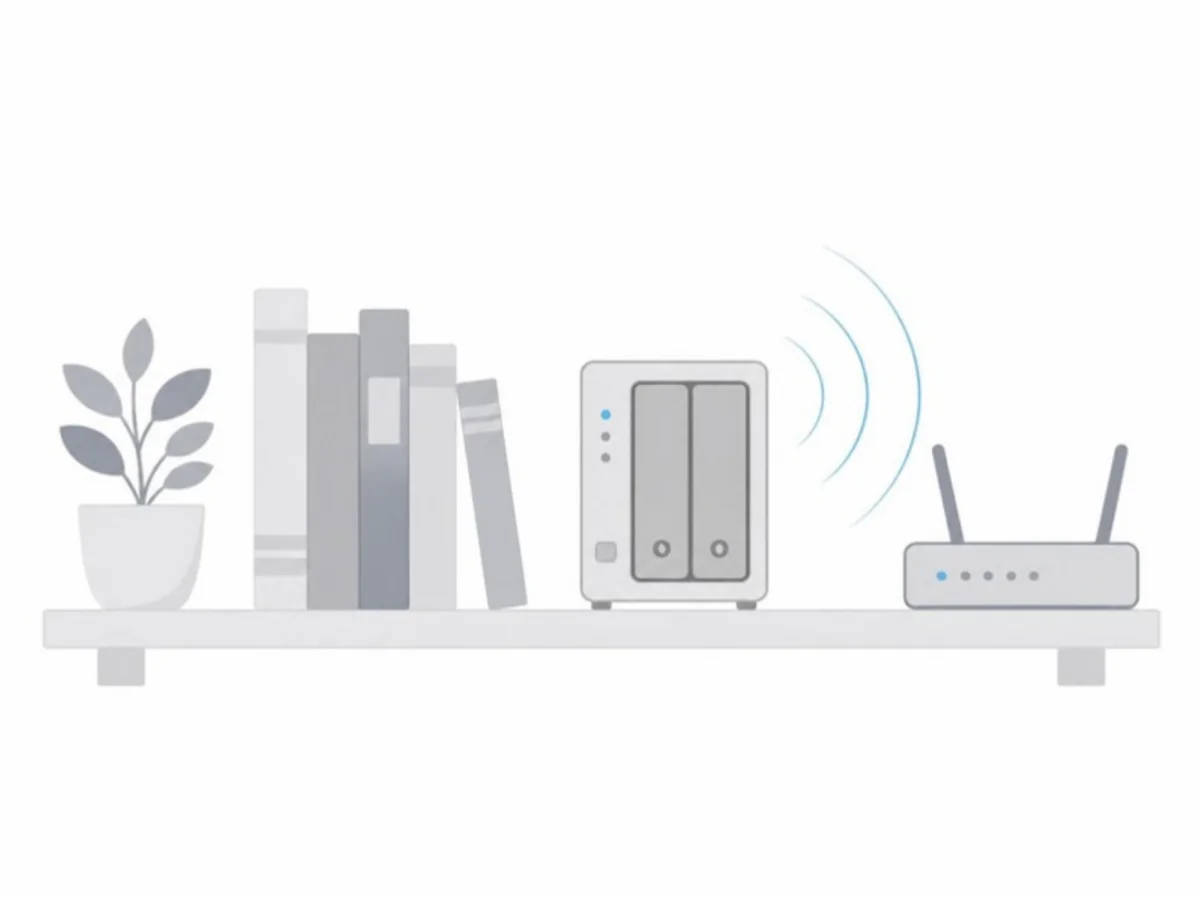
Why is my NAS so noisy?
It packs several drives, their trays and a fan into one box. "With multiple HDDs in an enclosure, the more likely potential there is for higher noise levels. This is common with large RAID devices," Seagate explains.
Synology lists four sources: drives, the fan, "Vibration of the drives and drive trays" and others. To narrow it down, shut the unit off, take out all the drives and trays, and power it on without them. If the noise goes away, tray vibration is a likely cause, and Synology writes, "we suggest replacing the fastening panels with screws to reduce the noise." The drives themselves may be at fault, in which case "You can use a different drive to fix the issue."
If the noise stays with the empty box, it is the fan or the unit. Clean out the dust, check the fan screws, and try the Quiet Mode fan setting in Control Panel under Hardware & Power. Our quietest NAS guide compares published figures for whole units.
Drives that never rest
"Many built-in services and apps on your NAS may prevent your drives from entering standby mode due to routine system access," QNAP's standby article explains, and it walks through which apps to turn off and how to find the one waking the drives.
It stops short of pushing standby hard. Since "frequent spin-ups and spin-downs cause more wear and tear compared to constant spinning," QNAP recommends "setting a power schedule instead of using standby mode." Synology offers the same idea in other words: "Set up scheduled shutdowns and startups to have your Synology NAS run only when you are not sleeping."
Grinding and clunking mean back up now
For any abnormal sound, the first step in Seagate's article is to "verify immediately that there is a full backup of any important data on the drive."
Grinding is the most urgent of all. It "can mean that continued use will cause physical damage to the disk’s platters and there is a risk to the data", and "If you absolutely need any data on the drive, contact Data Recovery Services immediately before troubleshooting."
Western Digital's list of strange sounds runs "Beeping", "Clanking", "Clicking", "Clunking", "Chirping", "Grinding", "Humming" and "Vibration". Its advice: "A backup of the data should be made if the drive failed but the data can still be accessed." The same WD article adds "Do not move the drive during activity."
Test before you replace
Seagate runs a noisy drive through SeaTools first. "If it fails the test, the noise may be due to a mechanical problem or something similar. Seagate recommends you replace the drive in that case." An internal drive that passes should get a firmware check next.
The makers do not fully agree that noise on its own means a fault. Toshiba holds that "if there is no additional indication for a defect, just the noise alone basically does not indicate that the drive is faulty," and sends owners to the PC vendor or shop. WD puts humming and vibration on its failure list while also blaming vibration on mounting. Synology sends in-warranty units back through the reseller for RMA service.
How loud should a hard drive be?
Between 19 and 34 dBA at idle, going by the data sheets cited in our guides. WD's 2.5 inch Blue mobile drive rates 19 dBA idle, while air-filled 10TB and 12TB WD drives reach 34.
| Drive family | Idle | Seek |
|---|---|---|
| WD Blue 2.5 inch mobile | 19 dBA | |
| WD air-filled 10TB and 12TB | 34 dBA | |
| WD Red Pro 20TB, helium | 20 dBA | 32 dBA |
| Toshiba N300, N300 Pro, X300, X300 Pro, 12TB and up | 20 dB | |
| Toshiba same families, 10TB and below | 34 dB | |
| Seagate IronWolf Pro helium, 12TB to 24TB | 20 | 26 |
Toshiba prints idle only, as our Toshiba hard drive decibels page sets out, and the IronWolf Pro numbers come from our Seagate hard drive decibels page.
They do not share one basis. WD marks some as sound power, Seagate prints some in bels, and Toshiba gives plain dB, so a number from one maker cannot be lined up against another's. The decibel chart and the sound power vs sound pressure primer give them context, and the quietest hard drives guide ranks the families within each basis.
There is no software fix. Seagate "does not have a utility that can reduce most ambient hard drive noise", which leaves a quieter drive or an SSD. A hard drive makes sound "because of their spinning parts," the LaCie article explains, while SSDs "do not have moving parts and are generally quieter."
These answers come from two Seagate support articles, two LaCie articles in Seagate's knowledge base, two Western Digital support answers, Toshiba's storage FAQ, one Synology article and one QNAP article, read on November 11, 2026. Toshiba's storage site sent our request to an unrelated website, so nothing is quoted from it, and two older WD answers on clicking had been taken down.