A robot vacuum making noise is usually a robot vacuum doing what it was set to do: boosting suction on a rug, dragging a brush cover over tile, or handing its bin to a self-empty dock that roars for a few seconds. iRobot, Roborock, Dreame, eufy and ECOVACS each describe these sounds in their support pages and manuals.
The sounds they treat as faults are mostly the same few: hair or a hard object in a brush, a wheel that will not turn freely, a blocked filter or air path, and a bearing that has seized. eufy adds a short list of noises that mean you should stop the robot at once.
Below, each sound is grouped by when you hear it, in the makers' own words and with the conditions they attach. Where only one maker explains a sound, we say so.
Is it normal for a robot vacuum to make noise?
Yes. Robot vacuum makers expect some noise in normal running. Dreame says floor friction on tile or wood, and a light rattle over the seams between boards, are "perfectly normal" and "won't affect the cleaning results."
iRobot says the rubber brushes on its e and i Series robots "can, at times, make a bit more noise on certain types of flooring." It only asks you to look further if the noise seems "louder than usual".
The level also changes within one run. Several makers raise suction by themselves when the robot reaches carpet, so a Roomba or a Dreame can sound calm in the kitchen and much busier on the rug in the next room. The first section below covers that.
Which robot vacuum noises happen while it cleans?
While a robot vacuum cleans, the makers explain five kinds of sound: a louder roar on carpet, grinding, clicking or rattling, squeaking from the wheels, and odd changes in pitch. Most trace to brushes, wheels or suction settings.
Why is my robot vacuum so loud on carpet?
A robot vacuum is loud on carpet mostly because it turns up suction there by design. iRobot says the 900 series senses carpet and boosts power "to provide a deeper clean", and calls the extra noise "expected behavior".
On the s Series, iRobot says a Roomba "will be louder on carpets" when Vacuum Behavior is set to Detailed Clean or Custom Clean, and suggests Quiet Clean under Cleaning Preferences. On the 900 series, Eco-Mode "will always run its vacuum at the lower power setting to extend cleaning time and provide quiet operation."
eufy's Omni C20 user guide says BoostIQ switches on by itself on carpet, and that "If the vacuuming noise caused by BoostIQ™ disturbs you, you can disable this feature." Dreame names its own carpet boost as a reason a robot gets louder.
Higher suction modes are the other cause. eufy's support page says levels such as Max Suction are "louder than in Standard Suction". ECOVACS's X11 manual lists Strong Suction or Max Suction Power Mode as a cause of a robot that "is very loud during cleaning", and says to switch to Standard Mode.
One iRobot behavior works the other way. Quiet Drive, added to the Roomba s9 in 2021, stops the main brushes spinning while the robot travels to and from a room it was sent to clean. The corner brush keeps turning, and iRobot says the feature cannot be switched off.
Why is my robot vacuum making a grinding noise?
A robot vacuum grinding usually has something caught where it should not be. Dreame says to check "the main brush and dust bin for any hard items", check both brushes for tangles, and clean or replace a clogged filter.
Roborock's Qrevo Curv 2 Flow manual lists "Noise during cleaning" with two causes: the main brushes, side brushes or main wheels "may be jammed", so turn the robot off and clean them, or the omnidirectional wheel is jammed, which it says to take out with a screwdriver for cleaning.
iRobot points to the brush ends. If an s Series is still loud after cleaning and with Quiet Clean set, iRobot says to spin the extractor caps and check that "the bearing has not seized to the shaft". A seized bearing means replacing the extractors.
eufy's loud noise page also looks inside the body. With the dust collector out, it says to hold the robot bumper up with the suction opening facing down and "Shake out any debris that might be stuck in the suction fans inside the machine."
Why is my Roomba making a clicking or rattling noise?
A Roomba that rattles or clicks most often has a loose brush frame or debris in the brushes, by iRobot's account. On e and i Series robots, iRobot says the brush frame release tab must be "latched securely in place", or it "could cause additional rattling of the brushes."
The same iRobot page says to confirm that the brushes are "free of any hair or debris" and that the vacuum path is clear. If the noise continues after that, iRobot recommends new rubber brushes.
A click from the side brush has its own test at eufy. If spinning the side brushes by hand makes "a clicking sound", eufy says the noise comes from the side brush motor, and that replacing the motor could fix it.
Not every rattle is a fault. Dreame's page on everyday sounds says a robot crossing floor seams "might produce a slight rattling sound", and its advice is to check the brushes, the underside and the wheels for anything caught there.
Why is my robot vacuum squeaking?
A squeaking robot vacuum usually has a front wheel or drive wheel that does not turn freely. Roborock, Dreame and iRobot all have owners spin the wheels by hand, clear hair from the axle, and look for a wheel that sticks.
Roborock has owners remove parts one at a time, running the robot after each: the main brush and its cover, the side brush, then the front wheel. If the noise stops with the front wheel out, it says to clean it and "pour no more than two drops of olive oil down the wheel shaft".
If none of that stops it, Roborock says to turn the drive wheels by hand, and if they are the source, to "contact your Roborock dealer for further support." Dreame says the drive wheels "should rotate freely and spring back when you let go", and that a universal wheel that does not spin smoothly needs cleaning.
iRobot's j Series care page adds a warning about the front caster: one "clogged with hair and debris could result in floor damage." It says to pull the wheel out, clear the cavity, push out the axle if rotation is restricted, and make sure it "clicks back into place" afterward.
Why is my robot vacuum making a weird noise?
A robot vacuum making a weird noise that is neither grinding nor squeaking may have a damp filter, a new brush cover rubbing the floor, or a side brush meeting wet floor while mopping. Dreame explains all three.
Dreame says that if you washed the filter, it must be completely dry, because "A damp filter can cause some weird noises while your robot is working." It also says the rubber strip on the roller brush cover can make friction noise against the floor, and to "Give it a few runs to see if it beds in and quiets down."
A change in sound as the robot turns while mopping has a mechanical reason too. Dreame says that in sweep and mop mode the side brush runs on dry floor going one way and wet floor coming back, so the side brush gearbox "has to work a little harder" and the pitch changes with each pass.
For a noise that keeps coming back from the brush area, a second Dreame page says to run the robot without the main brush and its cover. If the noise stops, Dreame says, "it's likely time to replace the main brush and main brush cover".
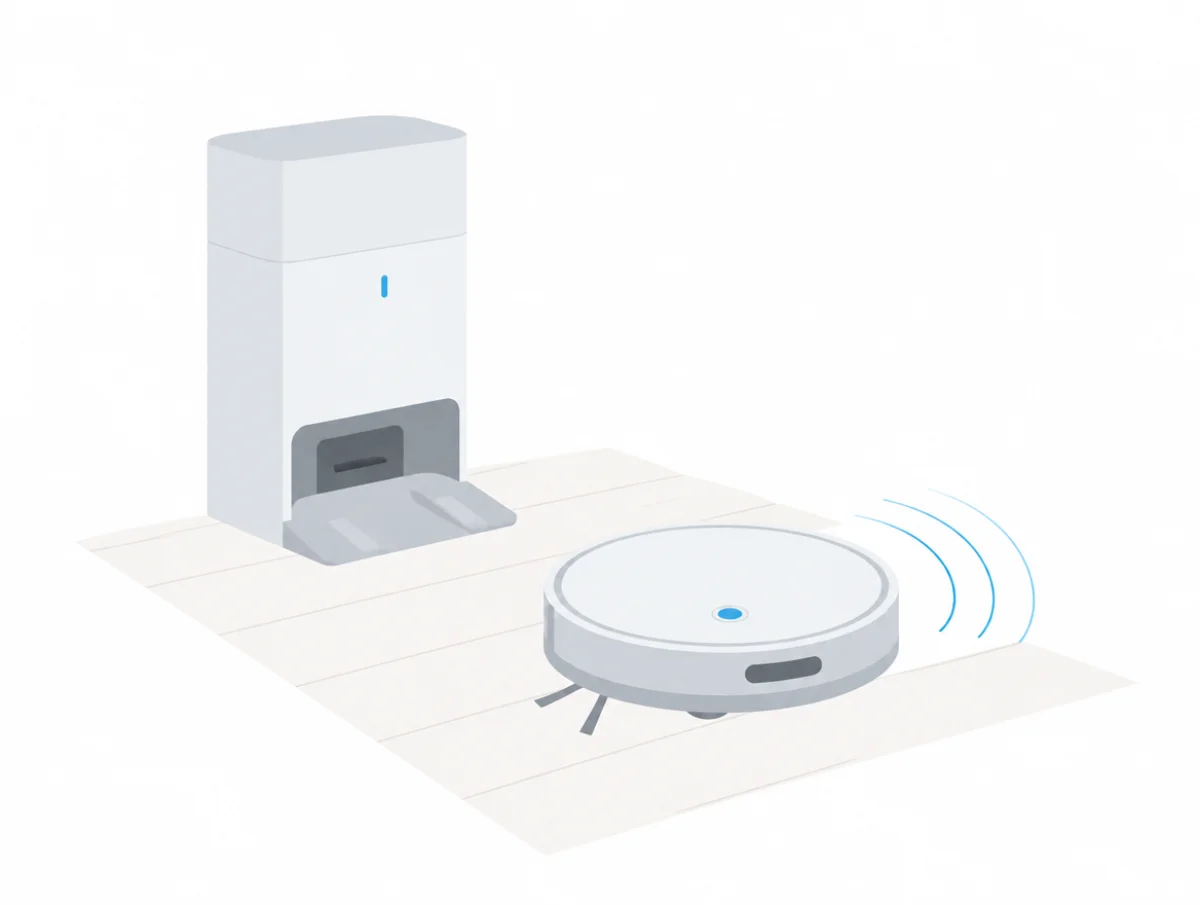
Why is the self-empty base so loud?
A self-empty base is loud because it sucks the robot's whole bin into a bag or container in one short burst, using far more power than the robot. Roborock and ECOVACS print figures for that burst; most makers print none.
Roborock's Qrevo Curv 2 Flow page says that "When emptying the dust tank, the noise temporarily increases to 70 dB", and that "it lasts less than a minute". ECOVACS lists the X11 OmniCyclone station at "Quied: 73.3, Standard: 78.9" in dBA, the first being its quieter setting.
eufy prints no dock figure, but its user guides give power ratings. The C20 guide rates the station at 650W during dust collection against 40W for the robot, a gap our eufy robot vacuum decibel page covers.
A dock that sounds strained, or louder than it used to, may be blocked. Roborock's manual lists "Reduced emptying performance or unusual noise when emptying" and blames a blocked "filter, air duct, suction inlet, air inlet, dustbin or disposable dust bag", or main brushes and brush cover not properly installed.
On an iRobot Clean Base, a blinking red light means a clog. iRobot says to press the canister lid down until sealed and clear the evacuation port underneath. For the tubing inside, it says to unplug the base from the wall first, then lay it on its side and loosen the five screws that hold the tube.
Roborock also warns against emptying with no bag fitted: "Always install a dust bag before putting back the dust container cover to avoid auto-emptying without the bag."
Can you stop the dock emptying at night?
Yes, on the robots whose manuals we read, Do Not Disturb holds the dock. Roborock's manual says "The robot will not auto-empty after returning to the dock in DND mode", and the X11 manual says DEEBOT "will not empty the dust" during Do Not Disturb.
eufy's C30 user guide goes further: during the Do Not Disturb period, "RoboVac will remain silent, with automatic dust collection, voice notifications, and scheduled cleaning disabled." Roborock and ECOVACS both say you can start emptying by hand later.
Why is my robot vacuum making noise while charging?
A robot vacuum humming, buzzing or ticking on its charger is usually seated badly or has dirty charging contacts, says iRobot. Roborock adds that a docked robot keeps drawing a small amount of power, so a docked robot is never fully idle.
iRobot says some 500 to 800 series robots "can emit a hum, buzz, or ticking sound while charging". Its fixes are to wipe the Home Base contacts with melamine foam such as a Magic Eraser, put the robot back correctly, and if that fails, plug the base into "a different outlet in a different location of your home."
iRobot also says "These noises will not affect the overall performance of your robot or Home Base." Roborock's manual says the robot "will draw power while it is docked to maintain battery performance, but the power consumption is extremely low."
ECOVACS treats one sound at the dock as a good sign. If a DEEBOT will not charge, the X11 manual says to check the station is plugged in and that "the motor startup sound can be heard" once power is connected.
What do robot vacuum beeps and error tones mean?
Robot vacuum beeps are error codes or low battery warnings, and each maker uses its own pattern. iRobot plays a two-tone "uh-oh" before a spoken error number; older eufy RoboVacs use a count of beeps read together with the light color.
On the Roomba 800 series, iRobot says the robot "will play a two-tone 'uh-oh' sound, followed by a narrated voice", and that pressing CLEAN repeats the message. The chart pairs each number with a cause:
- Error 1: stuck, or a wheel hanging down
- Error 2: the extractors cannot turn
- Errors 5 and 7: a side wheel is stuck
- Error 6: dirty cliff sensors, or a drop or dark surface below
- Error 9: the bumper is compressed or its sensor is dirty
- Error 10: a side wheel stuck, or the bumper not registering obstacles
- Error 11: a vacuum error, checked at the bin
- Error 14: the bin is not detected
- Error 18: the robot cannot get back to the Home Base
On an s Series, iRobot's Error 10 page says to turn both wheels by hand and check "that each wheel exhibits the same amount of resistance". If the error survives a reboot, it says a new right wheel module may be needed.
A Roomba j Series that "plays a 4-tone distress sound or says 'Please charge Roomba'" has a low battery. On the 900 series, iRobot says a distress sound when you press a button can mean Dock or Spot was pressed on the Home Base, the robot was started near a Virtual Wall, or a software update is still running.
eufy reads beeps together with the indicator light. A three-beep stop with a flashing red light is a drop sensor error; with a solid red light it is a suction fan error, and eufy says to clear the inlet and air passage and check the filters.
On a four-beep stop, eufy reads a flashing red light as low battery and a solid red light as "rolling brush stuck". Newer robots speak instead: Roborock's manual mentions voice alerts, and ECOVACS says a voice prompt reports faults such as a mop washing tray that will not drain.
Which robot vacuum noises mean you should stop using it?
A robot vacuum that arcs, smells of burning or turns unusually loud should be stopped straight away, according to eufy. Other makers send persistent noises to support or replacement parts once cleaning has failed.
eufy's C30 user guide is the plainest: "If you notice an abnormal burning smell, arcing noise, unusual loud noise, or reduced suction, stop using the device immediately and check the maintenance schedule to perform the necessary maintenance."
Water in the fan is another eufy warning. For the three-beep suction fan error, it says to make sure the robot "has not run over any liquids", to dry any wet part fully before refitting it, and that "If water went into the suction fans, the internal parts would be damaged."
Roborock sends a noisy drive wheel to the dealer. iRobot moves from cleaning to replacement once the basics are done: new extractors for a seized bearing, new rubber brushes for a rattle that remains, and a new wheel module for a wheel error that survives a reboot. eufy asks for a video of the noise if its steps do not help.
How loud is a normal robot vacuum?
A normal robot vacuum runs at roughly 52 to 70 dB in the makers' published figures, depending on mode, and the self-empty dock is louder still. No maker we read states the distance or test standard behind its figure.
At the quiet end, our quietest robot vacuums guide starts with Tapo's RV30 Max Plus: 55 dB in its default mode, and 52 dB with Quiet Mode on. Dreame publishes four settings for the X60 Max, running from 59 dB (Quiet) through 60 and 66 up to 70 dB (Max), which shows how much the suction setting alone changes.
Roborock puts the Qrevo Curv 2 Flow at 62 to 65 dB vacuuming and mopping, with the 70 dB emptying burst on top; our Roborock decibel ratings list the rest of the range. ECOVACS lists the X11 at 61.8 dBA sweeping in standard mode, and its stations at 70 to 83 dBA while emptying, per our ECOVACS decibel page.
iRobot publishes no noise figure for any Roomba. For a robot that also mops, see the quietest robot vacuum and mop combos, and read the dBA explainer before comparing dB against dBA. If an older robot has crept louder over time, why appliances get louder covers that.
Do robot vacuum makers publish a decibel rating?
Yes, most robot vacuum makers do, but rarely with test conditions. Of the 47 robot vacuums in our catalog as of October 26, 2026, 40 print at least one decibel figure for the robot, and 7, among them iRobot's Roomba Max 715 Vac, print none.
Those totals come from the fact sheets behind our robot vacuum guides, which quote each maker's product page, manual or blog. They cover the robots we track, not the whole market. A figure counts even when no mode is attached to it, as with the 55 dB that eufy prints for the RoboVac 11S MAX.
Dock emptying is where the gaps show. Eleven of the 47 give a figure for it, from 70 to 83 dB(A): eight ECOVACS stations, Roborock's Qrevo Curv 2 Flow, and two Dreame robots whose numbers come from Dreame's own reviews, one of them marked as an estimate. A few of the 47 ship with a plain charging base and no self-empty dock.
Five robots give their only figure for a mopping mode. Roborock's 53 dB for the Qrevo CurvX, for example, covers only its standard mop-only setting, with nothing for vacuuming. A mop-only number says little about the robot on carpet at full suction, so we never set it against a vacuuming figure.
Test conditions are scarcer still. Four Roborock pages say a mopping or drying figure was taken in a semi-anechoic chamber, and the one figure tied to a distance is a Narwal blog estimate for the Flow 2 at 1 m on hardwood. No product page in the catalog names a measuring distance.
How did we put this together?
QuietSpecs wrote this robot vacuum noise guide from maker documents alone. From iRobot we used eleven Roomba support articles; from Roborock, one support article plus the Qrevo Curv 2 Flow manual and product page; from Dreame, four support articles; and from eufy, four support articles with the Omni C20 and C30 user guides.
For ECOVACS we used the DEEBOT X11 OmniCyclone US manual and spec table. Decibel figures come from the maker pages behind our buying guides. Shark's support site blocked our requests, so Shark is not quoted here.
We have not run, recorded, taken apart or repaired a robot vacuum or a self-empty dock for this article. Where no maker explains a sound, we leave it out instead of borrowing an explanation from owner forums or repair blogs.