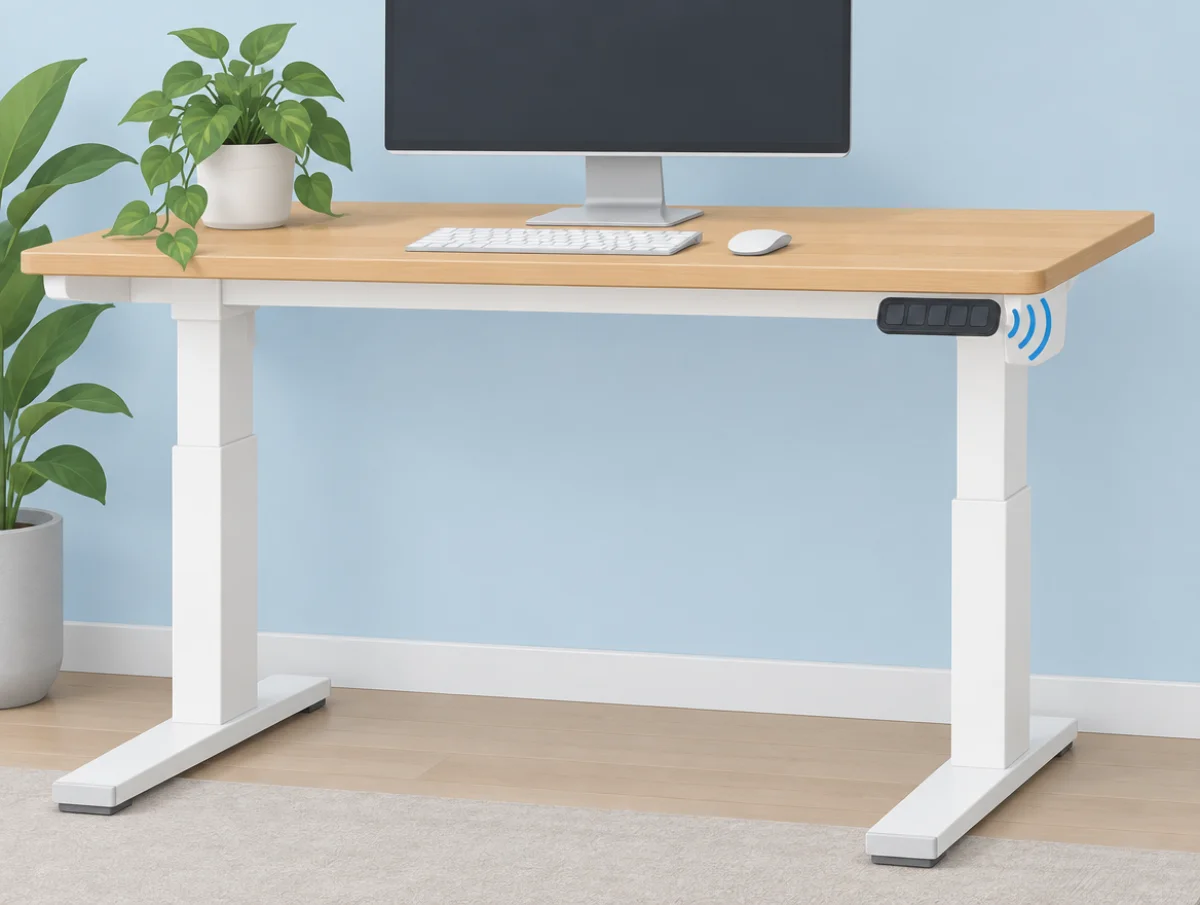
An electric standing desk makes three families of sound: the whir of a motor in each leg, the clicks and beeps of the control box under the top, and the creaks, rattles and squeaks of a tall steel frame. The first two are mostly expected. Trouble announces itself as change: a grind that was not there last month, a click with no movement, a beep that comes with a code on the keypad.
This page draws on manuals, support articles and blogs from Uplift, Herman Miller's Jarvis (built by Fully), FlexiSpot, Autonomous, IKEA, Secretlab, Vari, Fezibo, Steelcase, Progressive Automations and Eureka Ergonomic, plus LOGICDATA and LINAK, which make the motors and control boxes inside many branded desks. All were read on November 17, 2026. Branch and Humanscale had no noise guidance on their sites beyond product pages, and neither is quoted.
| Sound | Cause a maker names | First step |
|---|---|---|
| Clicks at power-up, desk still | Control box status clicks (Steelcase, LOGICDATA) | Count them, then reset |
| Clicking with no movement after an outage | Desk waiting for a reset (FlexiSpot, Uplift) | Run the reset |
| Starts, stops, starts again | Loose control box (Uplift) or a strained motor (Autonomous) | Fix the box to the frame, lighten the load |
| Beeping with a code | Fault, overheat or overload code (Steelcase, Secretlab, Vari) | Read the code list |
| Rhythmic click at one height | Loose screw or a snagged cable (Progressive Automations) | Tighten hardware at that height |
| High-pitched squeak | Dry metal on metal in a column (Progressive Automations) | Lubricant, only as your maker allows |
| Grinding while moving | Stripped gears in a leg (Autonomous); dry or dirty columns (Progressive Automations) | Support or warranty |
| Clunk at the very top or bottom | Legs meeting their end stops (Progressive Automations) | Nothing, unless it happens mid-travel |
| Jerking or hopping | Columns out of parallel and binding (Steelcase) | Level the glides, square the legs |
| Rattle or wobble at full height | Loose bolts, a foot off the floor, a long monitor arm (FlexiSpot) | Tighten, level, retest |
Which standing desk sounds are normal?
A standing desk normally hums while its motors run, may click once or twice from the control box when plugged in, and makes a soft clunk when the legs reach the top or bottom. Clicks and a dip during a reset are normal too.
Eureka Ergonomic's column care guide says it plainly: "A steady hum is normal." FlexiSpot's article on desk problems separates desks that "produce a light hum" from ones with a whiny motor, so pitch and steadiness count as much as volume.
The end-of-travel clunk is by design. Progressive Automations' noise article says clunking at the end of travel is the legs meeting their internal stop mechanism, and worth a second look only when it is very loud or arrives partway up.
A reset is noisy on purpose. LINAK's DF4 manual describes the columns driving down into a buffer until excess current cuts them off, then backing up about 3 mm. Uplift, Jarvis and IKEA all describe the same dip and rise.
Are standing desks loud?
A standing desk motor is loud only briefly. Makers print ceilings of roughly 45 to 60 dB, with no distance stated, and their duty cycles limit running to about 2 minutes in every 20.
IKEA's MITTZON manual lists "Lower than 50 dB(A)." LOGICDATA's OPTIMUS frame manual gives "<60 dBA" for its frame. FlexiSpot rates the motor of its Kana Bamboo desk at "a maximum of 50 decibels." The IKEA, LOGICDATA and FlexiSpot pages leave out the microphone distance and the desktop load.
Our quietest standing desks guide lines up every maker figure we could find, almost all of them ceilings, and explains why one brand's ceiling cannot be ranked against another's. For what the units mean, see dBA explained. In a home office, a desk that moves a few times a day matters less than whatever runs all day, which planning a quiet home office covers machine by machine.
Why is my standing desk clicking but not moving?
A standing desk that clicks without moving has usually lost power and needs a reset, put its handset to sleep, or tripped a protection limit for heat or weight. Some control boxes also click on purpose, as status codes.
Steelcase's Migration SE troubleshooting guide says "When first plugged in, the Control Box will click twice to confirm proper connection." LOGICDATA's OPTIMUS manual uses the same signal: two clicks mean "The system is working normally," and one click means emergency operation, when "The actuators cannot be used." A box that lost power while saving data clicks four or five times at the next start-up and goes into reset mode.
After an outage, a desk often moves one way only. FlexiSpot's reset steps have owners unplug for 30 seconds, reconnect and "Listen for clicking sounds; once you hear them, you are all set," then hold the down arrow. Until then, FlexiSpot says, "the desk can only move downwards." Uplift's F500 manual asks for a reset "any time the desk is unplugged or loses power," and Fezibo says its RST code "typically indicates" a power failure or surge.
A sleeping handset can pass for a dead one. IKEA's MITTZON switches on what it calls anti-unintended operation protection after 10 seconds untouched, and then "pressing any button will not work" until a single click wakes it with a purple blink. Vari's instruction sheet lists E05, "Button Stuck," for a key jammed in place. Its fix is to work the key back and forth until it frees.
Starts, stops, starts again
Two makers give two causes for a desk that lurches and quits. Uplift's manual says "If your desk is continuously starting and stopping as you try to raise or lower it, check to make sure the Control Box is securely attached to the frame." Secretlab's fix for its E05 collision code likewise checks "that the Control Box is attached firmly to the Desk Top."
Autonomous reads the same symptom as wear. Its troubleshooting guide lists "Movement starts then immediately stops, repeats" under hardware failures, with the cause "Stripped gear or failing motor under load." Its advice is to take weight off the desk and try again, and to claim warranty if the problem stays.
The reset nearly every maker uses
Nearly every maker's standing desk reset works the same way: lower the desk fully, keep holding down until the display changes, then hold again while the legs dip and rise slightly. It resyncs the legs and clears most faults.
Herman Miller's Jarvis FAQ puts it in one line: "Most issues with adjusting your desk can be resolved by performing a reset."
The details differ by keypad, so follow the sheet for yours.
| Maker | What the display shows | Detail from the manual |
|---|---|---|
| Uplift | "ASr", or RESET on paddle keypads | Hold down for 30 seconds at the bottom; for a hard reset, unplug and hold down 10 seconds |
| Jarvis | RESET, or RST that looks like ASR | Hold up to 15 seconds, release, and try up to three times |
| IKEA MITTZON | Steady orange light | Poke the pinhole under the handset, then hold down; the desk rises 7 mm by itself |
| Secretlab MAGNUS Evo | Reset symbol | Keep holding until "a beep is heard" |
| Vari | RST, then 25.0 | For a hard reset, unplug every cable and wait 4 minutes |
| Fezibo | Varies by controller | Several controllers use up and down together for 5 to 8 seconds |
Read the warnings before repeating it.
The Jarvis reset guide says "If your desk becomes lopsided at any point, stop troubleshooting and contact us," and that leaving out the leg extension cable "can cause irreparable damage to your desk." Uplift's programming sheet asks owners to write down any error code before resetting, since support will want it.
Autonomous draws its line at two attempts: after resetting twice, "the issue isn't software." Fezibo asks for a video of the desk moving when a code survives its reset, which beats any written description of a noise.
Why does my standing desk beep?
A standing desk beeps to report its state. Some beeps confirm a reset or a healthy start; a beep with a code on the keypad usually means a fault, overheating, an overload or legs out of step.
Steelcase's guide is the most exact: "the Control Box will beep twice to indicate normal operation and verify that connections are properly made. If it beeps only once, or if it beeps 3 or more times, there is a fault in the system." Secretlab's MAGNUS Evo ends its reset with a beep, and Fezibo's HOME controller signals with a "dee" sound as the desk rebounds.
Beeping during movement is a sync problem in Autonomous's account: if "you hear beeping during movement, the controller is out of sync," and a reset is the fix. Some codes that come up often:
| Code | Maker | Meaning | Maker's fix |
|---|---|---|---|
| H01 | Uplift | "Overheated" | Rest it; about 2 minutes on, 18 off |
| H01 | Vari | "Motor Overuse" | Stop and resume after 20 minutes |
| HOT | Secretlab, LOGICDATA | Control box overheated | Let it cool (Secretlab: a few minutes, or 18) |
| E07 to E12 | Uplift | "Legs are uneven" | Reset |
| E02 | Secretlab | Screw rods more than 10 mm (0.4 in) apart in height | Reset |
| E18, E28 | Secretlab | "Overloading has occurred" | Remove weight, spread it evenly, reset |
| E03 | Vari | "Overload" | Lighten the desktop, reset |
| E01 to E06 | Uplift | "Firmware or connectivity issues" | Reseat every cable, reset |
The numbers belong to the controller, not to a standard.
E01 means connectivity on an Uplift, "Table Leg Failure" on a Vari, input voltage above 36V on a Secretlab MAGNUS Evo, and overload on a Steelcase Migration SE. Check your own sheet before acting on a code.
Overheating stops a desk after a few moves
Standing desk motors are rated for short bursts. Most makers allow about 2 minutes of running and then want 18 minutes or more of rest; push past that and the desk stops, often showing HOT or H01.
| Maker | Running limit | Rest |
|---|---|---|
| Uplift | "10% duty cycle", e.g. 2 minutes in 20 | 18 minutes |
| IKEA MITTZON | 2 minutes continuous | About 18 minutes |
| Secretlab MAGNUS Evo | Over 2 minutes brings up HOT | 18 minutes |
| Vari, earlier sheet | Over 2 minutes | 20 minutes |
| Vari, 2023 sheet | Over 4 minutes, or a hot room | 20 minutes |
| LINAK DF4 | 60 seconds at full load | 540 seconds |
This bites hardest while you chase a noise.
Running the desk up and down to find a squeak can trip the limit, and the desk then goes silent for reasons unrelated to the squeak. IKEA's manual calls the overheat state "not an abnormal error status," and Vari's 2023 sheet suggests a cooler room if waiting does not clear it.
Grinding is the sound to take seriously
Grinding while the desk moves points to trouble inside a leg. Autonomous lists "Loud grinding noise during movement" with the cause "Stripped gears inside a leg" and the fix "Warranty replacement of the affected leg."
Progressive Automations offers a gentler first reading: grinding during movement can mean "Telescoping columns running dry (need lubrication) or debris in the column tracks." Grinding together with an E08 error is a different matter. It calls that a motor fault and tells owners to stop using the desk and contact support.
Rhythm is a clue. Eureka Ergonomic says a rhythmic thump or grind suggests a flat spot on an internal roller or debris trapped in the track. A steady hum, by the same guide, is fine. Fezibo's table for strange noises during operation names "Loose screws or friction between components" and "Motor malfunction," and if tightening fails, "it may be a motor issue."
Jerky movement has a separate cause. Steelcase's guide pairs columns that "jerk or hop" with "Lifting Columns are not parallel with one another, causing them to bind." Its fix is to adjust the glides until the desk is level, then lift one side off the floor and reposition it so the columns run parallel.
Do not open a leg to look. Secretlab's guide warns "There are no user serviceable parts in these components," and IKEA says "Do not attempt to repair this product yourself."
How do you stop a standing desk squeaking or creaking?
A squeaking or creaking standing desk usually needs its frame tightened first, and lubricant only if your maker allows it. Autonomous, Fezibo and Progressive Automations all start with screws and fittings; makers disagree on lubricant.
"If your desk has an issue with squeaking or rattling, the first thing you should do is check to make sure all the various screws and fittings are tight," Autonomous writes in its rattle article. It adds that a new desk making noise may have its rubber pads fitted wrong, and that old pads compress and stop damping.
A click at one height has a specific cause, says Progressive Automations: "A clicking sound that occurs at the same point in the travel range often indicates a loose screw or bolt that vibrates as the column moves past it." Lower the desk to that height and check every visible fastener there. Uplift's assembly steps also warn against overtightening, to avoid stripping the threads.
How often? FlexiSpot says "Retighten after a few weeks of use because components settle." Eureka Ergonomic suggests a bolt check twice a year, because "Vibrations from the motor can slowly loosen hardware over years of use." Uplift's assembly steps single out the feet, whose screws it wants tightened "very thoroughly."
Which lubricant, if any?
Progressive Automations and Eureka Ergonomic give opposite advice, and most other makers stay silent. Ask your maker before spraying anything into a column.
| Maker | Advice |
|---|---|
| Progressive Automations | "Apply a small amount of silicone-based lubricant or PTFE (Teflon) spray to the inner column where it slides against the outer column." No WD-40, which it says attracts dust |
| Eureka Ergonomic | Dry graphite on the sliding contact points every three months; silicone can swell plastic glides or bushings |
| Uplift, Jarvis, IKEA, Secretlab, Vari, Steelcase | No lubrication step in the manuals and guides read for this page |
| LINAK DF4 | "Clean dust and dirt from the outside of the system at appropriate intervals and inspect for damage and breaks." |
Eureka adds a limit that applies whatever you use: motors with sealed bearings "should never be lubricated by the user," and only the outer sliding surfaces of the columns need attention.
Why does my standing desk wobble and rattle at full height?
A standing desk wobbles a little at full height by design, FlexiSpot says, because extended columns flex more. A rattle on top of that usually means a loose bolt, a foot off the floor, or a monitor arm magnifying small movements.
FlexiSpot's wobble guide says "Most standing desks wobble slightly when fully raised, and a small amount of movement is completely normal." Its five-minute check runs in this order:
- Check every bolt, since "Even one loose fastener can reduce rigidity."
- Lower the desk: wobble that goes away is normal.
- Take off monitor arms and heavy accessories, then type again.
- Push opposite corners and level any foot that lifts.
Floors and arms do more than people expect. FlexiSpot notes that a desk that is steady on concrete "can rock on thick carpet," and that "Monitor arms act like levers, amplifying movement." Uplift's leveling glides give up to 3/8 inch of adjustment each. Autonomous suggests a flat pad under a desk standing on uneven carpet.
Cables rattle too. Progressive Automations lists a cable catching on the frame at a specific height among the causes of rhythmic clicking, and Uplift asks for power and accessory cords long enough to follow the desk to full height.
When one leg runs ahead of the other
Uneven legs on a standing desk are a sync fault, and most control boxes stop the desk or show a code before the frame twists. A reset usually brings the legs level again.
FlexiSpot explains the mechanism: "The control box recognizes the height difference and stops moving to prevent further harm if the desk's legs become uneven for any cause." It adds that the box may instead keep going "until there is too much friction," which is where strain and noise come from.
The makers set limits. Uplift asks owners to email or call if the legs still differ by more than 1.5 inches after a reset. Secretlab's E02 trips at a 10 mm (0.4 in) gap between screw rods, and its E08 means "Desk is not leveled while in operation." Steelcase's control box "will shut the whole Desk or Bench down if one Lifting Column is faulty."
On an IKEA MITTZON, only one leg moving with a blinking orange light calls for reconnecting every cable, unplugging for about a minute, and a reset. Fezibo asks owners to watch which leg fails to move during the reset and to send support a video of it.
When to stop and call support
Unplug the desk at once if an odd sound arrives together with smoke or a burning smell. Grinding, a lopsided top, and codes that survive two resets also belong with support rather than with more button presses.
"If the system makes unusual noise or smells, unplug the mains cable immediately," says LINAK's DF4 manual. LOGICDATA's OPTIMUS manual says "Unplug the power cord in case of smoke, smell or unusual noise." IKEA's MITTZON table covers a burning smell from the motor, power supply or control units: unplug the desk, find the burned parts, and contact customer service.
For a noisy leg with no smell, IKEA's steps are to check whether the sound changes as the desktop moves up and down, run a reset, and if the noise stays, "identify the defective parts and contact IKEA customer service." Autonomous treats loud grinding as a warranty leg replacement, and Jarvis's guide stops all troubleshooting the moment the desk turns lopsided.
Where to go next
If the noise has you shopping, the quietest standing desks guide sorts each maker's motor figure and says which ones carry a stated condition. A walking pad under the desk brings its own belt and motor sounds, sorted in walking pad noises explained, and the quietest walking pads guide compares their figures. For the room around the desk, see planning a quiet home office.