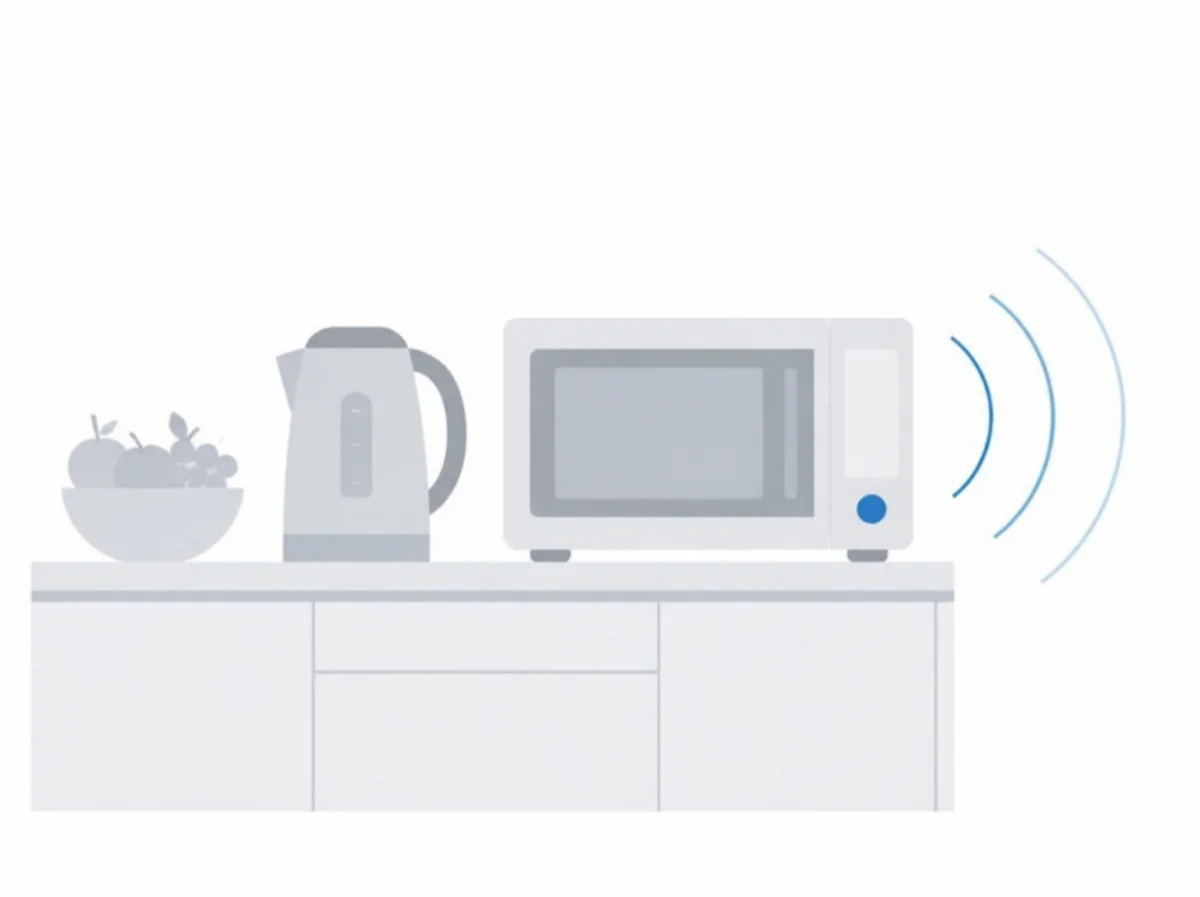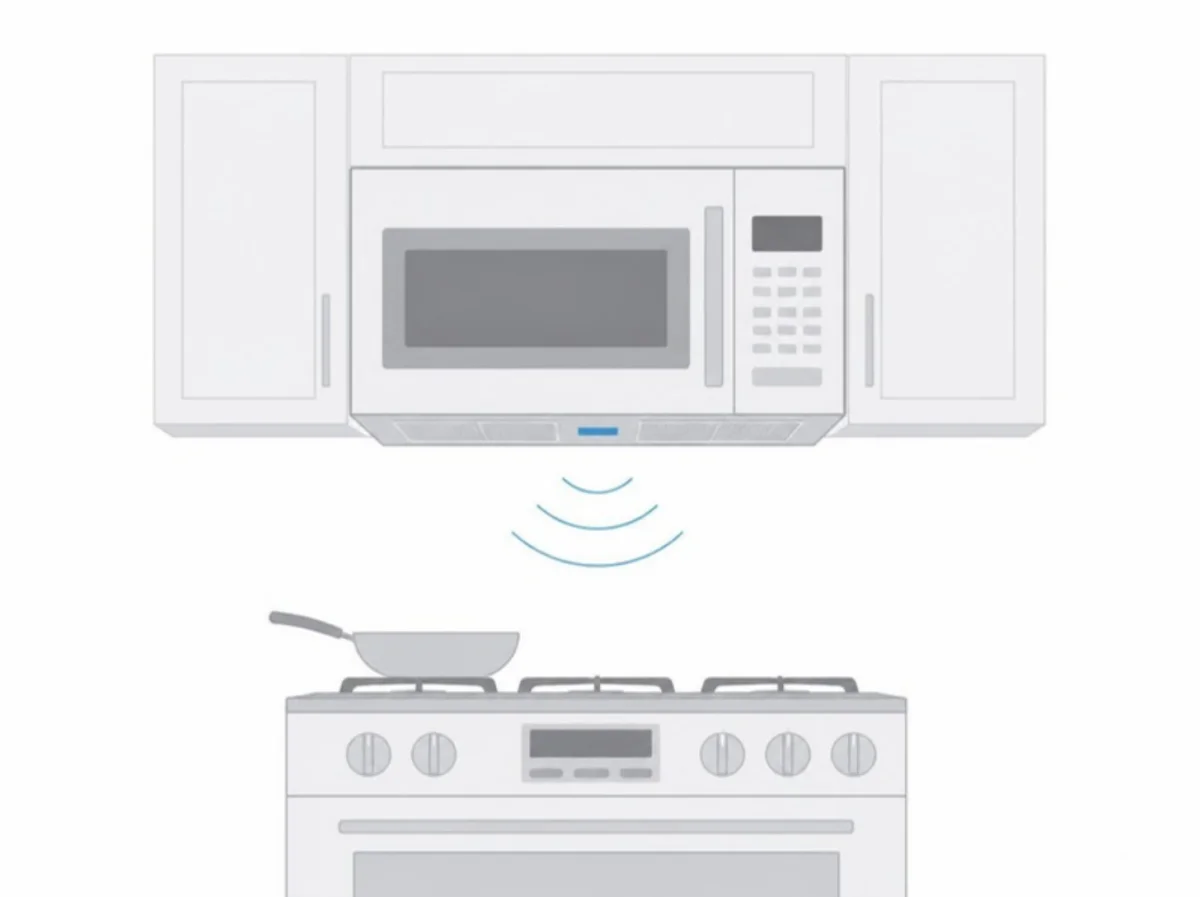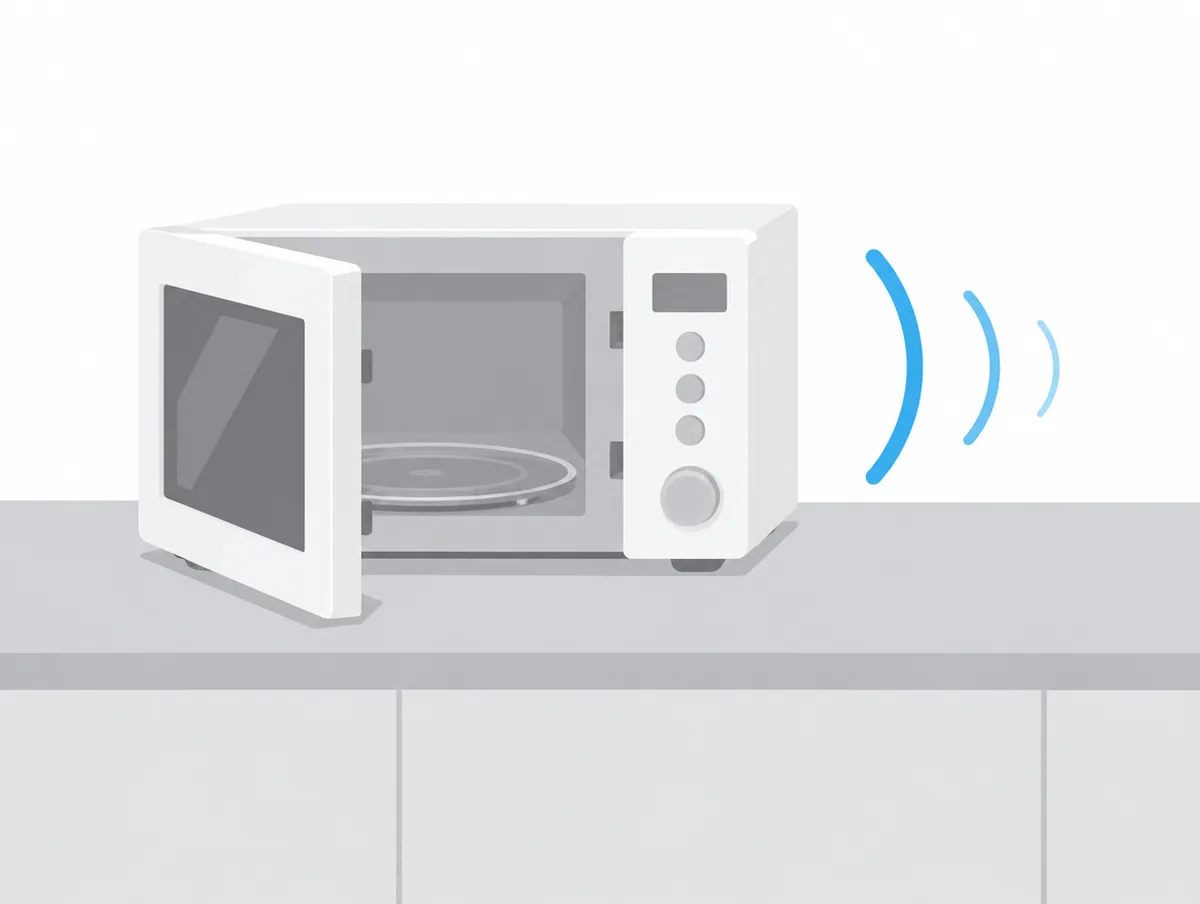
Working out how to make a microwave quieter comes down to three sources you can actually change: the tones, the turntable and, on a model hung above the stove, the vent fan. Many countertop models can be muted from the keypad, a clean roller ring settles the tray, and a lower fan speed with clean filters calms an over-the-range unit.
The steps below are taken from microwave makers' manuals and help pages, and they run from free keypad settings to jobs for an installer. Our guide to microwave noises explains what a given hum, click or crackle means; this page covers what an owner can do about it.
How do you make a microwave quieter?
Mute the tones, clean and reseat the glass tray and roller ring, keep cookware off the walls, give the microwave the space its manual asks for, and run an over-the-range fan slower with clean filters.
Roughly in order of effort:
- Switch off key tones and the end of cycle signal, where the model allows it.
- Cut the reminder beeps short by opening the door or pressing Clear.
- Wash the roller ring, cavity floor and glass tray, then seat them properly.
- Use dishes that let the tray turn without touching the walls.
- Stand a countertop microwave on a flat, stable surface with open vents.
- Run an over-the-range fan on its lower speed and clean its filters.
- Have the duct checked for length, elbows and a damper that swings freely.
How do you make a microwave silent?
A microwave goes silent only through its own sound setting: a held button on Whirlpool and Toshiba countertop models, a Sound Level or Mute pad on GE, Options on Samsung. Some models cannot be muted.
Breville fits a dedicated MUTE button on the Compact Wave, and its instruction book says that once it is selected "no tone will sound, and the screen will display OFF."
How do you make a Whirlpool microwave silent?
A Whirlpool countertop microwave mutes when you press and hold Keep Warm for 3 seconds, which silences key presses, alerts and the end of cycle tones. Holding Keep Warm for another 3 seconds brings the sound back.
That procedure is on Whirlpool's countertop tones page, which notes that tones vary by model and sends owners to the manual for theirs. Over the stove the answer changes: Whirlpool's over-the-range page says "most audible signals can't be turned off", and its chart gives five tones when a cycle finishes.
How do you make a Hamilton Beach microwave silent?
A Hamilton Beach microwave may have no mute. The owner's manuals we opened for models 87412, 87416, 87510 and 87535 list four signals at the end of cooking and a Remind Signal, with no step to switch them off.
Instead, the model 87510 and 87535 manuals say to touch Reset or open the door to clear END. Those manuals date from 2009 and 2010, so a newer Hamilton Beach may differ.
The talking TEMO, model 87108, has a Voice on/off button that steps through low, off and high. Its manual still has the oven beep five times when a countdown ends, and we found no setting there for the beeps themselves.
How do you make a Frigidaire microwave silent?
A Frigidaire FFMV1645T goes silent from its settings: touch Clock Settings twice so Op-2 shows, press START+30 Sec, and press it again when the scrolling display reaches oFF after Lo, nor and HI.
The steps are in the FFMV1645T use and care manual. On the FMOS1846B the sound choice is Op-1, one press of the settings key, and the rest matches. That manual says END appears when cooking is done, and that the signal sounds only "if the sound is turned on."
How do you make a Samsung microwave silent?
A Samsung microwave mutes through a Sound On/Off option, which Samsung says usually sits in the Options or Settings menu. In its example you press Options, the number for Sound On/Off, then 2 for off, then ENTER/START.
Samsung's beeping page says the sequence varies by model, so check the manual if the example does not fit. For an oven that beeps while idle, Samsung cuts the power for 60 seconds first, and asks for a service request if the beeping returns.
How do you silence a GE microwave?
A GE microwave with variable beeper volume goes silent when you touch Sound Level, then 0, then Start, and the display reads NO BEEPS. Other GE models use a Mute On/Off pad instead.
On GE's beeper volume page, levels 1 to 3 run from low to high. Not every GE has either pad. The JVM3160 owner's manual describes no beeper setting, and its reminder repeats "once a minute" until the door opens or Cancel/Off is pressed.
How do you make an LG microwave silent?
An LG microwave can be muted only where its manual lists a sound setting, and the MSWN1590L owner's manual lists none. On that model a beep confirms every key press.
LG's manual says the tone is there "to assure that the setting is being properly entered." For other LG models, look for a Sound, Settings or Custom entry in that model's manual.
How do you turn off the beep on a Panasonic microwave?
A Panasonic NN-SN686S sets Beep Off only just after it is plugged in: unplug it, plug it back in, press Start twice, press Cooking Timer to reach Beep off, then press Stop/Reset.
Those steps are from Panasonic's beep help page. The printed NN-SN686S instructions show a single press of Start, so watch the display for the Beep choice. For the NN-CS597, the help page says "The beep sound can not be turned off."
How do you silence a Sharp microwave drawer?
A Sharp SMD2470AS or SMD3070AS drawer goes quiet through Audible Signal Elimination: touch HELP/SETTINGS twice, then START/+30 SEC, and the display reads SOUND OFF.
Sharp's drawer manual also has a separate end of cooking reminder, which signals every 10 seconds for the first minute and then every 3 minutes, for up to an hour. Three touches of HELP/SETTINGS followed by START/+30 SEC switch that reminder off.
How do you mute a Toshiba microwave?
A Toshiba EM131A5C-BS mutes from its Sound ON/OFF button, which Toshiba's product page says to hold for 3 seconds to silence the buzzer.
The EM131A5C-BS page words it as "long press the Sound ON/OFF button". Our quietest microwaves guide records a different method for the older ML-EM45PIT, a held 8 key, taken from that model's manual.
How do you stop a microwave from beeping after cooking?
A microwave stops its after cooking beeps when you open the door or press its clear or cancel pad. GE, Sharp, Samsung and Hamilton Beach all end the repeating reminder that way.
GE's reminder page separates 4 beeps heard once when the cycle ends from a reminder beep "once every minute" after that, which GE offers as a timer for standing time. Touching Clear/Off or opening the door ends it.
Whirlpool says its countertop mute covers every sound the oven plays, while Sharp's drawer has a separate switch for the reminder alone. Without either, the quickest way to stop it is to take the food out as soon as the cycle ends.
Will cleaning the turntable make a microwave quieter?
Yes. Panasonic, Breville, Hamilton Beach and Samsung all link a noisy glass tray to a dirty roller ring or oven floor, and Panasonic says to clean both often "to prevent excessive noise."
Panasonic's manual lets the roller ring go in mild soapy water or the dishwasher, and the glass tray in warm soapy water or the dishwasher. Breville wipes the cavity floor with a soft damp cloth, washes the roller in mild soapy water and dries it, then sets it back in its proper position.
Frigidaire puts the tray and its support on the dishwasher's upper rack, and warns that the motor shaft is not sealed, so wipe spills there at once. Hamilton Beach answers a noisy tray by cleaning the cavity and turntable rest with warm water.
Let the tray cool first. Hamilton Beach says plunging it into water straight after cooking may break it, and LG says to allow the turntable to cool before lifting it out.
How do you reseat a microwave turntable?
Reseat a microwave turntable by lifting out the glass tray and the roller ring or support, cleaning both and the floor beneath, then setting the ring back in its indent with the tray on top.
Whirlpool's over-the-range steps end with a check: run one cup (250 mL) of water and confirm the tray turns. Panasonic traces a wobbling tray to a tray sitting badly on the ring, or food under the ring, and wipes both before refitting.
Samsung says frequent clicks from the turning plate can mean the track and roller ring need cleaning or repositioning. On a new LG, a squeak from the tray points to shipping tape left over the shaft at the bottom of the cavity.
Can cookware make a microwave rattle or grind?
Yes. A dish too large for the tray, or one that touches the oven walls, stops the turntable moving freely. GE says the turntable must be unrestricted, and LG lists oversize cookware as a cause of clunks.
Panasonic describes what happens next: if food or a utensil on the tray touches the walls and stops it, the tray reverses direction by itself. Frigidaire's FFMV1645T manual says never to turn the tray over so that a large dish fits.
Can you turn off a microwave turntable?
Yes, on some models and for large dishes. GE's JVM3160 has a Turntable pad that stops the tray, and the tray switches back on by itself when Cook Time or Express Cook ends.
GE still advises leaving the turntable on for the best cooking results. Taking the tray out is a different matter: GE, LG, Panasonic, Frigidaire and Hamilton Beach all say not to run the oven without the tray and its ring or support in place.
Where should a countertop microwave sit to stay quiet?
A countertop microwave should sit on a flat, stable surface with open space around its vents. Panasonic asks for 3 inches at each side and 1 inch on top, and LG for 4 inches at the top, sides and back.
Hamilton Beach's 87510 manual wants 3 inches at the sides and back, 12 inches above, nothing stored on top, and the legs left on. Breville asks for 4 inches to any wall and 8 inches above, says the Compact Wave "must not be placed in a cabinet", and also says not to remove its legs.
LG's loud noise page gives a test for a rocking counter: press on one side, and if the oven shifts, move it to a flat surface. LG also lists a metal sink cover or rice bin under the oven as a source of vibration noise.
Panasonic and LG both set the door at least 3 inches back from the counter edge so the oven cannot tip, and LG and Hamilton Beach say not to put a countertop model above a range.
How do you make an over-the-range microwave fan quieter?
An over-the-range microwave fan runs quieter on its lower speed. GE's JVM3160 steps from high to low to off with each press of Vent Fan, and Frigidaire's FFMV1645T Exhaust pad does the same.
A restricted airway works against that. GE's vent speed page says that with the charcoal filter fitted, or where the ductwork causes "excessive back pressure", the fan jumps to a higher speed on high and stays faster at medium and low too.
GE's installation instructions ask for the most direct duct route with as few elbows as possible, dampers that swing freely and nothing blocking the duct. The total must stay within 140 equivalent feet, with each elbow and cap counted as a longer piece of straight duct.
That is installer work, and GE says failure caused by improper installation is not covered under the warranty.
Why does my microwave fan turn on by itself?
A microwave fan turns on by itself to cool the oven when heat rises from the cooktop below, and it cannot be switched off until the parts cool. GE says it can run 30 minutes or more on the JVM3160.
The cause is explained in our noises guide. The fix GE gives in its JVM3160 manual is to "use adequate sized cookware and use high heat on surface units only when necessary", which cuts how often the fan starts.
Some GE series run the fan on purpose: GE says the vent fan on the JVM3160, JVM6172 and four related series runs through every cooking cycle.
Do clean filters make a microwave vent quieter?
Yes, where a loose filter is the rattle. Samsung says filters installed incorrectly can rattle, and Frigidaire and GE want the metal grease filters out and cleaned about once a month.
GE soaks and swishes the filters in hot water and detergent, brushes lightly if needed, then rinses and dries them, with no ammonia, which darkens the metal. Frigidaire also allows a dishwasher and asks for the power to be disconnected before filters are replaced.
Both say the hood must never run without its filters. A charcoal filter is a different part: GE's installation instructions say it cannot be cleaned and should be replaced. If the light and fan come on alone after a filter change, GE says to reseat the filter and the vent cover with no gaps.
What should you never do to make a microwave quieter?
Never cover the vents, box a countertop model into a cabinet, take off its feet, remove the tray or waveguide cover, run it empty, or open its case. The makers' own manuals rule out every one of those.
Hamilton Beach and LG say not to cover or block any opening, and Panasonic warns that blocked vents can overheat the oven until a thermal safety device shuts it off.
Panasonic and Sharp print "do not remove" beside the waveguide cover. Hamilton Beach calls the same part a mica board and says to unplug the oven and contact service if it is damaged or missing.
Samsung says running a microwave empty can damage it, and Hamilton Beach warns against tampering with the door safety interlocks.
Can you fix a noisy microwave yourself?
No, not inside the case. Frigidaire's FMOS1846B manual says touching some internal components "can cause serious personal injury or death" and tells owners not to disassemble the appliance.
The same manual says a microwave "should never be serviced" by a do-it-yourself repair person. GE, Panasonic and Hamilton Beach leave examination, adjustment and repair to qualified service personnel, and Breville says not to try to adjust or repair the oven yourself.
Which microwave noises mean it needs service?
A microwave needs service when its hum is much louder than a month earlier, a rattle continues with every removable part seated, or the maker's own check fails. Samsung and Frigidaire give those tests.
Frigidaire's FMOS1846B service call check runs one cup of water for one minute at HIGH, then asks four things: does the light come on, does the cooling fan blow above the display, does the tray turn, and is the water warm? Any no means checking the outlet, fuse and breaker, then calling an authorized servicer.
Sparks, a damaged door and noise without heat are covered in our guide to microwave noises.
How loud is a normal microwave?
A normal microwave runs at about 45 to 50 dB by LG's general figure, and few makers print a model figure. Breville cites 56.4 dBA for its Combi Wave in microwave mode, against 59.7 dBA for an older model.
Breville takes those numbers from an independent lab test. Frigidaire's FMOS1846B spec sheet lists "Sound Level 60 dBA" and names no setting, distance or method, so the three figures cannot be ranked against each other.
Over-the-range vent fans carry certified ratings in sones instead. The six in our catalog are rated from 4 to 8 sones on high and from 1.2 to 2.5 at their slower working speed. Sones vs decibels explains the two scales, and our decibel chart gives the dBA side some household comparisons.
When is a quieter microwave the better fix?
A quieter microwave is the better fix when yours is muted where possible, clean, seated and properly vented, yet the hum, door or fan still carries. Some models have no mute at all, and some fans are loud by design.
Our quietest microwaves guide covers models you can mute and the one measured quiet door. Above the stove, the quietest over-the-range microwaves are ranked by certified sones.
If the fan is the whole problem, a separate hood may suit the kitchen better, and our quietest range hoods guide compares them the same way.
Where do these microwave steps come from?
Every step here comes from a maker's own document: owner's manuals from GE, Frigidaire, Panasonic, LG, Sharp, Breville and Hamilton Beach, GE's installation instructions, and support pages from Whirlpool, GE, Samsung, LG, Panasonic and Toshiba.
We did not press any of these mute sequences, wash a roller ring, move a microwave, change a vent filter or look at a duct for this page. The decibel and sone figures are the makers' and certifiers' numbers as recorded in our microwave catalog.
LG's help articles on sound settings and over-the-range noises redirected to its help library's front page, and Whirlpool's blog post on silencing a microwave refused our automated requests. Samsung's full manuals turned up only on third-party sites, which we do not cite, and Hamilton Beach's site listed no current microwaves.