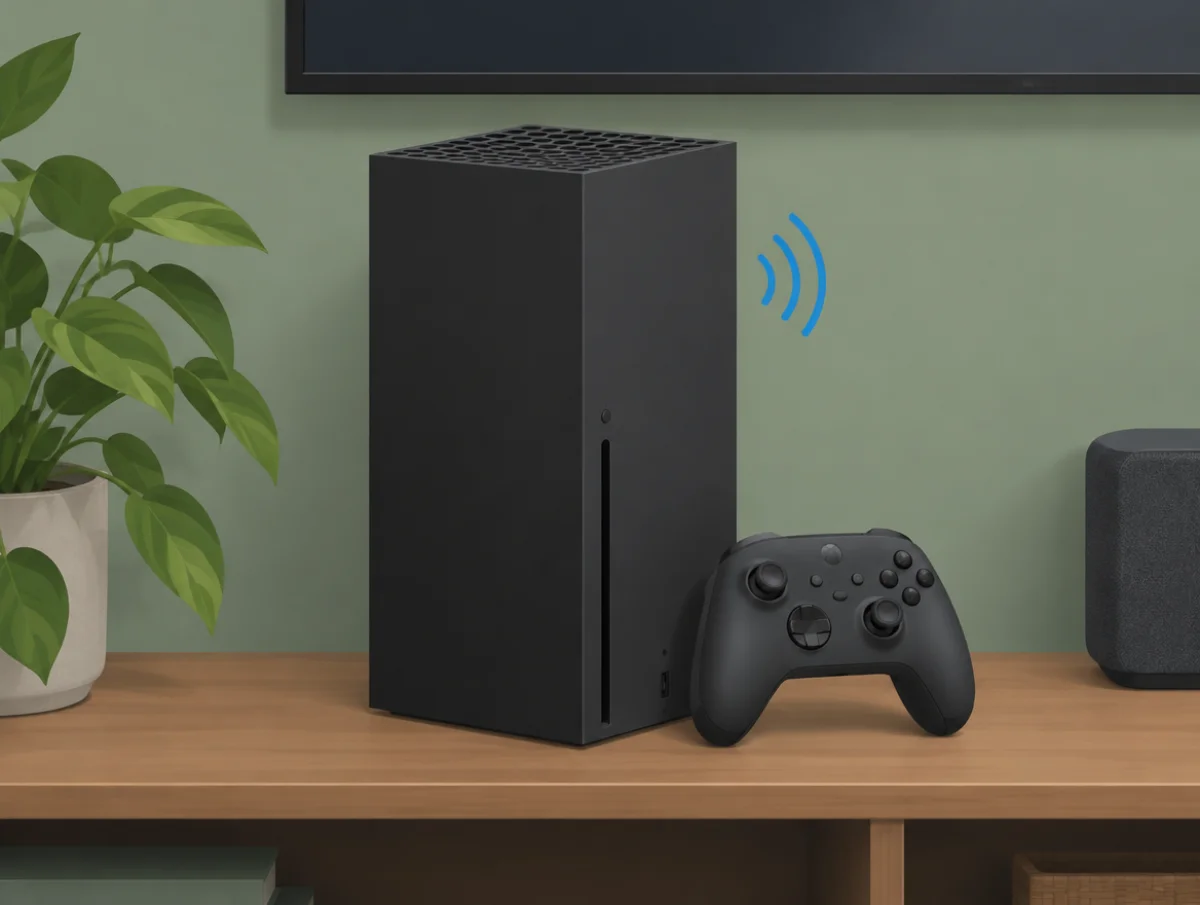
An Xbox gets loud for a few reasons, and most of them come back to heat. The Series X and Series S push warm air out through vents that Microsoft wants left open on every side. The original Xbox One adds an external power brick with a cooling fan inside it. And any model with a disc drive has one more spinning part that can grind or whir.
Microsoft is the only maker involved, so every instruction here comes from its documents: twelve Xbox Support articles, the Microsoft product safety page that covers Xbox consoles, and the Series X Service Guide. Not one of those documents gives a decibel figure for any Xbox. Xbox Support has no article about fan noise at all, which leaves placement, dust and settings as the levers. Forum fixes, repair shop guides and reviewer measurements were left out.
Eight fixes, easiest first
- Clear anything on, under or beside the console, disc cases included.
- Give a Series X or Series S 4 to 6 inches of open space on all sides.
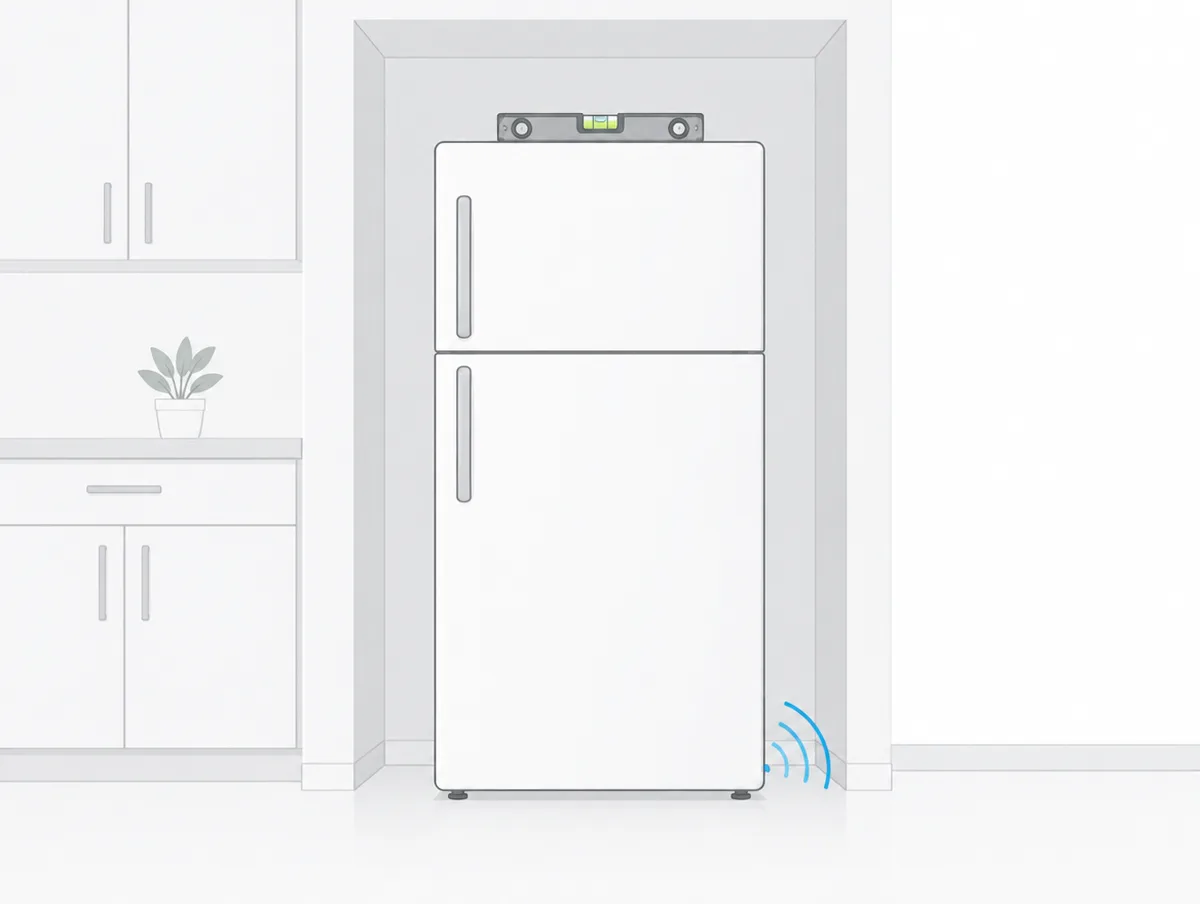
- Take it out of any enclosed cabinet and off beds, sofas or other soft surfaces.
- Unplug it and wipe dust from the fan opening and vents with a dry cloth.
- Plug the console, or the original Xbox One's power brick, straight into a wall outlet.
- Switch the power chime and the startup sound off in Settings.
- Clean a disc that will not read with a damp cloth and water only.
- Request a repair for a grinding disc drive or heat shutdowns that keep returning.
Why is my Xbox so loud?
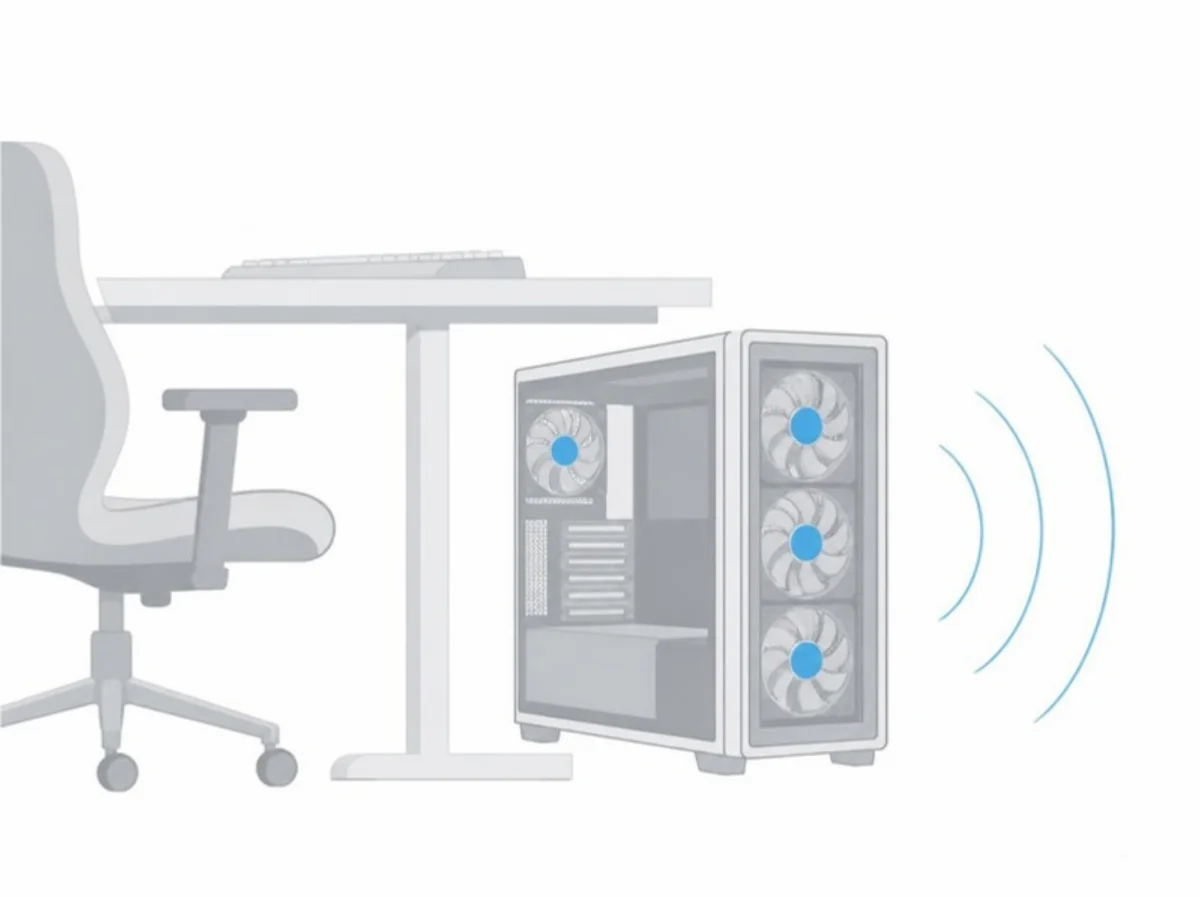
An Xbox fan pushes heat out, and the only Microsoft advice that bears on fan noise is about airflow. Every model is "designed to ventilate air to keep them at an optimal temperature during use," its placement page says.
Warm vents are expected. "Your console may feel hot around the vents, but this is normal. Hot air is being ventilated from the console to cool the interior." The page stops there, though. It never says whether the fan should rise and fall with demanding games, and no document checked for this article describes a fan speed setting or a quiet mode.
How much heat each console sheds shows up on the power options page. A Series X draws 153 W in active gameplay and 48 W in Navigation Mode, the Home screen. For a Series S the pair is 74 W and 28 W; an Xbox One S runs 62 W and 27 W. Microsoft draws no line from those watts to fan noise, but nearly all of that power ends up as heat inside the case, and the fan is what moves it out.
Four to six inches on every side
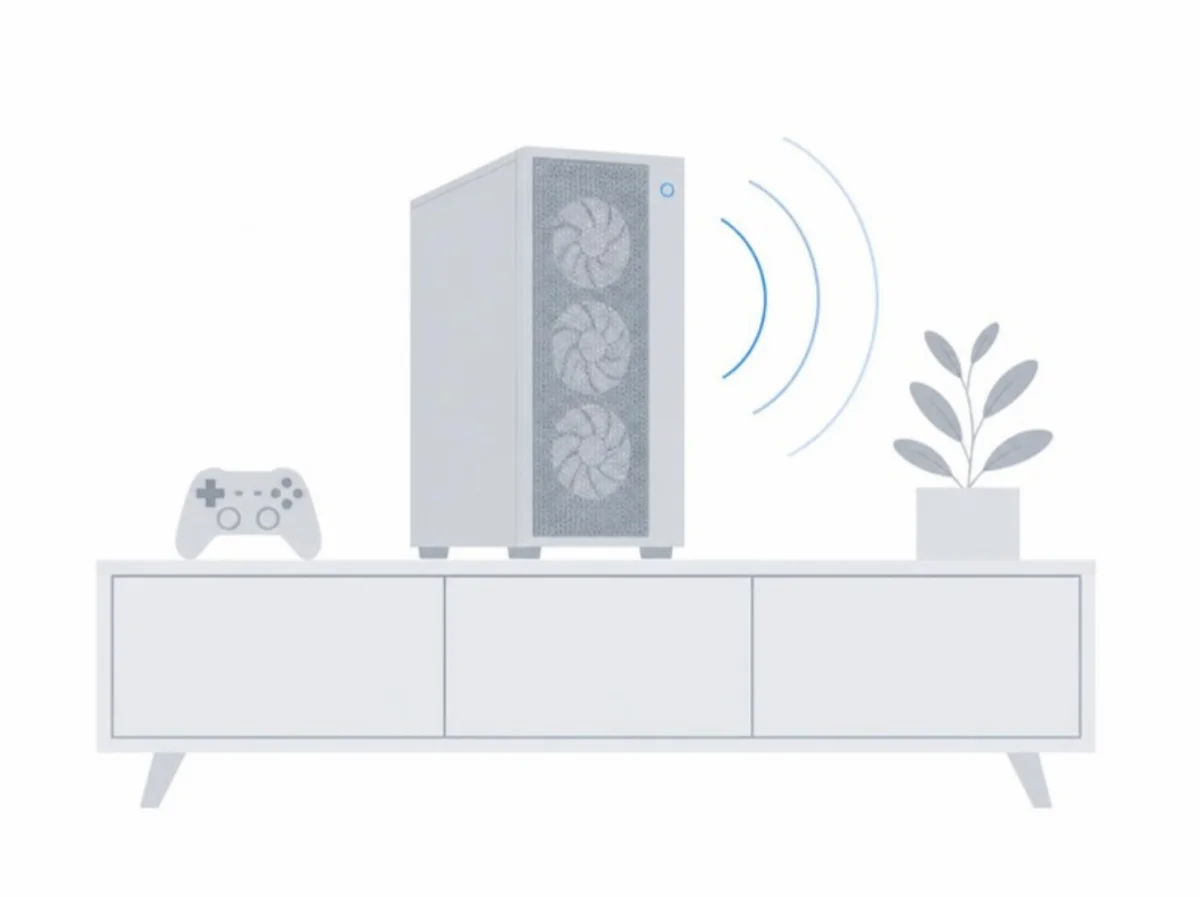
For the Series X and Series S, the placement page asks for "a minimum of 4-6 inches of clearance on all sides." The next lines settle the cabinet question: "Do not place your console inside an enclosed cabinet. Make sure that none of the console’s vents are blocked."
General rules on the same page apply to every model:
- "Place the console on a stable surface."
- "Do not place the console on speakers or subwoofers."
- "Place the console in a well-ventilated, relatively cool place and away from direct heat sources."
- "Do not put other objects on, under, or right next to the console."
Small things count. "Even something that seems insignificant, like a disc case, may limit ventilation," the page warns, and its example of a bad spot to leave anything is oddly specific: "don’t put an object on the top right of your console."
Shelving is allowed with a condition attached. Neither the console nor a power supply belongs in "a confined space, such as a bookcase, rack, or stereo cabinet, unless the space is well ventilated," or on "a bed, sofa, or other soft surface that may block ventilation." Radiators, heat registers, stoves and amplifiers are the heat sources named. The Microsoft safety page that covers Xbox consoles repeats the idea in two lines: "Do not place your device in narrow or cramped spaces" and "Do not place objects on top of your device."
Does it matter if an Xbox stands upright?
For a Series X or Series S, no position is called quieter. Either console "can be placed either horizontally or vertically," on a stable, cool, well-ventilated surface.
Older models come with conditions. The Xbox One X and Xbox One S can stand on end, but "the horizontal position offers the most stability," and only with the stand made for that exact console: "Without the stand, vertical positioning blocks a cooling vent." The original Xbox One "can only be placed horizontally."
A console that rattles against its shelf falls under the stability advice, not the noise advice, since Microsoft has none on rattling. Keep it off speakers and subwoofers, and check the foot. The Series X Service Guide describes that plastic disc on the base as the part that "provides stability and prevents the console from sliding or scratching surfaces," and it is sold as a replacement part for both the Series X and the Series S. The same guide's repair checklist ends with "Test gameplay with the console in both horizontal and vertical positions."
Wipe the dust off, dry
Dust on an Xbox should not be left to build. The safety page puts it in one line, "Do not allow dust to build up on the fan, vents or other openings," and its cleaning steps are short:
- "Unplug all cables and turn your device off before cleaning."
- "Only clean the exterior of your device."
- "Use a dry cloth only, no liquids."
- "Gently wipe the exterior surface of fans, vents or other openings to remove any dust buildup."
The placement page links dust to heat rather than sound: "Avoid excessively dusty environments, which can reduce thermal performance." A console with less cooling margin has a fan that works harder.
Two Microsoft documents part ways on liquids. The clean and care page suggests wiping Series X, Series S and Xbox One consoles with "a soft cloth dampened with an isopropyl alcohol (IPA) solution 70% or less," every 3 to 6 months, and no disinfectant wipes. The safety page allows a dry cloth only. Both agree on unplugging first and never putting liquid straight onto the console, so for the vents the dry cloth is the safer reading.
No Microsoft page checked for this article mentions a vacuum cleaner, a brush or a can of compressed air. Using any of them goes past the maker's instructions.
Can you open an Xbox to clean the fan?
Only on a Series X or Series S with a 14-digit serial number, and only by the Service Guide. The safety page starts from "Microsoft recommends that you seek professional assistance for repairs" and rules out do-it-yourself work "unless you follow the Service Guide" for that product.
Fans are on the parts list. The Series X parts page sells one alongside the foot, enclosures, power supply and motherboard, and the Series S parts page does the same. Microsoft pitches these repairs at "those with prior experience in electronic disassembly," with an anti-static wrist strap, an ESD-safe mat and a T8 Torx driver among the tools.
The warranty survives a careful repair. "Self-repair with Microsoft replacement components does not affect Microsoft’s Limited Hardware Warranty," the Series X page answers, but damage caused along the way is not covered, and "Xbox Support cannot assist with self-repairs."
What the guide covers is swapping the fan, not cleaning inside one. Its only cleaning step is for the outside, "Clean every 3-6 months or whenever needed." After any repair, its checklist asks the technician to "Ensure the fan turns on and is operating without any unusual noises."
Is the noise coming from the power brick?
On an original Xbox One, it may well be. That console runs from an external power supply with "a built-in cooling fan," and Microsoft expects to hear it: "The fan should make a noticeable whirring sound typical of most cooling fans."
The power supply page explains when it runs. The fan starts with the console, and its speed "increases or decreases, along with the sound of the fan, as the power supply changes temperature." In energy-saving mode, or with the brick unplugged, "the fan is turned off," while in instant-on mode "the power supply and fan will remain turned on."
One note on that page is about noise outright. "If noise from the power supply seems excessive, the power strip or surge protector it’s plugged into may be overloaded." The fix offered is to plug the brick directly into a wall outlet. For the rest, keep its vents clear, set it flat "on its rubber pads," stack nothing on it, and keep it off soft furniture and out of closed shelving.
This applies to the original Xbox One alone. The Xbox One S and One X "have an internal power supply," the page notes, and the Series X and Series S parts lists show theirs inside the case.
Which power mode is quieter, Sleep or Shutdown?
Neither one is described as quieter. The power options page compares Xbox power modes on energy instead: Shutdown (energy saving) has the "Lowest power consumption," while Sleep "Uses more power" and is "Needed for remote wake and fast boot."
Sleep draws 13 W on a Series X, 10 W on a Series S and 11 W on an Xbox One S, against 0.5 W, 0.4 W and 0.5 W in Shutdown. Whether the console fan turns during Sleep is never stated. The only Microsoft document that ties a power mode to a fan is the original Xbox One brick page above.
Shutdown costs start time, since the console "can take up to 45 seconds to start up." The choice sits under Profile & system, Settings, General, Power options. Since the February 2023 update the default inactivity timer has been 20 minutes, adjustable under Customize power options.
Sleep has one more side effect. "The settings for Sleep mode can render a small number of consoles unable to read discs," the disc troubleshooting page admits; its fix is to switch to Shutdown and hold the Xbox button on the console for 10 seconds.
How do you make an Xbox silent when turning on?
Switch off the power chime and mute the startup sound. Both live under Profile & system, Settings, Accessibility, Audio, according to the sound effects page.
Power chime covers the tone the console plays as it powers on and its button lights up, with the choices On, Off, and "Only with power button or voice." Mute startup silences "the sounds that play during the animation when a console first turns on." Navigation and notification sounds have separate switches on the same screen, and none of these touch in-game audio.
The startup option has since moved. The release notes for the October 28, 2026 update add a Startup page under Settings, System, for choosing which startup animation plays, and state that "The existing setting that lets you choose to play the startup animation without sound has also been moved to this page." On November 14, 2026 the accessibility article still listed Mute startup under Audio, so check both places.
Power mode decides how often this comes up. A June 10, 2026 note tells owners who like the new animation to use Shutdown (energy saving) mode "if you want to see it every time you turn on your console." So a console set to Shutdown plays the full startup, sound included unless muted, at every power on.
Disc drive grinding is a repair job
A grinding Xbox disc drive is the one console sound Microsoft names outright. "If you hear a grinding noise when you insert a disc or when playing it, your console may need service," the disc troubleshooting page says, and it links straight to a repair request.
Clicking and whirring from the drive get no page of their own. Disc handling does, and it rules out the disc before anyone blames the drive:
- Hold the disc by its edges.
- Wipe it "from the center of the disc outward" with "a soft, clean, slightly damp cloth".
- "NEVER use a solvent to clean the disc."
- Insert it artwork up on a flat console, or facing left on an upright Series X, One S or One X.
- Try the same disc in another Xbox to see whether the disc or the drive is at fault.
Placement plays a part here too. "Improper placement and care can lead to disc-related or power-related issues," reads the disc games page. The Series S has no disc drive at all, its DVD and Blu-ray playback listed as "N/A" on the power page, so grinding from a Series S cannot be coming from one.
Why is my Xbox squeaking, clicking or buzzing?
Microsoft does not explain any of the three. No Xbox Support article, the safety page or the Service Guide uses the words squeak, click or buzz about a console.
Coil noise appears exactly once. The final inspection in the Service Guide tells technicians to "Check for any unusual noises from the fan, coil, or other components." That confirms Microsoft checks for it after a repair. It sets no line between normal and unusual.
PC hardware makers say far more about clicks from fans and coil whine, and the computer fan noise explainer gathers what they print. Treat that as background on PC parts; none of it comes from Microsoft about an Xbox.
Updates never mention the fan
From February 18 to November 11, 2026 the release notes list 14 console updates. Not one mentions the fan, cooling, temperature or noise, so nothing suggests an update changes how loud an Xbox runs.
Updating is still the first step Microsoft asks for with hardware trouble. "Microsoft recommends checking for any device updates before troubleshooting XBOX," the Service Guide opens its troubleshooting section, so a software fix is ruled out before parts come out.
When the console shuts down from heat
Turn it off and leave it for an hour. The shutdown troubleshooting page gives four steps for an Xbox that shows an improper ventilation message or is "hot to the touch":
- "Turn off the console."
- "Wait at least one hour."
- "Move the console to a well-ventilated spot."
- "Turn on the console."
That page also wants the power cord "directly into a wall outlet and not any kind of surge protector or extension cord," so the console gets full voltage. If shutdowns carry on in a cool, open spot with every vent clear, the placement page is plain about the next step: the console "needs service."
When to send an Xbox for repair
An Xbox needs a repair request for a grinding disc drive, heat shutdowns that return after the vents are cleared, or a fan sound that stays wrong once placement and dust are sorted.
Requests go through Device Services, and the console has to be registered first. "If your device is within warranty, repairs are free," the service page states. Outside warranty, the US fees listed on November 14, 2026 were $239 for a Series S, $299 for a Series X 1TB Disc Drive, $359 for a Series X 1TB All-Digital and $449 for a Series X 2TB Disc Drive. Average service time once the console arrives is 14 to 21 days, shipping included.
Out of warranty, a Series X or Series S owner can also take the self-repair route with Microsoft's fan. Those replacement components carry a 90-day Limited Hardware Warranty of their own.
Is the Series S quieter than the Series X?
There is no maker basis to say. No Xbox Support page, manual or guide gives a noise figure for the Series X, the Series S or any Xbox One, and both current consoles share the same 4 to 6 inch clearance rule.
The power page does show the Series S drawing roughly half the power of the Series X in active gameplay, 74 W against 153 W. That is an electrical figure, not a sound figure. QuietSpecs ranks products only on noise numbers their makers publish, so Xbox models go unranked, and the decibel chart offers everyday sound levels for context.
More on quiet consoles, PCs and bedrooms
Sony's advice for its console is on how to make a PS5 quieter. The two makers land in similar places: open space around the vents, no closed cabinet, dust kept off the openings, and a repair when the console sounds wrong.
When the Xbox shares a bedroom, our guide to a quiet bedroom deals with everything else in there. PC players get more controls than any console offers. How to make PC fans quieter goes through fan curves and low-noise adaptors, and the quietest PC cases and quietest gaming laptops rank hardware on figures their makers publish.