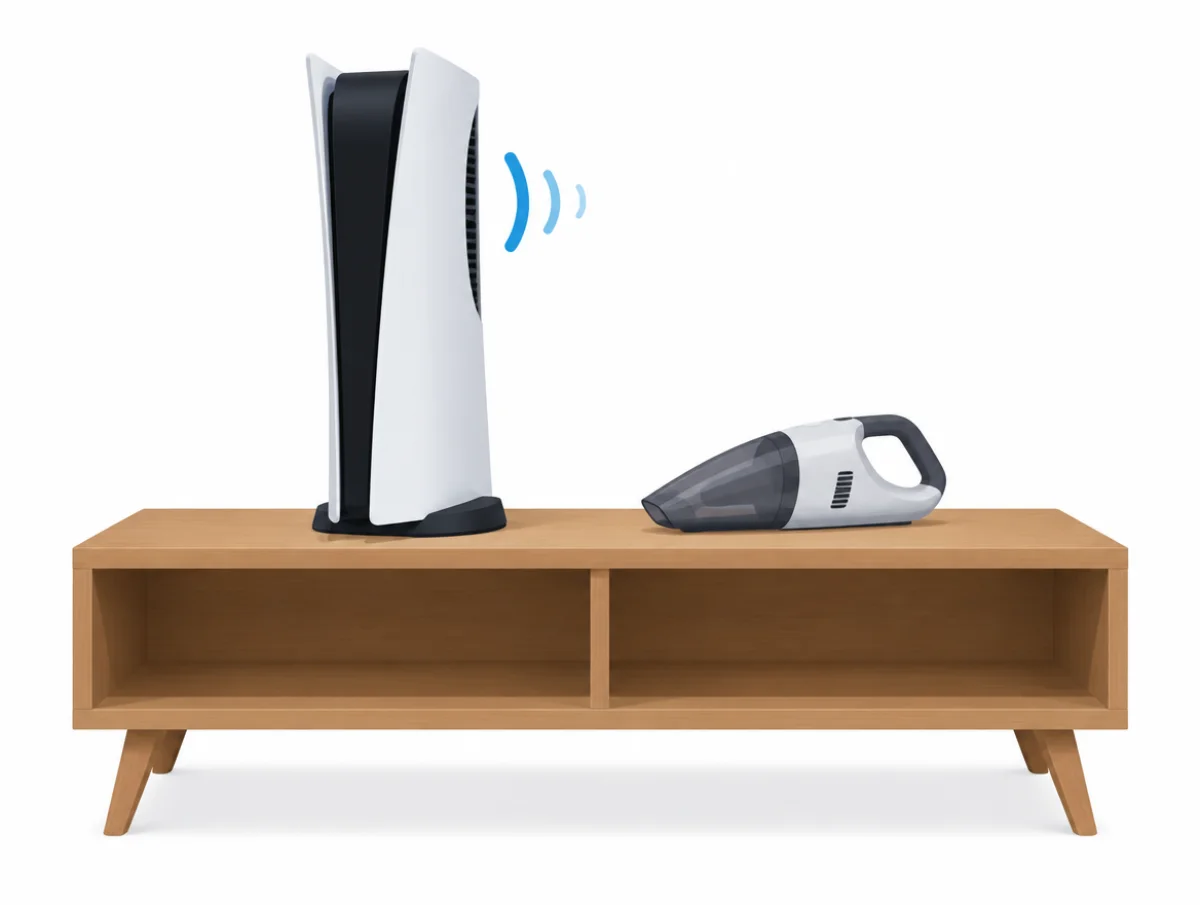
During some games the PS5's fan is supposed to get louder. Sony's support page says so outright, calling it normal and explaining that the fan is "temporarily working at a faster rate to cool the system more effectively." What an owner can change is how hard the fan has to work, and that comes down to air and dust: space on every side, no cabinet, nothing soft underneath, and clean vents.
All of the advice here is Sony Interactive Entertainment's: its US PlayStation Support pages, the safety guides for the original CFI-1115A, the slim CFI-2015 and the CFI-7119 PS5 Pro, the CFI-ZVS1 vertical stand manual, the system software release notes and a 2020 PlayStation Blog post. No reviewer measurements, forum reports or repair shop guides were used. Sony stays silent on coil whine and on whether standing the console upright changes anything, and so does this page.
Eight steps, quickest first
- Clear anything near the vents on the sides and back.
- Move the console out of a closed cabinet or a cramped shelf.
- Lift it off carpet or long-pile rugs and remove any cloth cover.
- Unplug it and vacuum dust from the vents with a low-powered vacuum.
- On a slim or Pro model, lift off the covers and vacuum the dust beneath.
- Fit the horizontal feet, the base or the vertical stand as Sony shows.
- Turn the beep volume down or mute the power beep.
- Contact PlayStation Support if the noise sounds wrong or the console overheats.
Why is my PS5 fan so loud?
It is cooling harder. Sony's PS5 noise page opens with "During some games and applications, you may find that your PlayStation®5 console's cooling fan operates louder than usual," and follows with "This is normal and simply means the fan is temporarily working at a faster rate to cool the system more effectively."
Every step after that on the page is about airflow and dust, offered as ways "to help prevent your PS5 console from overheating". There is no fan speed setting, no quiet mode and no noise figure. The safety guides give one operating range, 5 °C to 35 °C (41 °F to 95 °F), for the original, slim and Pro consoles.
Sony has admitted the trade-off from the start. When it showed the inside of the console in 2020, Masayasu Ito wrote on the PlayStation Blog that the team "had to balance every aspect of the system, from focusing on reducing the noise level to enhancing the cooling capacity". Noise and cooling were weighed against each other in the design, and the fan speeds up when cooling wins. The teardown video shows more of the inside, but only the written post is quoted here, because the video's spoken and on-screen details are not in the blog text.
Ten centimeters on every side
The noise page asks owners to "Ensure that the air vents on the sides and back of the PS5 console are not blocked or obstructed" and to leave "at least 10cm of free space around each side of the console." The CFI-2015 safety guide for the slim model words it as a distance from the wall: "Place the console at least 10 cm (4 in) away from a wall surface."
Four more rules from the same guide cover what goes near the vents:
- "Do not place on a carpet or rug with long fibers."
- "Do not place in a narrow or cramped space."
- "Do not cover with cloth."
- "Do not use the console in a closed cabinet or other locations where heat may build up."
Stacking is out as well: "do not stack the console with other devices", and nothing on top. The PS5 Pro safety guide and the original CFI-1115A guide print the same rules.
Vacuum the vents with the power off
Sony links dust to overheating rather than to noise, yet vacuuming the vents is one of the steps on its fan noise page. "For safety reasons, always disconnect the PS5 consoles' AC power cable from the rear of the system before cleaning. Use a low-powered vacuum cleaner to remove any dust that has accumulated in and around the air vents."
Compressed air, brushes and cleaning sprays get no mention. Neither does any dust collection feature by name.
The wording shifts by model. The original CFI-1115A guide says only "Use a cleaning tool such as a vacuum cleaner to remove dust buildup." The slim and Pro guides name "a handheld vacuum cleaner" and add a step under the covers.
How do you clean dust under the PS5 covers?
On a slim or Pro, the safety guides recommend it: "It is also recommended to remove the covers, and then use a handheld vacuum cleaner to remove the dust trapped underneath." Sony's cover instructions for the CFI-2000 and CFI-7000 model groups run like this:
- Select Power, then Turn Off PS5, in the control center.
- Unplug the power cord and cables and wait for the console to cool.
- Lay it on a soft cloth, bottom up with the front facing you, and remove the feet.
- "Slightly lift the cover away from the console to detach its clips and remove it."
- Refit each cover until you hear a "click", then the feet.
Get the refit right. "If the covers are not installed correctly, it may cause the main unit to overheat." Each cover has its own shape, and marks inside show where it goes.
The original CFI-1000 consoles are different. Their covers come off for replacement, not cleaning: remove the base, grip a corner and lift the cover away "by slightly pulling up and to your right." That model's safety guide never mentions cleaning under them.
Can you open a PS5 to clean the fan?
No. "NEVER DISASSEMBLE OR MODIFY THE PRODUCT OR ACCESSORIES", the slim and Pro guides print, along with "do not open the enclosure" and "Refer servicing to qualified personnel only." Even Sony's 2020 teardown carried the note "Do not try this at home" and warned that "Disassembling your PS5 console will invalidate your manufacturer's guarantee."
The covers are as far as an owner goes. The US limited warranty in the CFI-2015 guide excludes damage caused by service from anyone other than Sony or an authorized provider, or by opening the product. Cleaning the fan blades, replacing the fan and changing thermal material all happen inside the enclosure, and there are no owner instructions for any of them.
Is a PS5 quieter standing up or lying flat?
Sony never says one position is quieter or cooler than the other. It only asks that the console stand on its supplied feet or base when flat, or on a vertical stand when upright, on a stable surface.
For the slim and Pro: "Use the included horizontal stand feet to set the console in the horizontal position," and to stand it upright "you'll need to use the vertical stand (sold separately)." Without the feet, in a position other than instructed, "there is a risk of injury, damage, or malfunction."
The original console uses one base for both positions. "Always attach the base to your PS5 console when setting it up for use," reads the setup page, and the vertical stand page shows how the newer stand screws on for each model group.
Avoid "surfaces that are unstable, tilted or subject to vibration." And leave the stand alone right after playing, because its mounting screw "may become hot during use", according to the vertical stand manual.
System updates never mention the fan
On November 10, 2026 the release notes page listed 39 versions, from 23.01-07.01.00 to 26.07-14.22.00. Not one mentions the fan, cooling or temperature.
Most entries on the update features page read "We've improved system software performance and stability," which tells you nothing about what changed inside. No support page promises that an update will change how the fan behaves.
Update anyway. The system software page asks owners to "make sure your PlayStation®5 console system software is always updated to the latest version," through Settings, System, then System Software Update and Settings.
Rest mode features keep it drawing power
Fan noise in rest mode is not discussed anywhere. Power use is. "If you enable any of these features, your PS5 console doesn't automatically lower power consumption below 0.5 W when entering rest mode. The more features you enable, the more power your PS5 console consumes while in rest mode." That is from the power-saving page.
The features sit under Settings, System, Power Saving, then Features Available in Rest Mode: Supply Power to USB Ports, and Stay Connected to the Internet, which handles automatic game and system downloads. Sony connects neither one to the fan.
Power Saver for Games, on supported titles, works by "allowing performance to scale back as needed, reducing power consumption." Sony does not claim a quieter fan from it, and VR mode is unavailable while it is on.
How do you turn off the PS5 beep?
Settings, then System, then Beep and Light, and switch on Mute Beep Sound. The same menu turns the volume down instead.
The volume setting on Sony's beep page covers "the beep sound that occurs when you turn on or off your PS5® console and when you insert a disc," with High (Standard), Medium or Low. Mute Beep Sound "applies to the beep sound made when you turn your console on or off, or enter rest mode. Other beep sounds are not affected by this setting."
The power indicator can be set to Dim, Medium or Bright in that menu too, which helps when the console shares a bedroom.
Disc drive noise and copied discs
Sony has no page on disc drive noise as such. Two documents come close. In the CFI-2015 safety guide: "When playing discs with content that was copied, abnormal sounds may be produced or the content may not play correctly." And the disc reading page suggests cleaning a dirty disc with a soft cloth, wiping from the center towards the edge.
On an upright console, the labeled side faces left as the disc goes in. Disc games also install automatically the first time you play them, so the drive works hardest in that first session; how much it runs after the install, Sony does not say.
Is PS5 coil whine normal?
Sony does not say. No support page, manual or safety guide mentions coil whine. The safety guides only treat unusual sounds in general: "Stop use and disconnect the AC power cord immediately if the product functions in an abnormal manner, produces unusual sounds or smells or becomes too hot to touch."
A steady electrical whine that rises and falls with what is on screen may not be what Sony means by an unusual sound. It never draws that line, though, and guessing would be inventing an answer.
PC hardware makers do write about coil whine, and the guide to computer fan noises quotes MSI, Corsair and NZXT on it. That advice is for PC parts, and none of it comes from Sony.
What to do when the overheating message appears
Turn the console off and let it cool. The slim guide's full text: "If the console becomes too hot, you will see a notification message on your screen. Continued use while the message displays may lead to the console becoming non-operational. If you see the message, turn off the console and wait until it cools down."
Before switching on again, move it "to a well-ventilated location that is not subject to high temperatures," check that the vents are clear, and, if you added an M.2 SSD, make sure "the heat-dissipation parts haven't detached from the M.2 SSD." On a Pro, the troubleshooting page sends overheating straight to PlayStation Repairs.
When a loud PS5 should go to Sony
Unusual sounds or smells, a case too hot to touch, or an overheating message that keeps coming back after the vents are clear and the console sits in the open. The noise page ends with "Issue not resolved? Please contact us for more help."
The US limited warranty in the CFI-2015 guide covers repair or replacement, at Sony's option, with Sony paying shipping, within its terms. Do not undo that before sending it in. Opening the enclosure, swapping parts or using a repair shop outside Sony's network can take the console out of warranty.
Is the PS5 Slim or PS5 Pro quieter?
Nobody can say from Sony's documents. There is no noise figure for the original PS5, the slim or the Pro. All three share the 10 cm (4 in) clearance rule and the 5 °C to 35 °C operating range.
The slim and Pro guides add the under-cover vacuuming step that the original lacks, and the two share the same feet and vertical stand. Otherwise Sony treats the three alike. QuietSpecs ranks products only on figures their makers publish, so PS5 models go unranked on noise. The decibel chart gives a feel for everyday sound levels instead.
Quieter gaming beyond the console
A gaming PC or laptop has far more noise controls than a PS5, from fan curves to quiet modes, and the pages below draw on their makers' published figures and instructions.
For a desktop, start with how to make PC fans quieter, which covers fan curves, low-noise adaptors and frame caps, then the quietest PC fans and the quietest PC cases. On a laptop, see how to make a laptop fan quieter and the quietest gaming laptops. To put a name to a hum, click or whine from a computer, the computer fan noise explainer sorts them by cause.