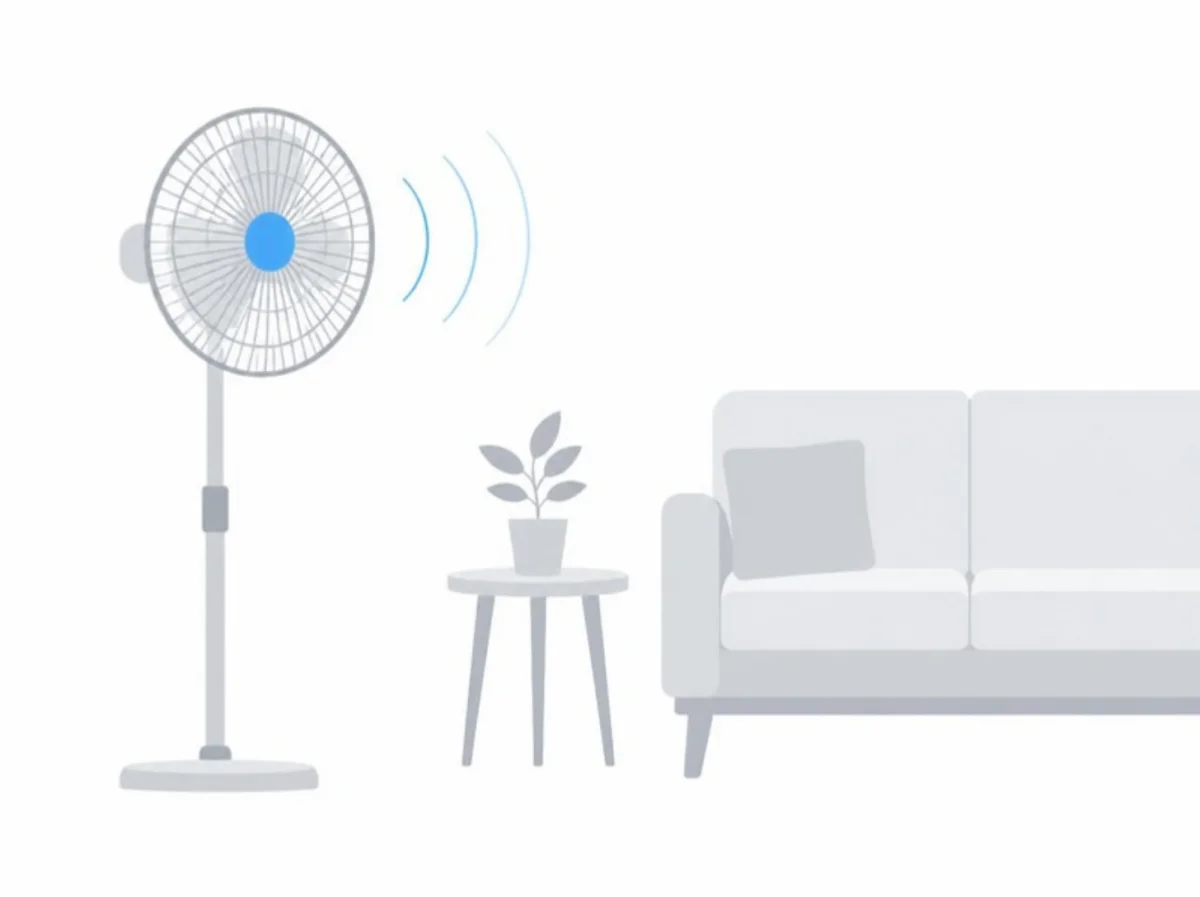
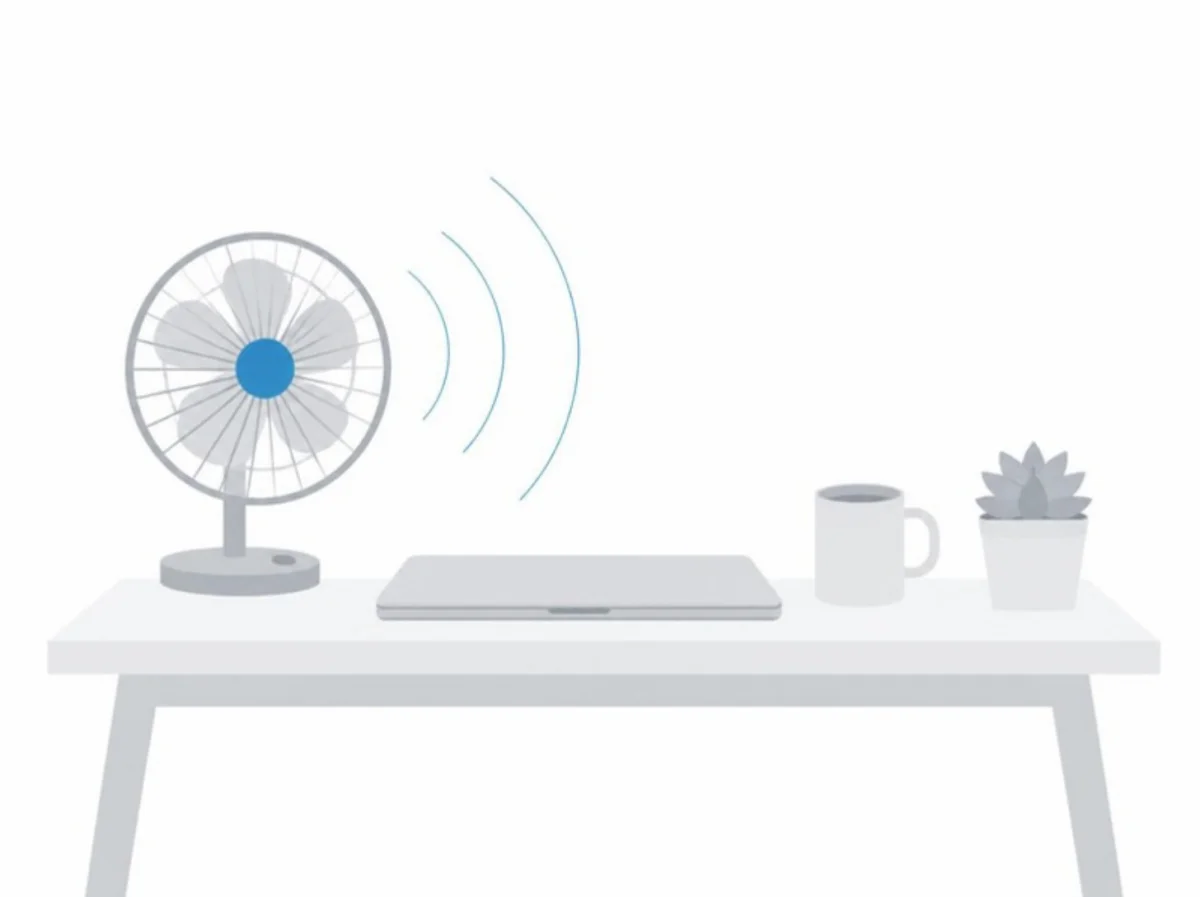
A fan with an open blade has four places a noise can start: the oscillation drive in the motor head, the spinner and grille nut at the front, the pole and base underneath, and the blade itself. Maker help pages cover some of these. Most first checks take a minute with the plug pulled.
This page covers pedestal, standing, table and desk fans, plus one section on box and window fans. The documents quoted were read in November 2026 from Blueair, Philips, Pro Breeze, Dreo, Lasko, Honeywell and Vornado, with Comfort Zone and Air King for box fans. The Philips pages come from Philips India support and cover fans sold outside the US. We did not run or open any fan for this page.
Tower and bladeless fans are covered in tower fan noises explained, and hanging fans in ceiling fan noises explained. Step by step repairs sit on how to make a fan quieter.
| Sound | Where the makers point | First step |
|---|---|---|
| Faint tick at the end of each sweep | The motor reversing (Blueair) | Nothing, or narrow the sweep |
| Slight noise as oscillation starts | Normal on the Lasko APDC215 and APDC301 | Nothing |
| Clicks while you tilt the head | Pivot ratchets locking (Lasko) | Nothing |
| Clicking that will not stop | Needs lubricating, by Pro Breeze's account | A couple of hours on top speed |
| Strong crunching as it swings | A base fitted wrong (Pro Breeze) | Take the base off and refit it |
| Rattle or wobble | Spinner, blade, plastic nut, base screw, floor (Philips, Dreo, Lasko) | Tighten, level, refit |
| Suddenly very loud | Something dropped into the outlets (Philips) | Switch off and remove it |
| Ticking with the timer on | The timer itself, Philips CX1210 and CX1220 | Set the timer to OFF |
| Squeak, screech or buzz | No explanation found | Contact the maker |
Why does my standing fan make noise when it rotates?
A standing or desk fan that makes a small sound only while it swings is usually working as designed. Blueair and Lasko both describe a slight oscillation sound as expected, and only a louder or new one calls for checks.
The clearest account is Blueair's help FAQ for its tabletop fan, updated August 3, 2026: "A very faint sound at the end of an oscillation sweep can occasionally occur". It happens as the motor reverses direction.
When the sound is more prominent, Blueair's steps are short. Turn the fan off and unplug it. Then "check that the front grille is properly seated and the blade nut is fully tightened." Put it on a stable, level surface. You can also narrow the oscillation angle range.
Lasko answers a related question for two models, the APDC215 and the APDC301. Our Lasko fan decibels table lists the second as the Whirlwind 7 inch DC pedestal fan. A slight noise and a delay when oscillation is switched on are, in its oscillation delay article, "completely normal and part of how the advanced oscillation technology works". The deeper explanation the page promises did not come through as text.
When the sound is new or getting worse
Philips starts with anything caught on the fan. Its India support page on an unusual noise when oscillating asks owners to check whether "any foreign objects are stuck on the appliance and remove them."
For pedestal models the next step is the blade. Unplug, then check "if the spinner, fan blade, and plastic nut are securely fastened". The page excludes five models from that step: CX5535, CX2050, CX3050, CX5550 and CX7550. If the noise carries on, Philips asks owners to switch off and contact it.
A crunch rather than a tick is a different problem, covered under grinding below.
Why is my pedestal fan clicking?
A pedestal fan click has three maker explanations: pivot ratchets as the head tilts, a little noise while the head is moved by hand, and a click that Pro Breeze says a couple of hours on high speed should stop.
Lasko's head pivot article sets up the move with oscillation off, the head centered and the blades stopped. One hand pushes the top of the grills back while the other lifts the bottom. "You should hear clicks which represent the ratchets of pivot to lock in place." That click is the tilt mechanism doing its job.
Dreo's TurboPoly Fan 508S, a pedestal air circulator, has a line for the same moment under its vibration and noise FAQ: "It is normal for the fan to make a little noise when adjusting the fan head manually." None of the Dreo pedestal fan FAQs opened for this page uses the word click.
Pro Breeze gives the one step for a click that will not go away. Its clicking article says "Please run the Fan on the highest fan speed for a couple of hours", which it expects "should lubricate it and should stop the clicking noise." The article names no model and sits in the general Fans section of the help centre. Nobody else in this set offers that step. Treat it as advice for Pro Breeze owners only.
A ticking timer
One click is the timer. On the Philips CX1210 and CX1220 only, the too loud page warns that "you may hear some sounds generated by the timer." Setting the timer to OFF stops it. No other document read here mentions a timer sound.
Why is my pedestal fan rattling?
Rattling from a pedestal fan usually comes from something loose at the front of the motor or in the stand: the spinner, blade, grille nut, pillar joints or base screw. Philips, Lasko and Dreo each point to one of those parts.
The Philips page on a wobbly or vibrating base opens with the floor: "Ensure you place your Philips Fan on a flat surface and that no foreign objects are beneath the appliance."
Assembly comes next, by model. On the ACP610, ACP62x, CX1210, CX1220, CX1510 and CX1520, "Ensure the lower pillar and the base are securely assembled to each other, then fasten the base screw." Tighten the knob on the pillar after setting the height. Then the spinner on the upper pillar locks the two pillars together. On the CX2550 and CX3550 the upper and lower pillars must be fastened to each other and the whole pillar fixed in position.
Philips table fans have a cord step. On the CX1030 and CX104x the power cord slides into a locking slot under the base. Otherwise "the fan may wobble or vibrate as it cannot sit properly on a flat surface."
Dreo's answers are briefer. Under "Why is the air circulator shaky and wobbling?" its TurboPoly 502S page checks for a flat surface and adds "Check that the base is properly installed as instructed." The 508S FAQ puts it as "Incorrect installation might also cause shakiness."
The grille nut and the blade knob
A rear grille that never seated properly leaves the nut loose. Lasko's plastic nut article starts with the groove: "please be sure that you have aligned the groove on the rear grill with the groove of the motor assembly." If the grill is not pressed all the way in, the threads will not line up. Once they do, turn the nut clockwise and "tighten until snug. Be sure not to over-tighten".
Thread direction trips people up on Honeywell stand fans. On the HSF600 and HS1650, the rear grille mounting nut tightens clockwise but the blade knob tightens counterclockwise, "by turning to the Left". Honeywell gives these as assembly steps and does not connect them to noise.
Lasko's test for a loose spinner, an unbalanced blade or a bent shaft is set out in the pedestal section of our fan quieter guide.
Grinding, squeaking and buzzing
Grinding has a single maker explanation, from Pro Breeze. Squeaking, screeching and buzzing have none in the documents read for this page, so we give no cause for them.
The Pro Breeze article on a fan louder than expected reads: "If your Fan is making a strong crunching sound, it's likely that it has not been assembled correctly and is struggling to oscillate." The fix is to unplug the fan, remove the base, check how it attaches and put it back together.
Not one of the pedestal, desk or table fan pages opened here uses the words squeak, screech or buzz. A lubricant is not the answer they point to. Every box fan manual below describes a sealed or permanently lubricated motor, and our oil section lists the other makers that say the same. A sound with no named cause goes to the maker, as the last section describes.
Why is my standing fan making noise but not spinning?
None of the makers read here covers a standing fan that hums or ticks while its blade stays still. The nearest entries cover a fan that blows no air, will not oscillate or will not start.
Dreo's TurboPoly table fans answer "Why is there no air coming out?" On the 714S page, the steps are to replug the adapter, press power, then "Check the air inlet/outlet and see if there are any obstacles or abnormal deformations."
Pro Breeze covers a fan that has stopped swinging. Its oscillation article suggests: "Turn off the fan and allow it to cool down before trying to oscillate it again." It also asks you to check the blades for anything blocking them.
For a fan that will not turn on, Lasko's article suspects the wall outlet first, then the fan, with a reset video and its support team after that. Vornado's 783 use and care guide lists a blown plug fuse, which the owner can replace following its servicing steps. Its last line is blunter: "Unit is damaged or in need of repair. Cease usage and unplug."
A fan that makes noise with power on and a blade that will not turn fits none of these entries exactly. Vornado's line is the closest.
Why is my pedestal fan so loud?
A pedestal fan that turns loud all at once may have something in it: Philips ties an "abnormally loud sound" to objects falling into the air outlets.
The Philips too loud page puts it this way: "If something drops into the air outlets, it may cause an abnormally loud sound." Turn the fan off at once and get the object out. If the sound stays, contact Philips.
Pro Breeze reminds owners that "Fans do make a small amount of noise during normal usage", and asks them to compare what they hear against the decibel rating in the product specifications.
What maker figures put on a normal pedestal fan
Lasko's DC pedestal fans are rated 23 to 25 dBa on low and 50 to 61 dBa on high, as our quietest pedestal fans guide sets out, and Vornado's 683 pedestal lists 56, 51 and 46 dBA across three unlabeled speeds. On a desk, the labeled Lasko figures in our desk fan guide span 24 dBa (Pinnacle and StealthBreeze, low) to 57.6 dBa (Whirlwind DC, high).
No distance is printed beside any of them. Read them as a spread between speeds, not a ranking between brands. The Vornado fan decibels page has the full Vornado tables.
Box and window fan noises
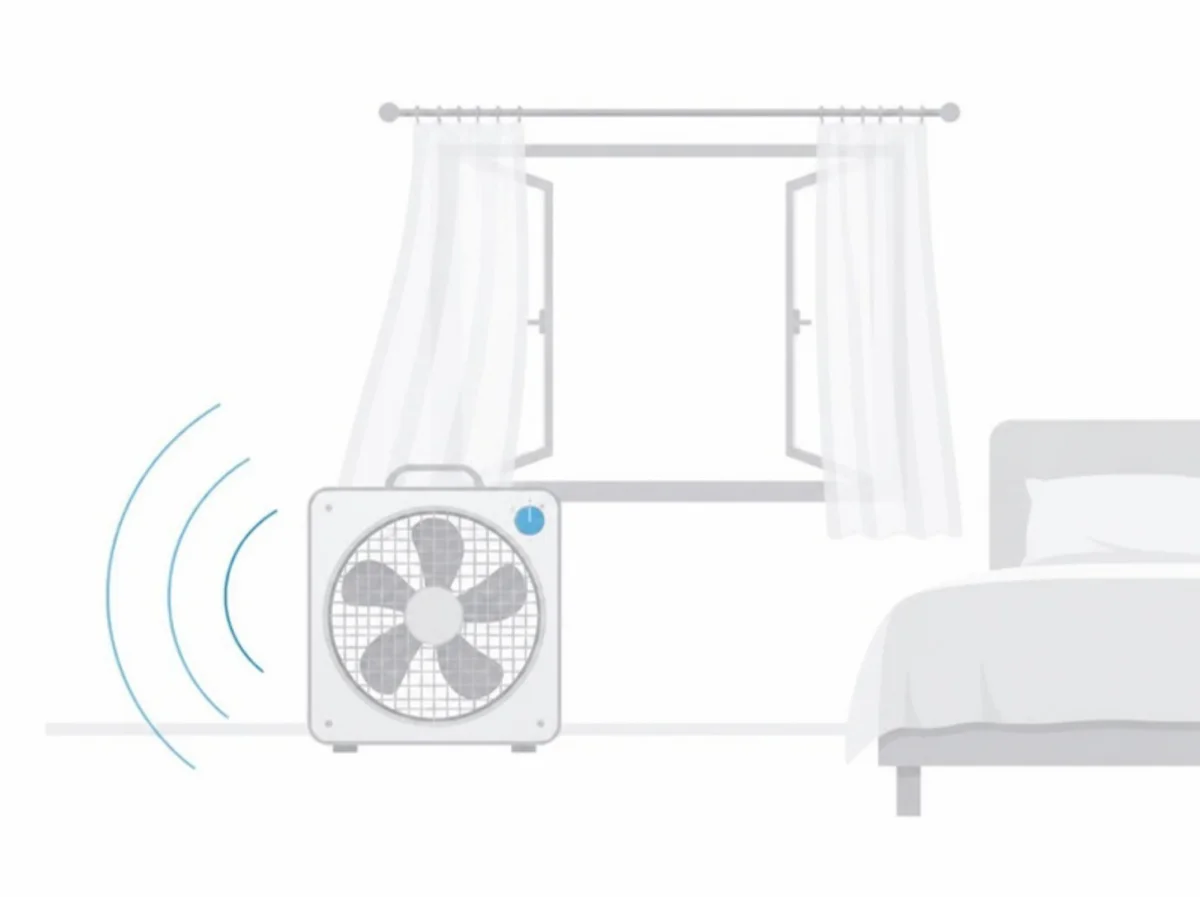
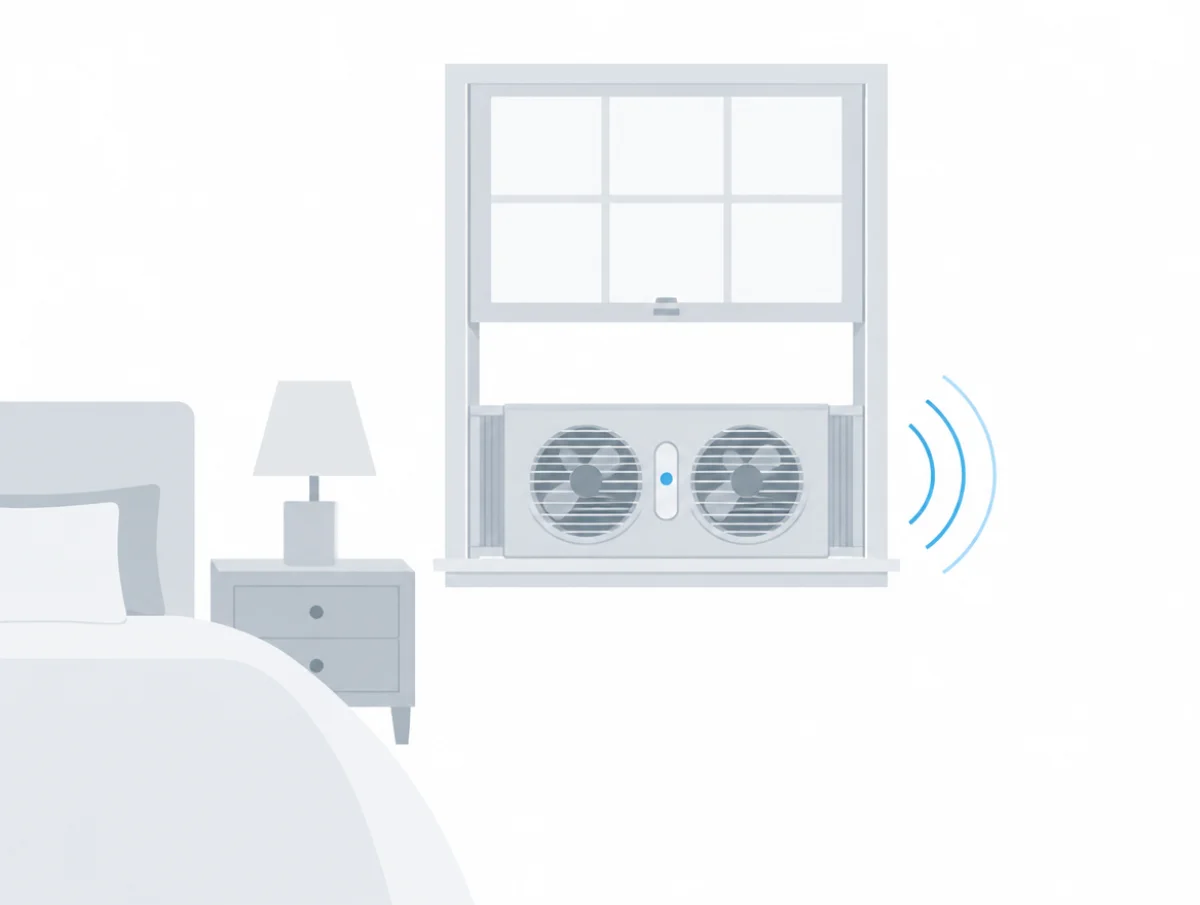
The box and window fan manuals read here cover feet, grille dust and oil. None explains clicking, ticking, crackling, static, humming or rattling.
Feet come first in two manuals. Comfort Zone's CZ200A manual, a maker PDF with a copy hosted by Home Depot, says "Plastic feet are provided for required stability, and must be installed to insure safe operation." Lasko's Model 3733 manual, also a maker PDF on Home Depot's server, is shorter: "Do not operate with feet missing".
Dust is the second item. "Periodic grille cleaning with a vacuum will prevent dust build up," per the CZ200A manual.
On oil, the three box fan manuals agree. Air King's 9723 manual reads "Precision bearings are sealed at the factory for life and do not require further lubrication." Comfort Zone calls its bearings "permanently lubricated at the factory". The Lasko 3733 prints "MOTOR IS PERMANENTLY LUBRICATED."
Crackling has no box fan explanation. Comfort Zone does warn that "A loose connection may cause overheating and damage to the plug or fan," which is a reason to check the plug fits tightly, though the manual does not link it to a sound.
Lasko's box fan feet, blade reseat and cleaning steps are on our box fan section, and window fan side panels on the window fan section. Rated box fans are compared in the quietest box fans guide.
When to stop using the fan
Stop using a fan that has malfunctioned or been damaged, and contact its maker when a noise outlasts these checks. Comfort Zone and Vornado say so in writing, and Philips tells owners to switch off and get in touch.
The Comfort Zone manual is the most direct: "DO NOT USE THE FAN IF IT HAS MALFUNCTIONED OR BECOME DAMAGED IN ANY WAY." Vornado's 783 guide asks owners to cease usage, unplug and contact its Consumer Service. Philips ends its oscillation and loudness pages with the fan switched off and a request to contact it.
Lasko sends unsolved problems to a Support Hero by chat at lasko.com or to producthelp@laskoproducts.com. Blueair's FAQ closes with a link to its support team. The wider list of sounds that should end a fan's use, from crackling to grinding, is in noises that mean stop using it.
Related guides and explainers
To replace a fan that has become too loud, the quietest pedestal fans guide groups each published figure by how its maker printed it. The quietest desk fans, quietest box fans and quietest window fans guides do the same for smaller and framed fans.
Brand tables are kept for Lasko and Vornado. A tower that clicks as it swings is on tower fan noises explained, and a ceiling fan that hums or wobbles is on ceiling fan noises explained.