Knowing how to make a fan quieter depends on which fan is making the noise. Box fans, tower fans, pedestal circulators and ceiling fans fail in different ways, and their makers print different fixes for each.
Each step below comes from a fan maker's own manual or support page, cheapest first. Computer and bathroom exhaust fans are left out; PC fans have their own page.
How do you make a fan quieter?
Make a fan quieter by running it at a lower speed, standing it level, cleaning dust off the blade and grilles, and tightening loose blades, feet and screws. Ceiling fans may also need balancing and a compatible wall control.
Ordered from free fixes to those that need a screwdriver or a ladder:
- Turn the speed down, or pick a night mode that steps it down.
- Stand a portable fan on a hard, flat, level surface, away from curtains and walls.
- Vacuum or wipe the dust off the grilles and blade.
- Make sure the feet, base nut or stand are fully seated.
- Reseat or tighten the blade.
- On a ceiling fan, tighten the blade, canopy and bracket screws and the downrod setscrew.
- Balance a ceiling fan's blades with the maker's kit.
- Replace a dimmer or third-party control with one the manual names.
Why is my fan so loud all of a sudden?
A fan that turns loud all of a sudden usually has dust on its blade, a blade loose on its shaft, or a base that is no longer seated, according to makers' help pages.
Lasko's tower fan article traces excessive vibration to debris collecting on the blade or the blade shaft inside, while noting that slight vibration is normal for a tower. Dreo's Tower Fan 518 FAQ answers a fan that vibrates and makes noise with a flat, level surface and nothing pushed into the air inlet or outlet.
Speed is the other suspect. Dreo's 519S FAQ says "The higher the gear setting of the tower fan, the louder the noise will be," and suggests turning the speed down before anything else.
How do you make a fan quieter at night?
Make a fan quieter at night with the lowest speed that keeps you cool, a fixed speed rather than an automatic mode, the display and beeps switched off, and a timer. Night modes differ, so read what yours does.
Lasko's Wind Curve manual shows how far apart night modes can be. Its Nighttime button dims the lights by half, then runs the fan on High for an hour and Medium for an hour before it settles on Low. Lasko's DST100 manual has a Night Mode that turns off the display and slows the fan gradually.
Levoit's Classic 36-inch tower begins Advanced Sleep Mode at whatever speed you were using, lowers it after an hour, and then responds to the room, going a level faster for every 2°F of warming. Dreo's tower pages say its sleep mode slows the fan every 30 minutes, by two levels at most.
Rowenta ties its 35 dB(A) figure to the Silent Night position on two Turbo Silence Extreme stand fans. The modes are compared side by side in quiet and sleep modes explained.
How do you make a box fan quieter?
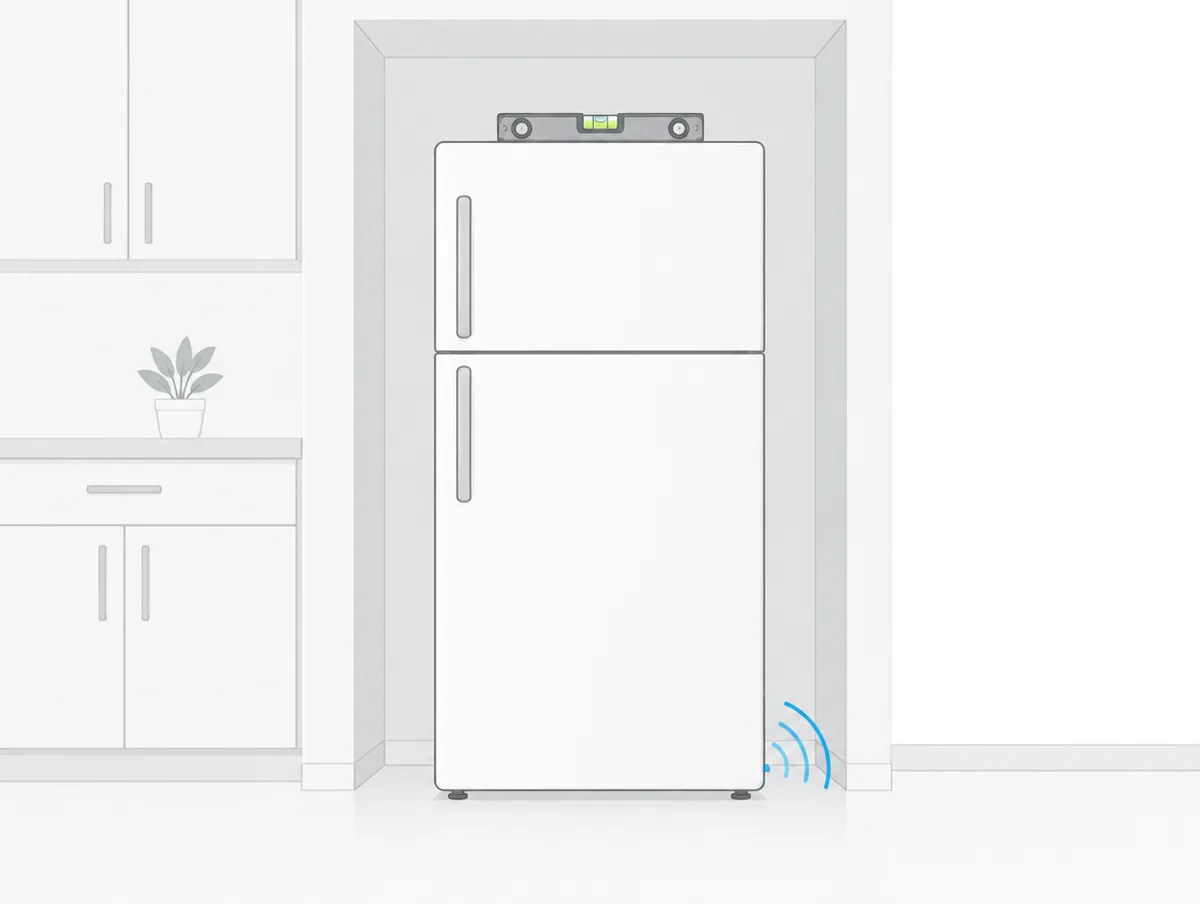
Make a box fan quieter by pushing its feet fully home, standing it on a flat, stable surface, cleaning the blade and the back of the motor, and reseating a blade that has slipped on its shaft.
Lasko's box fan vibration article starts with the feet. Its feet installation page has you press each foot on while wiggling it until it sits "virtually flush with the rear grill", and the feet are meant to stay on for good.
Lasko's box fan blades have no spinner or screw. Its blade assembly page says the blade is held "friction tight" and grips harder as it runs. To reseat one, unplug the fan, lay it face up, take off the front grill, wiggle the blade free, turn it half a turn and press it evenly back down until it stops.
Cleaning goes in by the same route. Lasko's cleaning steps use a soft damp cloth on the blade, mild detergent if needed, then a vacuum hose or canned air on the motor vents, never water on the motor. Air King's 9723 manual asks for a stable, flat, level surface.
Why is my box fan so loud?
A box fan is loud mostly by design: Air King rates its 9723 box fan at 60 dBA on top speed and 51 on the lowest. Rattles come from loose feet, a slipped blade or grille screws.
No box fan maker we read offers a quiet mode, so the speed knob is the control that counts: Air King's labelled figures fall 5 dBA from high to medium and 4 more to low.
Can paper make a box fan quieter?
No. No box fan maker we read suggests paper, cardboard or any covering, and their manuals forbid blocking the airflow. Air King says not to block, cover or obstruct air flow, and Vornado bans adding filters.
Vornado's safety booklet says not to use its fans with air filters, "as this can cause motor to overheat and become a fire hazard." Lasko's DST100 manual rules out supplemental filters on fans not built for air cleaning. None of these makers makes an exception for paper.
How do you make a standing fan quieter?
Make a standing or pedestal fan quieter by tightening the spinner that holds the blade, checking the blade sits fully on its shaft, setting the base on a firm, level floor and keeping it clear of walls and curtains.
Lasko's article for pedestal, table, window and wall fans blames vibration on a spinner that is not fastened tightly, so the blade knocks against it. With the fan off and the front grill removed, hold the spinner still with one hand and turn the blade clockwise with the other.
If the shaking continues, Lasko runs the motor with the blade off: a shaft that wobbles may be bent, and one that runs true points to an unbalanced blade. Either way, Lasko's next step is its support team.
Vornado's 133 guide refits its blade by matching the flat side of the shaft to the flat in the blade's socket and pushing until it bottoms out. A hammer "could result in bearing damage." Rowenta's Turbo Silence booklet wants 20 inches between the fan and any curtains or walls.
How do you make a tower fan quieter?
Make a tower fan quieter by setting it on a hard, flat, level floor, tightening the base nut, vacuuming its grilles from outside and keeping objects out of the inlet. Lasko and Vornado say never to open the housing.
Levoit's Classic 36-inch manual meets an unusual noise with a hard, flat, level surface, and a wobbly tower with a firmly tightened plastic nut under the base. Honeywell's QuietSet FAQ turns the locking nut until it ratchets audibly, then adds two thumb screws to the base for stability.
Lasko's tower cleaning page works from outside the case: a brush attachment on the front and rear grilles, then compressed air blown in at the front while the rear vents are vacuumed. Opening the unit can void the warranty. Levoit differs, letting owners unscrew the back cover to clean inside.
Lasko says a tower that rocks when pushed is built with that play, so a knock does not tip it over.
Why does a fan make noise when it oscillates?
A fan noisy only while oscillating may need attention at the base: Dreo's 519S page says to relocate the fan, then try lubricant on the base if the noise comes only as it rotates.
No other maker we read gives a lubrication step for a portable fan, so treat this as advice for Dreo's own towers.
How do you make a window fan quieter?
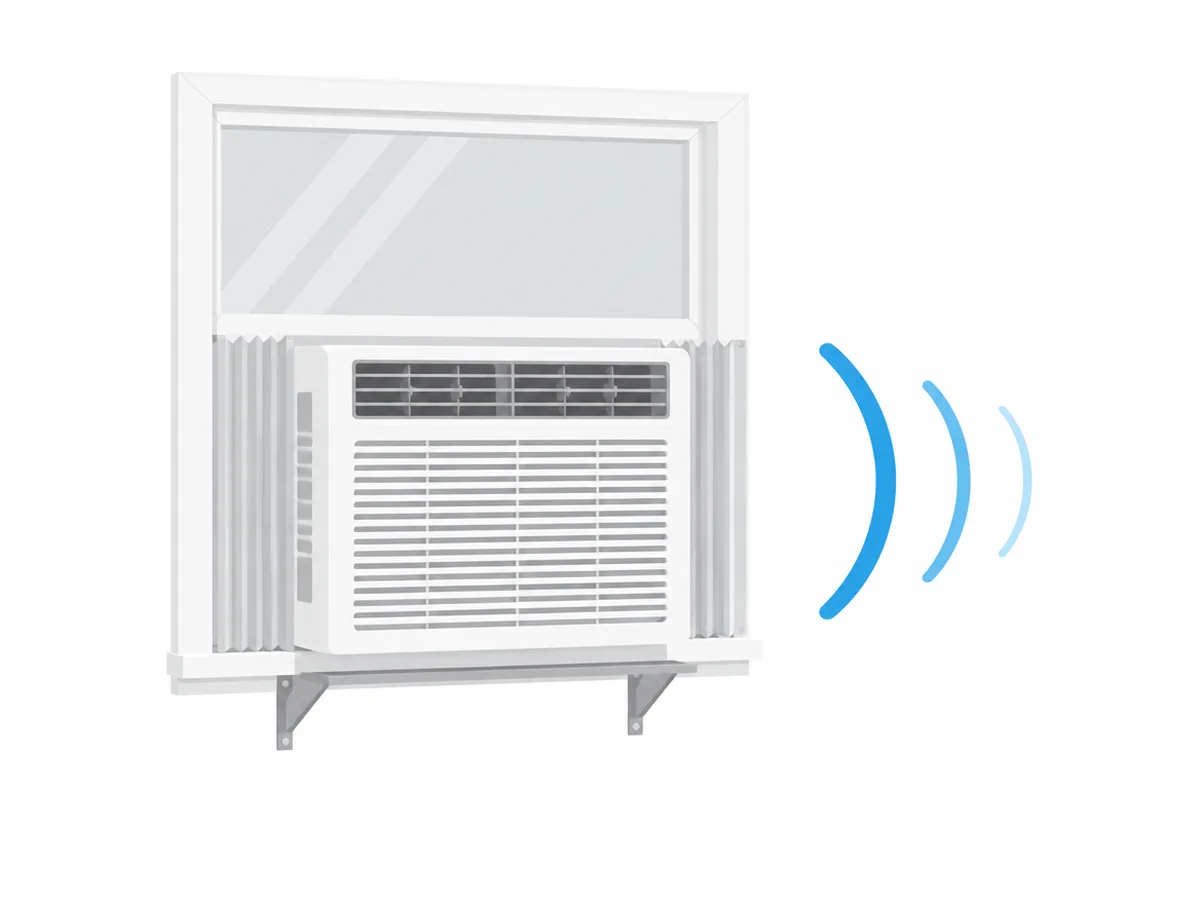
Make a window fan quieter by fitting it snugly with the maker's side panels or foam blocks, tightening the panel screws and using the lowest speed. Most box fans and circulators are not built for windows at all.
Air King's 9155 manual pushes the side panels tight against the outer trim, or extends them until the fan fits snugly between the inner trim, then tightens the four housing screws. Vornado's Transom guide seats the foam under the fan in the window casing, closes the window onto it and tucks foam blocks in at each side.
Vornado calls those blocks a barrier against the outdoors, which concerns the gap around the fan rather than its own sound. Vornado's safety booklet rules out window use except for its window units, as our window fan guide covers.
How do you make a ceiling fan quieter?
Make a ceiling fan quieter by tightening the blade, canopy, bracket and downrod hardware, balancing the blades, wiring it to a control its manual approves, and allowing a new fan about 24 hours to settle.
Hunter's noisy fan guide says "a few adjustments" fix most unusual noises. Minka-Aire's Light Wave manual wants the power off at the electrical panel before any repair, so cut it at the breaker before opening the canopy.
Why is my ceiling fan clicking?
A ceiling fan that clicks usually has a loose blade or loose blade holder screws, Hunter says, and tightening them is the fix. Hampton Bay adds motor housing screws and wire nuts rattling inside the switch housing.
Hunter treats rubbing apart from clicking: on some models the blade holders can go on upside down and touch the motor housing, so compare them with the manual. Big Ass Fans' Haiku L guide has owners of a noisy fan stop it, turn the airfoils by hand and look for any part rubbing on the hub.
Big Ass Fans sets the Haiku L airfoil screws at 22.1 in·lb, rules out power tools, and warns that too much force may warp the airfoils and void the warranty. Craftmade's install guide bans power tools on blades because overtightened ones "may crack and break."
The Hampton Bay troubleshooting page wants the canopy hanging a short distance below the ceiling without touching it, and rubber isolator pads between the mounting plate and outlet box. Minka Group's FAQ checks that the outlet box is fixed to the joist and the hanger bracket screws are tight.
How do you fix a wobbly ceiling fan?
Fix a wobbly ceiling fan by tightening the mount, downrod, setscrew and blade screws, cleaning the blades, checking each blade is level and unwarped, then using the balancing kit's clip and weights. Hunter and Hampton Bay start with the hardware.
Hunter's balancing page begins with 30 inches between the blade tips and the nearest object, then the mounting bracket, then a dusting, since uneven dust upsets the balance. A warped blade cannot be balanced; sight along its edge toward the motor to spot one.
The kit uses a plastic clip. Clip it to one blade, run the fan on high for 10 to 20 seconds, and move it blade by blade to find the worst. Then slide it along that blade until the wobble is smallest, and stick a weight on the blade in line with the clip.
Hampton Bay measures from the ceiling to the middle of each blade in turn and allows 1/8 inch between readings; if the fan still wobbles after ten minutes, its customer service sends a kit free. Honeywell's Carnegie manual suggests swapping two opposite blades, then a longer downrod or another spot.
Whether a kit is in the box depends on the page you read. Hunter's wobbling article says all its fans ship with one, but its balancing kit page says most no longer do. Craftmade sends one on request.
Hunter's Erling manual also has owners check the downrod setscrew with pliers whenever they change the fan's direction.
Why does the light on my ceiling fan rattle or buzz?
A ceiling fan light rattles when the screws holding its glass, or the bulbs, have worked loose, Hampton Bay says. A buzz usually comes from a dimmer and now and then from the LED module itself.
Hunter's Dempsey manual fits the globe by lining up its notches with the tabs and turning it a third of a turn until it stops, under a glass fall warning.
Hunter's noisy fan guide says light dimmer switches "often create an electrical hum" and suggests dimming through a Hunter control instead, after checking the bulbs are the right wattage. For an LED light that buzzes when dimmed, Hunter's LED support article offers a replacement part.
How do you make a ceiling fan motor quieter?
Make a ceiling fan motor quieter by removing any full range dimmer or solid-state speed control and fitting the wall control the manual names. Hunter says capacitor controls change speed without a hum; solid-state ones often create one.
Hunter's humming article gives that reason. Craftmade warns that a full range dimmer controlling fan speed causes "a loud humming noise," and Honeywell's Carnegie manual says the same. Big Ass Fans tells Haiku L owners not to use a dimmer or a third-party switch.
Makers name the control to use. Minka-Aire's Light Wave spec sheet lists the WCS213-S wall control as compatible, the manual allows one named solid-state control and remote, and the warranty is void with other makers' wall controls or dimmer switches.
Some sounds settle on their own: Minka-Aire and Hampton Bay both say most noise from a new fan fades during a 24-hour break-in.
Should you oil a noisy fan?
No, not for most fans. Vornado, Lasko, Air King, Minka-Aire and Hampton Bay say their motors are permanently lubricated or their bearings sealed, and none lists oiling. Dreo's 519S base is the only lubrication step we found.
Vornado's Transom guide says "The motor is permanently lubricated and requires no oiling," and Minka-Aire's manual says there is "no need to oil your fan."
What should you avoid when quieting a fan?
Avoid what the manuals forbid: covering or blocking grilles, adding filters, dimmers on portable fans, opening sealed housings, power tools on blades, bending blade holders, water near the motor, and window use for fans not made for it.
From the manuals we read:
- Blocked airflow: Air King, Lasko and Levoit say not to block, cover or obstruct a fan's openings.
- Filters: Vornado says one can overheat the motor, and Lasko rules out supplemental filters on fans not made for air cleaning.
- Dimmers: Vornado, Levoit and Rowenta say not to run their fans on a solid-state speed control.
- Housings: Vornado and Lasko say not to open them.
- Blades: Hunter and Minka-Aire warn against bending blade holders while balancing or cleaning.
- Water: Hampton Bay, Minka-Aire and Honeywell say not to use water when cleaning a ceiling fan.
- Windows: Vornado and Levoit say not to put their floor or tower fans in a window.
Which fan noises mean you should stop using it?
Stop using a fan that crackles, sizzles, smells like popcorn, grinds, or still makes an unusual noise on a level surface. Hunter says to cut power to a crackling ceiling fan at once.
Hunter's noisy fan guide says to turn the power off immediately if a fan crackles or sizzles, to call customer service about a popcorn-type smell, and to leave wiring repairs to a certified electrician.
Levoit's manual says a tower still making an unusual noise on a hard, level surface may be damaged or have something inside: stop using it, contact support and do not try to repair it. Dyson's AM07 noise flow sends a grinding or grating sound straight to its support team.
For a whine or whistle, Dyson's first step is to twist the loop amplifier off, clear any blockage and lock it back on. Vornado says not to run a fan that has been dropped or damaged.
How loud is a normal fan?
A normal household fan runs from the low 20s to the low 60s in dBA on its makers' own figures, depending on type and speed. None of those makers states a distance, so figures from different brands cannot be ranked.
| Maker and model | Printed figure | Condition the maker states |
|---|---|---|
| Air King 9723 box fan | 60, 55 and 51 dBA | High, medium and low |
| Air King 9155 window fan | 62, 51 and 48 dBA | High, medium and low, in the manual |
| Vornado 683 pedestal circulator | 56/51/46 dBA | Three speeds, unlabeled |
| Vornado Atom 1 tower circulator | 50/46/43/39 dBA | Four speeds, unlabeled |
| Lasko EcoQuiet 42-inch DC tower | 23 dBa low, 46 dBa high | Noise dB-Low and dB-High rows |
| Levoit Classic 36-inch tower | 25 to 48dB | Range in the manual's specification table |
| Dreo Pilot Max S tower | 25 dB, or about 35dB | Lowest speed: lab test on the product page, support FAQ |
| Rowenta Turbo Silence Extreme stand fan | 35 dB(A) | Silent Night position |
| Dyson Purifier Cool PC1 | 50 and 61.4 dB(A), each a maximum | Minimum and maximum flow rate |
| Big Ass Fans Haiku L ceiling fan | Under 35 dBA | Maximum speed |
| Hunter, Minka-Aire and Casablanca ceiling fans | None | No figure in their documents |
Vornado's figures run in the same order as its Watts column, highest first, so the last number belongs to the slowest speed. For scale, the decibel chart lists common household sounds by level, and comparing decibel ratings explains why a missing distance matters.
When is a quieter fan the better fix?
A quieter fan is the better fix when a clean, level, tightened fan on its lowest useful speed is still too loud, or when an AC ceiling fan keeps humming after its control has been changed.
Our guides rank only makers' printed figures: the quietest fan of each type, plus separate guides to ceiling fans, box fans, pedestal fans, tower fans and desk fans.
Speed-by-speed tables are gathered for Vornado and Lasko. A fan that has grown louder over years of use is covered in why appliances get louder.
Where do these fan steps come from?
Every step here comes from a fan maker's own document: help pages from Hunter, Lasko, Dyson, Honeywell, Minka Group and Dreo, and manuals from Hunter, Minka-Aire, Big Ass Fans, Hampton Bay, Honeywell, Craftmade, Vornado, Lasko, Levoit, Rowenta and Air King.
We did not balance, tighten, clean, reseat or take apart any fan for this page, or listen to one running. Casablanca's site would not load for us, so it has no advice of its own here, although it is a Hunter Fan Company brand. The Hampton Bay document is a single care and troubleshooting page that does not name its model.
Honeywell's fan FAQs refused plain downloads and Dyson's troubleshooting runs as a click-through flow, so we read both in a browser. Decibel figures come from our catalog.