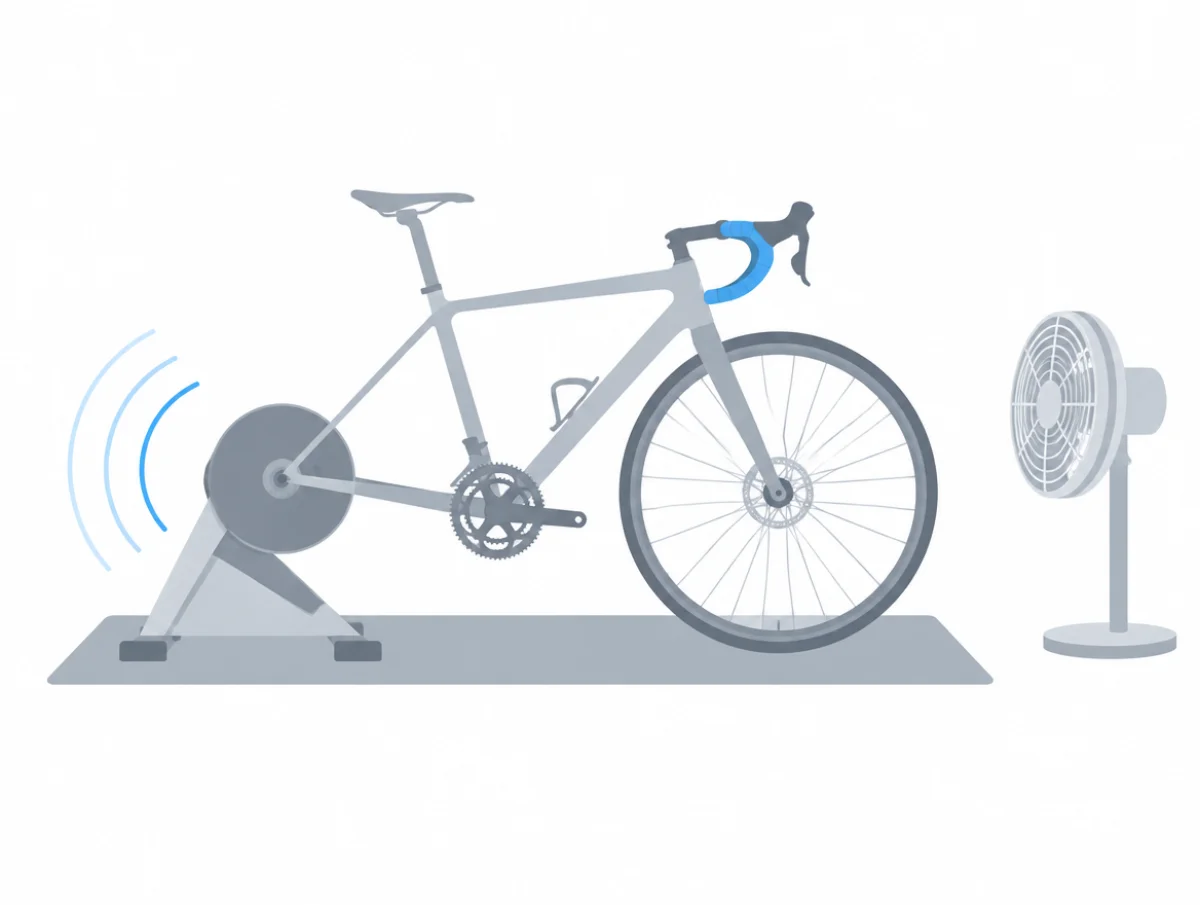
A smart trainer takes the place of your back wheel, so every flaw in how the bike meets it gets louder. The trainer makers say so themselves, and most of their noise fixes live on the bike: the cassette, the axle adapters, the rear derailleur and the chain.
This page gathers the support articles of five makers, all read on November 24, 2026: Wahoo for the KICKR, KICKR CORE, KICKR SNAP and KICKR BIKE, Zwift for the Zwift Hub and Zwift Ride, Garmin for the Tacx NEO and FLUX, Elite, and Magene. It covers direct-drive and wheel-on trainers and the smart bikes these makers sell. Spin bikes and other exercise bikes have their own page.
| What you hear | Where the makers look | Try first |
|---|---|---|
| Grinding or rough running in some gears | Derailleur sits off the trainer's cassette (Wahoo, Elite, Zwift) | Quarter turns of the barrel adjuster |
| Noise in every gear | Wrong cassette, missing spacer, wrong adapters (Wahoo, Zwift) | Match the cassette to the bike |
| Wobble, knock or vibration | Cassette or freehub with play (Wahoo) | Locknut snug plus 1/8 turn |
| Cracking under load | Dry freehub or loose cassette (Garmin Tacx) | Grease the freehub, tighten the lock ring |
| Scraping behind the disc | Metal dust on the magnets (Garmin Tacx NEO) | Clean behind the disc |
| Grunting or whump-whump | Worn O-ring behind the disc (Garmin Tacx NEO) | Replace the O-ring |
| Rattling or ticking chain | Chain needs lube (Zwift Ride, Wahoo) | Lube, then wipe dry |
| Squeak | Dry belt on a FLUX, pedals or shoes (Garmin, Zwift) | A few rides, or check pedals |
| Hum, buzz, whistle or freehub click | Normal running (Wahoo SNAP, Magene, Garmin NEO) | Nothing |
Why is my Wahoo KICKR making noise?
A KICKR or KICKR CORE that grinds, clicks or vibrates usually has a fit problem. Wahoo says the noise "frequently is a compatibility, setup, or installation issue" and gives a fixed order of checks.
Its KICKR noise article and the matching CORE article share the same steps. First, confirm the frame suits the trainer. Second, confirm the cassette or Zwift Cog on the trainer matches the drivetrain on the bike. Third, check the axle adapters are the right ones for your hub and "correctly rotated". Wahoo lists four hub widths for the adapters: 130 mm and 135 mm quick release, and 142 mm and 148 mm thru axle. If you do not know yours, Wahoo suggests a ruler across the inside faces of the rear dropouts.
A cassette with play
The fourth check needs the bike off the trainer. Wahoo wants the cassette "installed squarely and without play", and tests it by gripping the larger cogs and pulling them toward you, then pushing them away. Any movement means the cassette or Zwift Cog needs refitting. While it is off, Wahoo asks owners to check the freehub body locknut, 14 mm or 17 mm depending on the trainer, is "snug + 1/8 turn", and that the freehub body no longer moves when pulled.
Check the frame before the first ride
Wahoo's frame compatibility article asks for a gentle test mount first. The bike should sit squarely on the mounting points, without extra movement, and touch the trainer nowhere else. Wahoo then suggests "paying attention for abnormal movement or sound during the first ride". If either shows up: "stop riding and contact our support team to review the installation."
Wahoo strongly discourages modifying a trainer to take a bike outside its specifications, by grinding parts, adding washers or reversing spacers the wrong way. That may void the warranty.
Pedaling, coasting or outdoors too: Wahoo's sorting test
Wahoo sorts unexplained noise by when it happens. A sound while coasting as well as pedaling goes to its support team. A sound only when pedaling gets one more question: does the bike make it outdoors?
If it does, Wahoo's noise context check rules out the trainer and recommends you "get a second opinion from a bike friend or your local bike shop". If the noise happens only on the trainer, the next stop is drivetrain alignment and wear, covered below.
For the coasting case, Wahoo asks for a description, the year, make and model of the bike, and "a 30 second video of your pedaling the bike for 15 seconds and then allowing it to coast." Its hardware team reviews the clip. A video over 50 MB can go to YouTube with the link in the ticket.
To find a sound on the Zwift Ride, Zwift suggests changing how you ride: "Try different cadences and resistances, standing instead of sitting, backpedaling, or letting the trainer freewheel."
Why is a trainer louder than riding outside?
A trainer sounds louder than the road because nothing outdoors masks the drivetrain. Wahoo writes that "Many noises and vibrations are amplified by the conditions in which we're riding inside", so small mismatches become audible.
The commonest mismatch is the rear derailleur. In its drivetrain article, Wahoo explains a derailleur can be set perfectly for the outdoor wheel and still be "out of position by between 1-2 mm relative to the cassette on the trainer."
To check, shift to the middle of the cassette and look from directly behind. The derailleur pulley nearest the cassette should sit straight under the cog carrying the chain. A few quarter turns of the barrel adjuster fix it for many riders. Write the turns down, Wahoo adds, so you can reverse them when the bike goes back on its own wheel.
More than a few turns, or micro adjustments on an electronic derailleur, is Wahoo's cue to get help from a bike shop or a mechanically minded friend.
Elite and Zwift say the same
Elite's article on a noisy sprocket cassette puts noise down to "slight alignment differences between the bicycle and the trainer", which "are not normally an indication of a trainer fault or defect." Manufacturing tolerances in frames, drivetrains and cassettes can call for "minor adjustments to the rear derailleur or cassette spacers", and Elite recommends "a qualified bicycle mechanic".
Zwift's indexing article uses the barrel adjuster too, a quarter turn at a time, checked over the three smallest cogs. Its B-gap article handles the distance between the top pulley and the cassette, with one condition: "Make sure to make the adjustment with your rear wheel on the bike and not when your bike is on a trainer."
With a Zwift Cog
A Zwift Cog needs no indexing, Wahoo says, but the chain still has to line up. Shift to the small chainring and to the rear position closest to the Cog: "In most cases, this will be 4-5 gears from your easiest gear." The derailleur's upper pulley should then sit vertically in line with the Cog.
Chain grinding, dry chains and new cassettes
A chain that is dry, overlubricated, dirty or worn makes noise on any trainer. Wahoo lists all four, and adds that a brand new cassette can be loud for its first few weeks.
"An overly dry chain is an apparent source of noise," Wahoo writes, and at the other extreme "an overlubrication or dirty drivetrain is a loud drivetrain", because dirt caught in the lube grinds the metal. Its fix is a degrease and fresh chain lube.
Wear matters as much. Wahoo warns that "running an increasingly worn chain on a new cassette can be very loud", and suggests a bike shop check the chain, which takes a simple tool. It also says "a brand new cassette, with fresh cut teeth can be quite noisy at the start". With a good chain and a well adjusted derailleur, a few weeks of riding can quiet a new cassette as it breaks in.
Zwift's Hub checklist asks for a chain "in good condition" that is lubricated. On the Zwift Ride it is more specific: "If the chain is rattling or ticking, you may need to add chain lubricant and wipe the chain with a dry cloth." It also wants every link fully flexible, with no tight links.
Why is my Zwift Hub making noise?
Zwift's checklist for a noisy Hub covers a cassette that does not match the bike, a missing spacer, loose bolts and a drivetrain out of adjustment. It runs the same list for noise and for vibration.
The Zwift Hub noise article and its vibration twin start with a properly mounted bike, a Hub "seated firmly on a flat, level surface" and every nut and bolt tightened. Then comes the cassette, which has to match "the speed and ratio of the cassette on your bike."
Spacers catch people out. An 8, 9 or 10 speed cassette needs the spacer supplied with the Hub, while "You don't need a spacer with an 11 or 12 speed cassette." Zwift's own cassettes are 11-28T for 8 to 11 speed and 11-30T for 12 speed, and its cassette guide warns that "Using an incorrect cassette speed can damage your bike."
The list ends with the chain, gear indexing and the B-gap, all covered above.
Inside the cassette and freehub
If the Hub is still noisy after the checklist, Zwift sends owners to its cassette and freehub inspection, which needs only the 17 mm wrench supplied with the Hub.
Remove the bike, the drive side adapter and the cassette, and look for damaged cogs. Then take off the freehub body and look for damage and grease. "If the freehub body is dry, apply freehub grease to the freehub body." A damaged freehub, or a damaged crush washer between freehub and flywheel, means a new freehub body.
On reassembly, tighten the drive side adapter half a turn past finger tight, or to 6 Nm with a torque wrench. The reversible adapter on the other side shows a color for your dropout width. On a quick release bike, pink shows only at 135 mm, and on a thru axle bike, green shows only at 148 mm. Still noisy after that, Zwift asks owners to contact it.
What makes a Tacx NEO crack, scrape or whump?
Garmin lists five Tacx NEO sounds. Whistling and chirping are normal, and cracking, scraping and a grunting "whump-whump" each get a fix.
Its NEO noise FAQ describes a whistle at a certain speed, "around 21 mph, or 34 km/h", caused by air pushed out between the rotating parts and "considered as normal behavior." Chirping or whining when nobody is riding is normal too. It comes from the "cooling fans inside the trainer turning on or off after use". Cracking while riding has two causes. "Greasing the freehub can solve most cracking sounds," Garmin says. The other cause is a loose cassette assembly. Tighten the lock ring.
Freehub grease once a year
Garmin's NEO maintenance FAQ, for the NEO, NEO 2, NEO 2T and NEO 3M, calls the trainers maintenance free but expects some noise over time. For cracking, the axle and cassette body need grease, plus a clean cassette, and "This process should be performed on an annual basis."
The freehub and cassette come off together, with a 5 mm Allen key on a quick release model, a 17 mm wrench for thru axle, or the blue tool on a NEO 3M. Pull the black cylinder from the axle, grease it inside and out, refit it and check the pawls and freehub for damage. "Add a drop of freehub lubricant to the pawls if needed." Then tighten the freehub and cassette firmly.
Scraping and grunting behind the disc
The NEO holds "32 very strong Neodymium magnets", strong enough to pull in metal dust that can lodge between rotating parts. That makes a "metal or scraping sound coming from behind the metal disc", and cleaning behind the disc solves most of it. A brand new NEO can scrape for another reason: bits of Styrofoam or packing material inside the disc assembly. "The noise should go away after a few sessions."
A grunting or "whump-whump" sound points to the O-ring behind the disc. Garmin's O-ring instructions, for the NEO, NEO 2 and NEO 2T, need an S0057 O-ring and a disc extractor. "To further prevent noise," Garmin adds, tighten six bolts on the coil housing and six on the non-drive side to 10 Nm. Garmin's maintenance FAQ adds that its extractor for the original NEO and NEO 2, part T2800.95, is no longer available.
Cracking and a dry belt on the Tacx FLUX
The belt-driven FLUX gets a separate noise FAQ. Cracking gets the NEO's two fixes, freehub grease and a tight lockring, and the FLUX maintenance FAQ says a crackling sound "can be due to the axle and cassette body needing to be greased". A squeak is the belt: "the belt may be dry. This is more common if the trainer has not been used for an extended period and will often resolve after a few rides."
Is a hum or buzz from a smart trainer normal?
A mild hum or buzz is normal on many smart trainers. Wahoo, Magene and Garmin each describe a sound their trainers make in normal running, from tire hum to a freehub click, and treat none as a fault.
Wahoo's SNAP article says the wheel-on SNAP is built for a relatively quiet ride, "often with a mild to moderate hum/buzz, which will differ in volume and tone depending on the pressure, width, and tread pattern of the tire." For other noises it checks the frame, the adapters for your hub and how the bike is clamped in. Thru axle bikes need the SNAP's 12x142 adapter kit, and Wahoo excludes double-lead axles such as Mavic Speed Release, along with Trek's Thru-skew.
Magene's list of normal and not
Magene's noise FAQ, filed under the T110, says "it is normal for buzzing sounds and some vibrations to occur during cycling." The freehub body "naturally produces a 'click' sound when sliding", and during "deceleration or high-speed stepping, you may encounter additional noise and vibration."
Four sounds do need attention, by Magene's list: belt friction, grinding, ejecting and scratch. Its warning comes in the same paragraph: "Do not attempt to disassemble your smart trainer to diagnose noise or vibration." Taking it apart without support guidance may void the warranty.
Squeaks from pedals, shoes and belts
Few trainer documents use the word squeak. Zwift applies it to pedals and shoes on the Zwift Ride, and Garmin to a dry FLUX belt. A search of Wahoo's help center turned up no squeak article.
On the Zwift Ride, the noise article asks you to "Check your pedals and shoes are in good condition and aren't rubbing or squeaking." Zwift flags third-party clipless pedals in particular. The FLUX belt case is above, and it usually settles after a few rides.
Elite's version is a step motor that "produces a weird screeching noise", a repair covered below because it needs Elite's approval first.
Knocks and creaks from smart bikes and frames
On a smart bike or a smart frame, rhythmic knocks and creaks usually come from pedals, cranks and fixings rather than the resistance unit. Wahoo, Zwift and Elite each give a pedal and crank checklist.
For the KICKR BIKE, Wahoo's troubleshooting page targets knocking, creaking or popping sounds "that occur in regular intervals". Start with the feet, which should be level and all touching the floor. Then the pedals: "Certain pedals require the included spacer, otherwise they may scrape the frame." Swapping in another pair isolates a pedal fault. Play in the crank is the last check. If you can feel looseness while turning it under weight, Wahoo sets the preload: loosen the two pinch bolts on the non-drive crank with a 5 mm hex key, bring the fixing bolt lightly to 3 Nm, then tighten the pinch bolts to 14 to 16 Nm.
Zwift Ride, zone by zone
Zwift splits the Zwift Ride into four zones. The first is the trainer under it: firmly seated and level, correct thru axle adapters, and the chain running centrally on the Zwift Cog. "The Zwift Ride shouldn't move independently of the trainer."
Zone two holds the pedals, chain, chainring, tensioner and cranks. "If there's a clicking noise coming from the cranks, tighten the crank arm." Zones three and four are the handlebar and the saddle, tightened to Zwift's torque values.
Elite Smart Square Frame
Elite's Smart Square Frame checks cover noise and a belt jumping its teeth in six steps. The locking lever under the frame must be closed, and the rear pulley fitted with its toothed washer and the lockring tightened to 45 Nm.
The frame mounts only on the 5x135 mm quick release adapters. "Using incorrect or incompatible adapters, in addition to causing noise, may compromise the stability of the setup," Elite warns. The quick release lever closes fully, pointing down. Pedals get anti-seize on the threads and a torque check, with 30 to 40 Nm as Elite's reference, and a different pedal if noise persists. The last step leaves about 1 mm between the anti-jump guide pulley and the belt, set with a 15 mm open-end wrench.
Elite repairs that need the company's approval first
Two of Elite's noise repairs open the trainer, and Elite allows them only after its support service has authorized the job. Skip that approval and, by Elite's own terms, the original warranty no longer covers the damage.
The first is pulley gluing on the Direto, Direto X, Direto XR and Direto XR-T, done "to fix Direto's noise". The offset printed on the label stops being valid afterward, so the trainer needs a fresh calibration.
The second greases the step motor's screw thread on Direto models, the Suito, Suito-T and Zumo, when the motor moves unevenly or screeches. The cleaning happens only with the trainer powered off, then technical vaseline grease goes on with a small brush, and the resistance is cycled from 1 to 16 and back at least ten times.
Elite's Rizer, the accessory that tilts the bike for climbs, has a fix owners can do themselves. If it makes unusual noises going up or down, its Rizer article sprays a little WD40 "or equivalent" into the central screw hole or the two side slots, then runs it end to end about ten times.
When to stop riding and contact the maker
Stop and contact the maker when a new setup moves or sounds wrong on its first ride, when noise continues while coasting, or when a fix means opening the trainer. Each maker marks its own point where support takes over.
For a hardware defect, Wahoo wants the receipt with its purchase date, your shipping address, a phone number and a photo of the serial number. Zwift asks for contact after the freehub inspection, or when a Zwift Ride chainring has more than 2 mm of play. Elite asks for photos of the adapters and the bare trainer when a Smart Square Frame belt keeps jumping.
Magene and Elite both want the trainer left closed unless support says otherwise. Garmin's NEO disc cleaning and O-ring swap need special extractor tools.
How loud is a smart trainer?
Few smart trainer makers print a noise figure. Our smart trainer guide found four trainers sharing one figure, 56 dB with the rider at 25 km/h and the meter 1.5 m off, two from Magene and two from Decathlon's Van Rysel range.
That guide found no decibel rating from Wahoo, Garmin Tacx or Elite. Magene says its rated level is "measured at a moderate cadence under normal cycling conditions", and adds that deceleration or high-speed pedaling can bring extra noise. A grinding or cracking trainer is a change from its normal sound, and the fixes above are where to start.
Related guides and explainers
To compare trainers on published figures, start with the quietest smart trainers guide. For a stationary bike, see the quiet exercise bike guide and exercise bike noises. Rowers and treadmills have the quietest rowing machine and quietest treadmills for apartments guides, plus rowing machine noises.