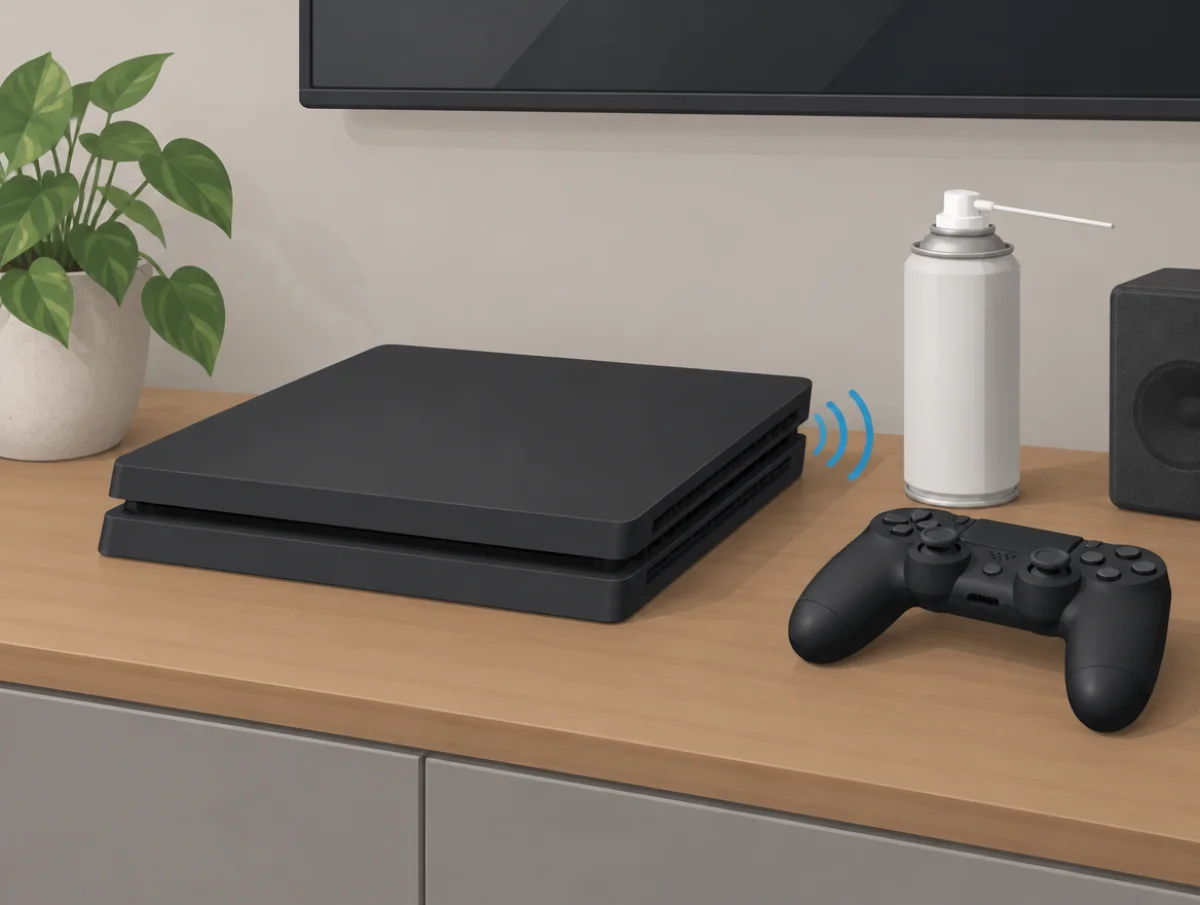
Sony's US support site has a fan noise article for the PS5 and nothing like it for the PS4. On November 16, 2026 the PS4 support hub linked articles on storage, setup, discs and system software, and not one on a loud fan. What Sony does print for the PS4 is placement, dust and overheating advice, and those are the parts of a console's noise an owner can actually change.
This page covers the original PS4 (CUH-1000, 1100 and 1200 series), the slimmer CUH-2000, 2100 and 2200 series that most people call the Slim, and the PS4 Pro (CUH-7000, 7100 and 7200). Every instruction comes from Sony Interactive Entertainment: the US safety guides for the CUH-2215A and CUH-7215B, a CUH-1115A quick start guide, the vertical stand sheet, the online PS4 User's Guide and nine PlayStation Support pages. Forum fixes and repair shop teardowns were left out. Sony publishes no decibel figure for any PS4, and it never endorses opening the console or replacing its thermal paste.
Seven changes, simplest first
- Pull the console at least 10 cm (4 in) away from the wall.
- Take it out of any closed cabinet or tight shelf.
- Lift it off long-fiber carpet and remove any cloth cover.
- Clear everything off its top and stop stacking other devices on it.
- Unplug it and get the dust off the vents.
- Stand it upright only on the vertical stand made for that model.
- Turn it off fully overnight instead of leaving it in rest mode.
Why does my PS4 get so loud?
A loud PS4 is usually a console shedding heat, though Sony has never written that down for the PS4. Its PS4 documents talk about vents, heat buildup and overheating, and leave fan behavior unexplained.
Compare that with the PS5, where Sony calls a louder fan during some games normal; the PS5 quieter guide quotes it. No PS4 manual or support page makes the same statement, so whether a PS4 fan is meant to ramp up in demanding games is left to the owner to infer.
The safety guides do show how much power each model can draw. The slim CUH-2215A guide lists a maximum rated power of 165 W, and the PS4 Pro CUH-7215B guide lists 300 W. Both print the same operating temperature, "5 °C to 35 °C (41 °F to 95 °F)". Sony never turns those numbers into a fan speed or a sound level.
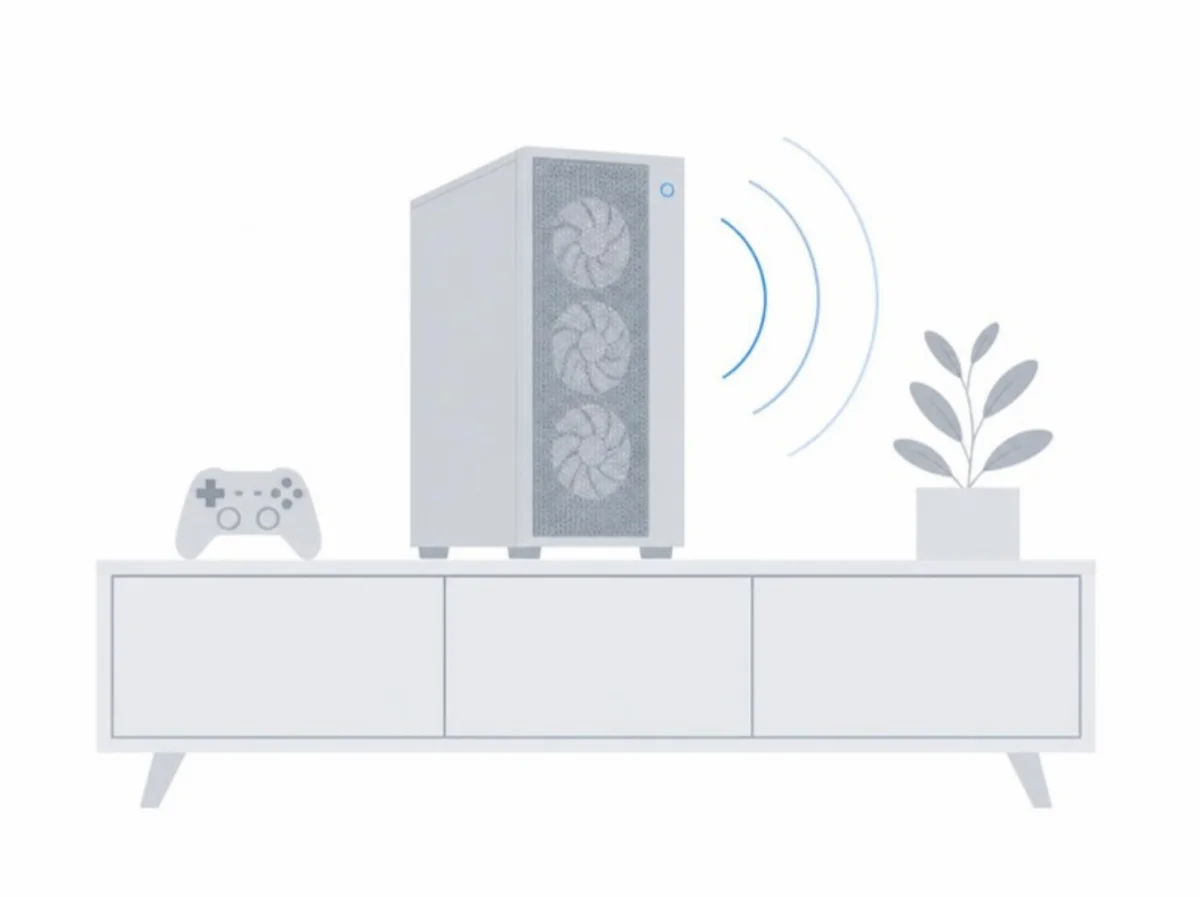
Give it 10 cm from the wall and an open shelf
The vents section of both current safety guides opens with "Do not block any vents. To maintain good ventilation, follow the guidelines below:" and lists five rules:
- "Place the system at least 10 cm (4 in) away from a wall surface."
- "Do not place on a carpet or rug with long fibers."
- "Do not place in a narrow or cramped space."
- "Do not cover with cloth."
- "Do not allow dust to build up on the vents."
Cabinets get a warning of their own. "Do not use the system in a closed cabinet or other locations where heat may build up. Doing so may cause the system to overheat and may lead to fire, injury or malfunction."
Two more lines from the same use and handling list matter for a crowded TV stand: "Do not stand on or put objects on the system, and do not stack the system with other devices," and "Do not expose the system or accessories to high temperatures, high humidity or direct sunlight."
The PS4 wording is narrower than the PS5's. Sony asks for 10 cm from a wall surface, not on every side. Original-model owners should know that on November 16, 2026 the US manuals page carried PS4 safety guides only for the CUH-2200 and CUH-7200 series, so these two documents are the nearest Sony text for the original console too.
Keep dust off the vents
Dust on a PS4 should never be allowed to build, but Sony's PS4 guides stop at the goal. "Do not allow dust to build up on the vents" is the whole instruction, and no tool is named for it.
The guides add a broader warning about where the console lives: "Do not expose the system or accessories to dust, smoke or steam. Also, do not place the system in an area subject to excessive dust or cigarette smoke. Dust build-up or cigarette smoke residue on the internal components (such as the lens) may cause the system to malfunction."
Unplugging comes first. "Unplug the AC power cord from the electrical outlet before cleaning or moving the system," the AC power cord section reads. Neither PS4 guide mentions a vacuum cleaner, a brush or compressed air. That differs from the newer PS5 slim and Pro guides, which name a handheld vacuum; for a PS4, any cleaning method is the owner's choice rather than Sony's.
Can you open a PS4 to clean the fan or change the thermal paste?
Sony gives PS4 owners no way to do either. The safety guides state "There are no user serviceable components inside the PS4™ system (the supplied hard disk drive may be removed but not disassembled or modified)," and both open with "To avoid electrical shock, do not open the enclosure."
Thermal paste, heat sinks and fan replacement appear in none of the Sony documents used here. The US warranty page excludes damage caused by "OPENING THE PRODUCT OR ANY ACTION TAKEN WITHIN IT BY ANYONE WHO IS NOT A REPRESENTATIVE OF SIE OR AN SIE-AUTHORIZED SERVICE PROVIDER."
On the original console, Sony's own drive upgrade steps have owners slide off the top panel to reach the hard drive bay. That is as far inside as any Sony page goes. The slim guide also carries a line the Pro guide drops: "Do not use the product with the top cover removed. Doing so may cause electrical shock or malfunction."
Is a PS4 quieter standing up or lying flat?
Neither position is called quieter or cooler. The PS4 safety guides allow both, with one condition on upright use: "When setting the system in the vertical position, use a vertical stand for this model of the system."
The full rule reads "Do not set the system other than in the vertical or horizontal position." A CUH-1115A bundle that came with a stand got the same advice in its CUH-1115A quick start guide: "When using the PS4™ system in a vertical position, use the supplied vertical stand."
Fitting it takes a little care. The CUH-ZST1E stand sheet asks you to "place the system on a soft cloth" while attaching it, and warns "Do not lift the system by the stand only when the stand is attached."
Whatever the position, the surface matters more to Sony than the angle. "Do not place the system or accessories on surfaces that are unstable, tilted or subject to vibration." And switch off before you reposition anything, because the guides warn that moving the console while the power indicator is lit or blinking can lose or corrupt data.
Rest mode leaves the console running
Rest mode is a low-power state, not off. "When your PS4® system is in rest mode, it keeps operating, but at a lower power consumption," reads the User's Guide page on power.
Three features decide what it does there, all set under Settings, then Power Save Settings. The first, Supply Power to USB Ports, charges controllers, and its 3 hours option cuts that power once the time runs out. Stay Connected to the Internet allows downloads and uploads. Keep Application Suspended holds a game open. Choosing none has a side effect: the rest mode features page says "If you do not select anything, your PS4® system cannot enter rest mode." Choosing any of them means the console "will not turn off automatically, but will enter rest mode instead."
Whether the fan turns during rest mode is never stated. For a PS4 in a bedroom, the only state Sony describes as off is off. Select Power, then Turn Off PS4, or "Press and hold the power button for at least 7 seconds (until the system beeps twice)."
The idle timer sits under Settings, Power Save Settings, Set Time Until PS4 Turns Off, with separate times for Media Playback and General (Applications). Sony's power-saving page adds that a console playing a video "might not automatically enter rest mode or turn off."
Disc drive noise and installed games
A disc game still needs its disc after it installs. The PS4 setup page puts it in two lines: "Insert the game disc. The game will install automatically." and "Please note, you will need to insert the game disc when playing the game."
How much the drive spins once the install is done goes unexplained, and the PS4 support hub has no page on disc drive noise.
The safety guides come closest with copied media: "When playing discs with content that was copied, abnormal sounds may be produced or the content may not play correctly." They also rule out 8 cm discs, card or star shaped discs, and "Discs that are cracked or deformed, or discs that have been repaired," warning that "the system may be damaged."
Does a new hard drive or SSD make a PS4 quieter?
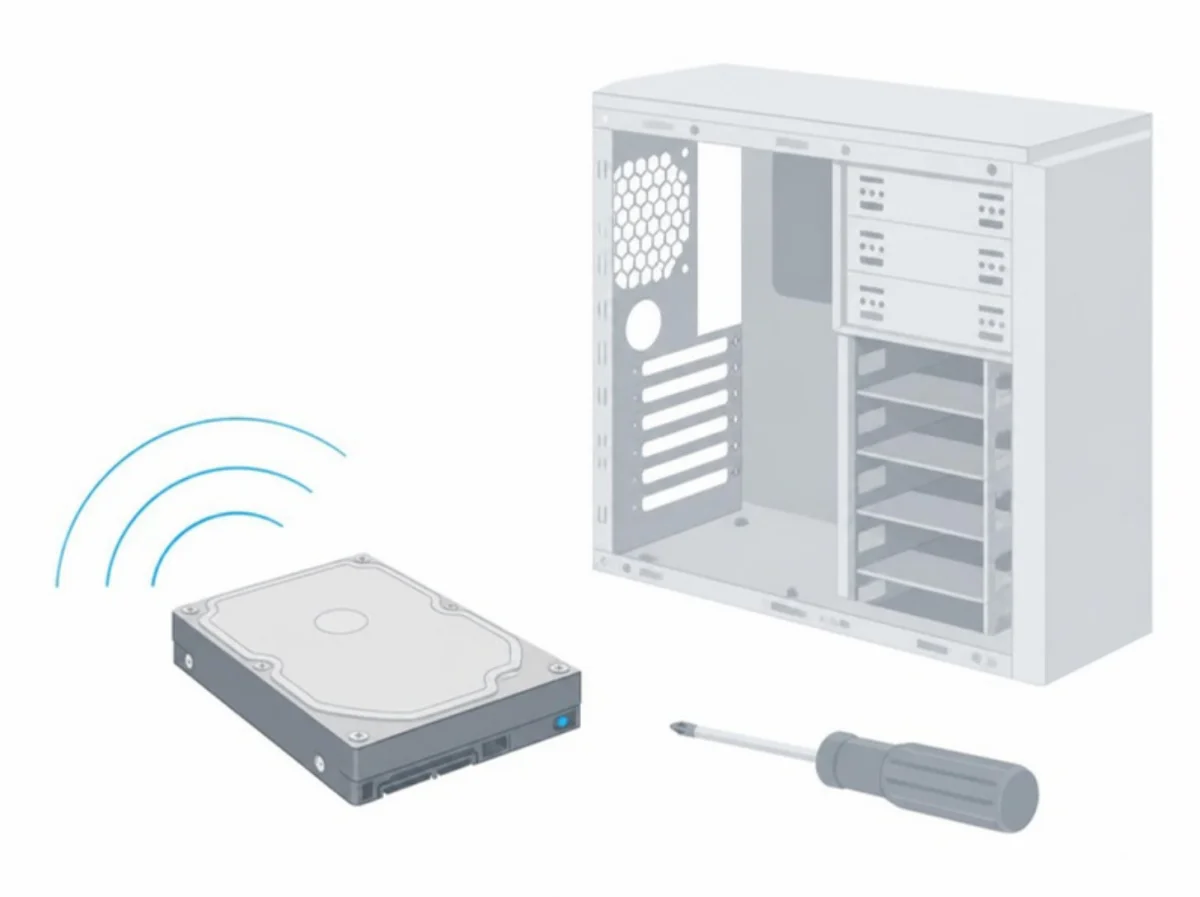
Sony never says a replacement drive changes the noise. Its HDD upgrade page covers the swap for all three model families with a long Phillips screwdriver, but mentions neither sound nor solid state drives.
A few details from those steps are worth following exactly. On the CUH-2015 series: "Do not remove the rubber inserts from the screw holes." On every model, replace the screws "being careful not to over-tighten them." On a Pro, the sticker over the bay cover can come off, since "It’s safe to remove this and it will not affect the warranty." After the swap, the system software has to be reinstalled from a USB drive with 1GB free.
The warranty still has limits here. It excludes damage caused by service "(INCLUDING UPGRADES AND EXPANSIONS) PERFORMED BY ANYONE WHO IS NOT A REPRESENTATIVE OF SIE OR AN SIE-AUTHORIZED SERVICE PROVIDER," so a botched drive swap is the owner's problem.
External drives are the other route. The extended storage page accepts SuperSpeed USB drives from 250 GB to 8 TB, plugged directly into the console and never through a hub. Sony says nothing about how loud they are. Drive makers do, and the quietest hard drives guide ranks their published acoustic figures, while hard drive noises explained sorts normal clicks from failing ones.
Boost Mode and the PS4 Pro fan
Boost Mode is a PS4 setting for higher frame rates, and Sony attaches no heat or noise note to it. "To experience improved gameplay in some games, including higher frame rates," the Boost Mode page explains, check the box under Settings, System.
The page adds that the setting "is available only on some PS4® systems." It never says whether the fan works harder with it on.
Updates have never touched the fan
On November 16, 2026 the update features page listed 17 versions, from 10.01 to 14.02. None mentions the fan, cooling or temperature. The usual entries are "security fixes," better "performance and stability" or clearer messages on some screens.
Update anyway. The system software page wants the console "always updated to the latest version," and warns that installing update data from any other source or method "can void the system warranty."
What a pulsing red light means
A pulsing red power light on a PS4 means the console is overheating. The power indicator page gives four steps:
- "Turn off the console and wait until it cools down."
- "After the console cools down, move it to a well-ventilated location."
- "Check to make sure the console vents aren't blocked."
- "If you're still having issues, visit PlayStation Repairs."
The original CUH-1000 and CUH-1100 consoles describe the light as blinking red. Their part names page reads "Your PS4® system is overheating. Turn off the system. Wait until later to use it."
Newer models may show a message instead. The safety guides cover that case: "If the system’s internal temperature becomes elevated, a message will be displayed. In this case, turn off the system and leave it unused for a while." Only after it cools should it go somewhere with better airflow and back into use. Keep hands and faces out of the vent airflow too, since extended contact "may cause low-temperature burns."
When to stop and contact PlayStation Repairs
Strange sounds are a stop signal in Sony's safety guides: unplug the console and every cable "immediately if the device functions in an abnormal manner, produces unusual sounds or smells or becomes too hot to touch." The same goes for overheating that returns after the vents are clear.
The US limited warranty runs one year from the original purchase date. Repair or replacement with a factory-recertified console is at SIE's option, with shipping covered both ways. To start, "You must visit playstation.com/repairs to receive a return authorization and shipping instructions," with a dated receipt as proof of purchase.
Prepare the console before it ships. The User's Guide consumer notices ask that "all users on the system are signed out of PlayStation™Network before you send your PS4® system to an authorized service center for repair." The warranty text also warns that service can mean a loss of data, so back up saved games first. Sony's warranty page lists no out-of-warranty repair prices for the PS4.
Is the PS4 Slim quieter than the Pro or the original?
Sony's documents cannot settle it. No PS4 model has a published noise figure, and the slim and Pro safety guides share the same vent rules and the same "5 °C to 35 °C" operating range.
The power ratings differ, 165 W for the CUH-2215A against 300 W for the CUH-7215B, but those are electrical limits, not sound levels. A product earns a place in our rankings only when its maker prints a sound level, which leaves every PS4 out. For a feel of everyday loudness, the decibel chart lays out common sounds.
Other consoles and quieter gaming setups
The newer console has its own page, how to make a PS5 quieter, and Microsoft's advice is gathered in how to make an Xbox quieter. Sony and Microsoft agree on most of it. Both want air moving freely past the vents, both rule out closed cabinets, and both send a console that keeps misbehaving to their repair service.
If the PS4 lives in a bedroom, quiet bedroom covers the rest of the room. PC players get far more control over noise than any console allows: how to make PC fans quieter covers curves and adaptors, and the quietest gaming laptops and quietest PC cases rank hardware on figures their makers publish.