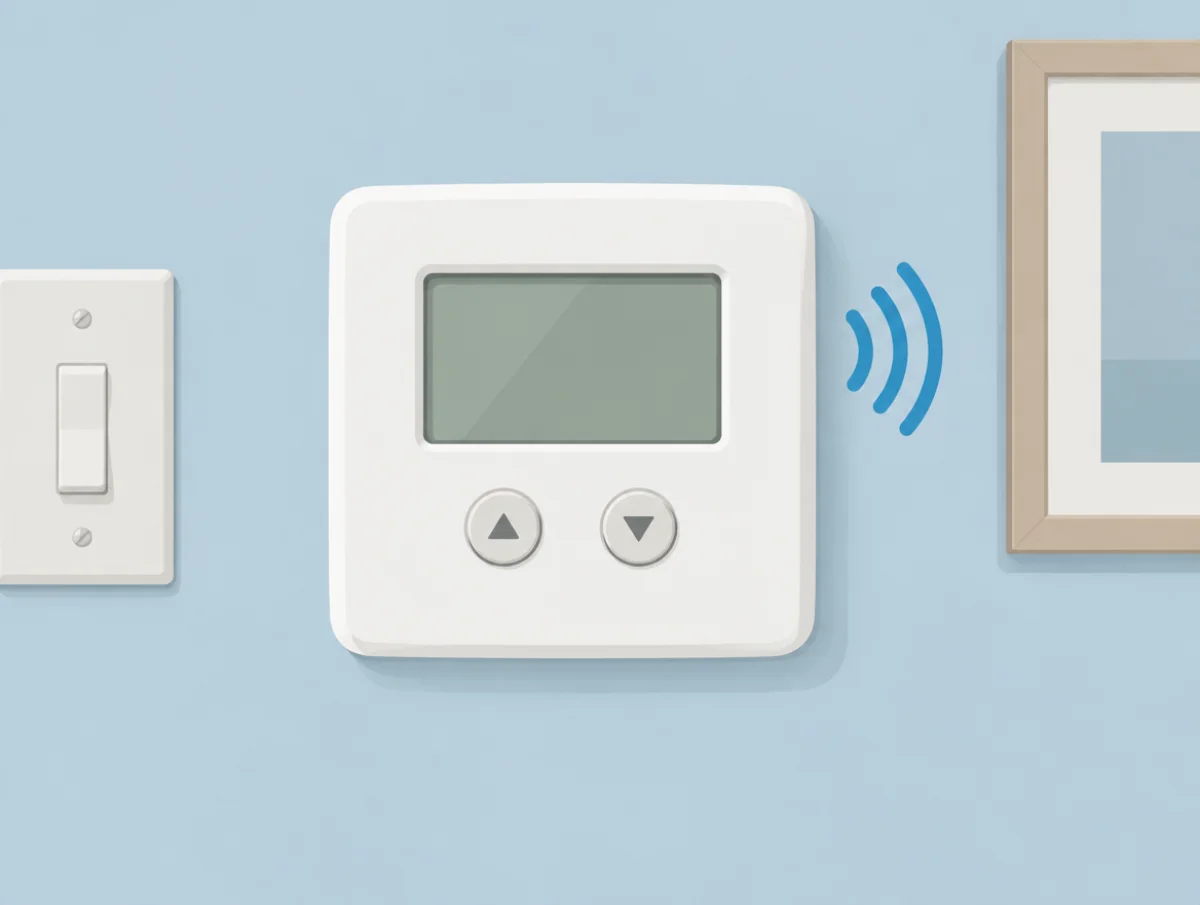
Thermostat clicking is usually the most reassuring sound in the house. That small tick on the wall is the switch inside the thermostat telling the furnace, boiler or air conditioner to start, and a second one tells it to stop. Trouble shows up as a change in pattern: clicks with no heat, clicks every minute or two, clicks behind a blank screen. Buzzing and beeping are different again, and most of the time the thermostat is not the thing making them.
This page draws on help articles and manuals from Google Nest, ecobee, Honeywell Home (Resideo), Sensi and its sister brand White-Rodgers (both Copeland), Mysa, Cadet, Danfoss, Carrier and Trane, read on November 16, 2026. Amazon's help pages for its Smart Thermostat returned a robot check that day, and we found no noise guidance from Lux, so neither is quoted.
| Sound | Cause a maker names | First step |
|---|---|---|
| One soft click as heating or cooling starts | The thermostat calling for the system (Sensi, White-Rodgers) | Nothing; it is working |
| Click, but no warm or cool air | A problem past the thermostat (White-Rodgers) | Equipment switch, breaker, filter, then a pro |
| Clicking with a dark or rebooting screen | Too little voltage between RC and C (ecobee) | Check the C wire connection |
| Chattering or thumping from the system | Unsteady power to a Nest thermostat (Google) | C wire or Nest Power Connector |
| Clicks every few minutes | Short cycling: filter, coil, refrigerant, placement or sizing (Carrier, Trane) | New filter, then a dealer |
| Buzzing at the furnace after a Nest install | Gas valve vibrating (Google) | C wire |
| Clicks every 15 seconds on an electric heater | Normal baseboard cycling (Mysa, Cadet) | Check the heater type setting |
| Whirring at a radiator at night | Valve calibration in week one (Danfoss) | Wait it out |
| Beeping near the thermostat | Another device, on Honeywell models that cannot beep (Honeywell) | Smoke alarm, doorbell, security panel |
Is one click when the heat or AC starts normal?
Yes. A single soft click within a few seconds of the thermostat calling for heat or cooling is the sound of it working, and two makers use that exact click as their diagnostic test.
Sensi's version runs like this. Switch the mode off, then back to heat, and raise the setpoint a few degrees above the room. "Within a few seconds, the thermostat should make a soft clicking sound," the Sensi heating article reads, and "Heating" should appear next to the set temperature. Touchscreen models turn orange instead, "but you'll still hear the click." A gas furnace or boiler may then take a few minutes to start, which is normal.
White-Rodgers, Sensi's sister brand under Copeland, prints the same test in its 1F80-361 manual and reads it both ways. "This sound usually indicates the thermostat is operating properly." No click after a reset means the thermostat itself is suspect, so call a service person or the store for a replacement. A click with no heat flips the blame: "contact the furnace manufacturer or a service person to verify the heating system is operating correctly."
What does an owner check before that call? Sensi lists the equipment power switch, which "looks like a light switch," the breaker, a furnace door that is not seated squarely on its safety switch, and a clogged air filter. Past that, its advice is short: "Contact an HVAC professional to troubleshoot your equipment."
One false alarm is worth ruling out. Sensi's constant running article warns that with the fan set to On, "it may sound like the heating or cooling is running even when it isn't." Set the fan to Auto and listen again.
Clicking with a blank screen points to power
A thermostat that clicks and stays dark, or restarts, is usually starving for power. ecobee ties that pattern to low voltage at the C wire, and Google lists clicking among the symptoms of a Nest that cannot draw steady power.
The ecobee article is blunt: "A clicking noise often indicates insufficient voltage between the RC and C connectors. This could be due to a faulty C wire or improper connection at the HVAC equipment side." Its remedies, in order, are making sure a repurposed spare wire really lands on the C terminal at the equipment, trying a different wire, installing the Power Extender Kit, or running new wire.
That kit has limits. Per ecobee's installation article, it "is not compatible with Dual Transformer systems, or Heat Only systems," and the Smart Thermostat Lite and Essential do not include one in the box.
Nest works differently on paper. "Nest thermostats are designed to use very little power," Google's C wire article explains, and in many homes they borrow enough from the heating and cooling wires. When that fails, the list of symptoms is long: shorter battery life, a dark display, Wi-Fi drops, the fan running constantly, and "Your system is making strange noises: chattering, stuttering, clicking or thumping." Heating-only, cooling-only, zoned and heat pump systems need a C wire or the Nest Power Connector from the start.
Battery models have a simpler version of the same problem. On the Sensi Lite and Sensi smart thermostat, low batteries can leave it unable to turn on the system at all, and Carrier's bad thermostat guide suggests new batteries every year "even if the thermostat appears to be working normally."
Wiring is where the owner's part ends. Google's troubleshooting page asks you to cut power at the fuse box or system switch before pulling the display, and to call a local pro if you are not sure you can reach the furnace safely. Trane says replacing a thermostat "is a job best left to an HVAC technician due to the wiring and testing needed."
Why does a thermostat click on and off every few minutes?
Repeated clicking, with the system starting and stopping each time, is short cycling. Carrier and Trane both say the cause may be the thermostat, but just as often it is airflow, refrigerant or equipment that is the wrong size.
Carrier's troubleshooting guide describes the system turning "on and off rapidly without ever completing a full cycle," then widens the search: "This might not be related to your thermostat, but rather a clogged air filter, a refrigerant leak or even a frozen evaporator coil." Trane's short cycling article boils it down to two causes, the thermostat or an improperly sized system. An oversized system short cycles from the day it goes in.
Placement is the thermostat problem you can see. Sun on the wall can switch the cooling on whatever the rest of the house feels like, so Trane wants the thermostat "in a central location, away from registers and heat-generating appliances, and out of direct sunlight," adding that moving it sometimes ends the cycling. Cadet's placement guide warns about the same thing for electric heat, naming windows, doors and fireplaces.
How short is too short? Less than many owners expect. A healthy system "may only run for 3 to 5 minutes and be off for hours in mild conditions at the start of the season," per Trane, and on hot days it may run for hours. Its glossary entry adds that Trane enforces at least 3 minutes on and 5 off for the compressor, so a 7-minute cycle is the floor on its equipment. If the cycling started recently, Trane's first fix is a new filter. Then call a dealer.
Honeywell Home adds one more cause, and this one sits in the wiring. Its X7 manual notes that "a shorted wire or high equipment draw could be interrupting power to the thermostat momentarily at the start of a heat or cooling call." The test it describes, stripping the wall plate down to R and C, is for the installer.
Some pauses are built in
Short pauses before the compressor restarts are often deliberate. White-Rodgers, Honeywell Home and Carrier all describe delays that protect the compressor, lasting about 5 minutes on most models.
The White-Rodgers 1F80-361 has a compressor lockout that, switched on, makes the thermostat "wait 5 minutes minimum between cooling cycles," flashing a snowflake while it waits. A Honeywell X7 shows WAITING FOR EQUIPMENT for the same reason and, its manual says, "should last 5 minutes at most." Carrier's advice is to give modern thermostats at least 10 minutes before deciding the system is not responding.
Cycle rate is a setting
Older programmable thermostats let you choose how tightly they hold temperature. On the White-Rodgers 1F80-361, FA (fast) cycles the system "just under 1°F" and SL (slow) at about 1.5°F, with SL normally used for hot water or steam heat. Cooling has a fixed rate. If neither setting gives an acceptable rhythm, the manual's answer is a local service person.
Buzzing and humming usually come from the equipment
A buzz near a newly installed smart thermostat often comes from the furnace, not the wall. Google says some gas valves "vibrate or buzz" once a Nest thermostat goes in, and that connecting a C wire "can usually" fix it.
That note sits in the gas valve entry of Google's Nest compatibility page. It fits the power theme above: a thermostat sipping current through the heating wires can leave a valve or relay at the equipment chattering.
A hum from the thermostat body, or from the 24-volt transformer that feeds it, gets no explanation in any of the help pages behind this page. Carrier treats exposed or frayed wiring, error codes that return after a reset, and "any burning smells coming from your vents or the wall unit itself" as reasons to stop and call a professional, and a thermostat that hums and smells hot belongs on that list.
Electric heat thermostats click more, by design
Line-voltage thermostats on baseboard and wall heaters switch far more often than a furnace thermostat. On its V1 and Gen3 models, Mysa says the baseboard setting turns the heater on and off in 15-second cycles, and that this is correct.
Mysa's short cycling article puts it plainly enough for new owners: "After you install Mysa, your heater can turn on and off more frequently than with your old thermostat. Usually, this is correct. It is not a problem." Getting the heater type right matters. A heater with a fan set to Baseboard "can turn on and off incorrectly," and the Fan Forced setting on a Gen3 lengthens each cycle to 3 minutes.
Cadet gives the mirror image for its own controls. A wall heater cycling every 15 seconds on a digital thermostat usually needs a settings change: on a TH401, Heating Cycle goes from "Std" to "Fan," and on a TH106, Switch 3 moves to "On." If the thermostat is set up right, or there is no digital control, a heater cycling faster than every 5 minutes may simply have too much wattage for the room.
Then there is the one click that matters for safety. Mysa's H4 error article has owners turn the setpoint way up and way down and listen. Heat that keeps running after a clear click "indicates a wiring fault in your home (like a melted wire nut or short) that is bypassing the Mysa. Stop use immediately and contact an electrician." No click at all points to a relay stuck shut inside the thermostat, which Mysa replaces under warranty.
The ticking and pinging from the heater itself is covered in our baseboard heater noises explainer.
Radiator thermostat heads move at night
Battery thermostat heads on radiators, such as Danfoss Eco and Ally, run a small motor. Danfoss rates both at a noise level below 30 dBA, and both recalibrate the valve overnight during their first week.
The Danfoss Eco manual describes the routine: on the first night the head shuts off the radiator and opens again "to detect the exact opening point of the valve," repeating once a night "for up to a week" if needed. The Ally user guide prints the same steps. Neither manual mentions a sound. Still, a quiet whir in a dark bedroom during week one matches what the head is doing, and Danfoss calls slow or self-adjusting heat in that week "normal."
What is that beeping?
Probably not the thermostat. Honeywell says flatly that its 7-day programmable models cannot beep, and the low battery and filter reminders in the Honeywell, White-Rodgers and Danfoss manuals behind this page show on the display.
Honeywell's beep answer reads: "Honeywell thermostats do not have the capability of making an audible noise such as a beeping sound." It suggests a smoke detector, doorbell or security system near the thermostat instead.
Reminders are visual on the models we read:
- Honeywell T6 Pro: an alert icon, with code 181 or 182 for the filter and BATT for low batteries.
- White-Rodgers 1F80-361: FLTR for the filter, cleared by pressing HOLD and RUN together; BATT for batteries.
- Danfoss Eco: a flashing battery icon, then a flashing red ring when the batteries are critical.
The T6 Pro manual adds two details. Low batteries switch off the backlight to save power. And some alerts cannot be snoozed or cleared, in which case "call your local heating and cooling professional; the heating/cooling system may require service." Danfoss's battery warning arrives about a month early, and before the cells die the head parks the valve in frost protection.
When a thermostat noise needs an HVAC pro
Call a technician when the thermostat clicks but the system never starts, when cycling continues after a filter change, when an alert will not clear, or when there is a burning smell. Those are the makers' own lines.
Trane adds a tripped breaker on the furnace or air handler circuit. Resetting it without fixing the cause "could cause damage to the system." Honeywell's X7 manual says heat that runs in cool or off mode straight after an install means wrong wiring or configuration: shut off the breaker and call technical support or an HVAC pro. On line-voltage heat, Mysa's rule for a click that does not stop the heater is an electrician, today.
More on heating and cooling noise
If the sound turns out to be the equipment, our explainers on furnace noises, air handler noises, central AC noises, heat pump noise and boiler noises take it from there. For a replacement system, the quietest central air conditioners, quietest heat pumps and quietest air handlers guides compare published decibel figures.