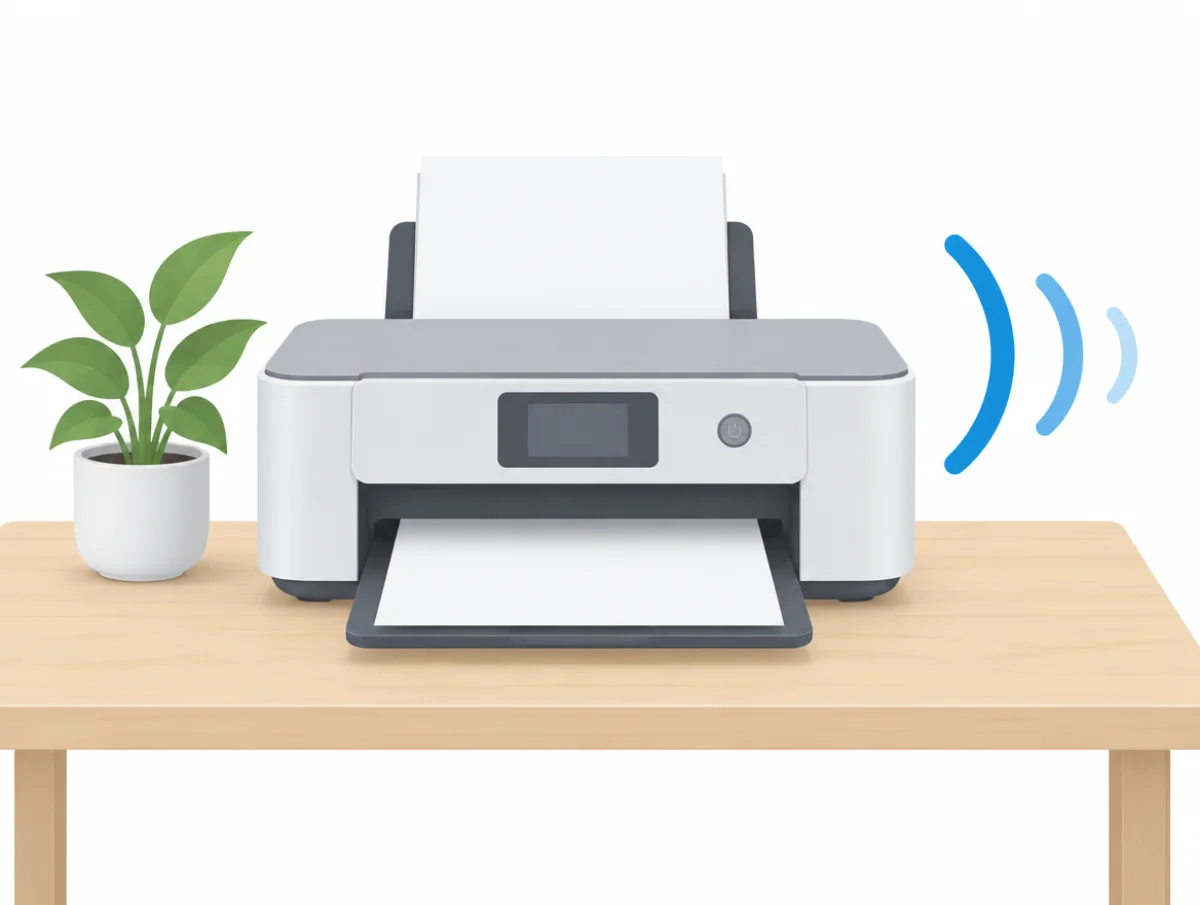
Brother's HL-L2460DW mono laser drops from 49 dB(A) to 44 dB(A) when Quiet Mode is on, and it prints more slowly to get there. That trade runs through this whole page. Quiet mode is the biggest lever on any printer. It always costs speed.
The other fixes are cheaper in time. Schedule the quiet setting for the hours that matter, stand the machine on a flat and level surface, and keep its paper path clear. Every step comes from a user guide or support page published by HP, Canon, Epson, Brother or Lexmark, running from a single setting to the sounds that mean a jam, a worn drum or a printer that needs service.
Seven steps, least effort first
- Turn on quiet mode on the control panel, in the app or in the driver.
- Schedule quiet mode for evenings, if your model offers a timer.
- Print everyday pages on plain paper at normal quality.
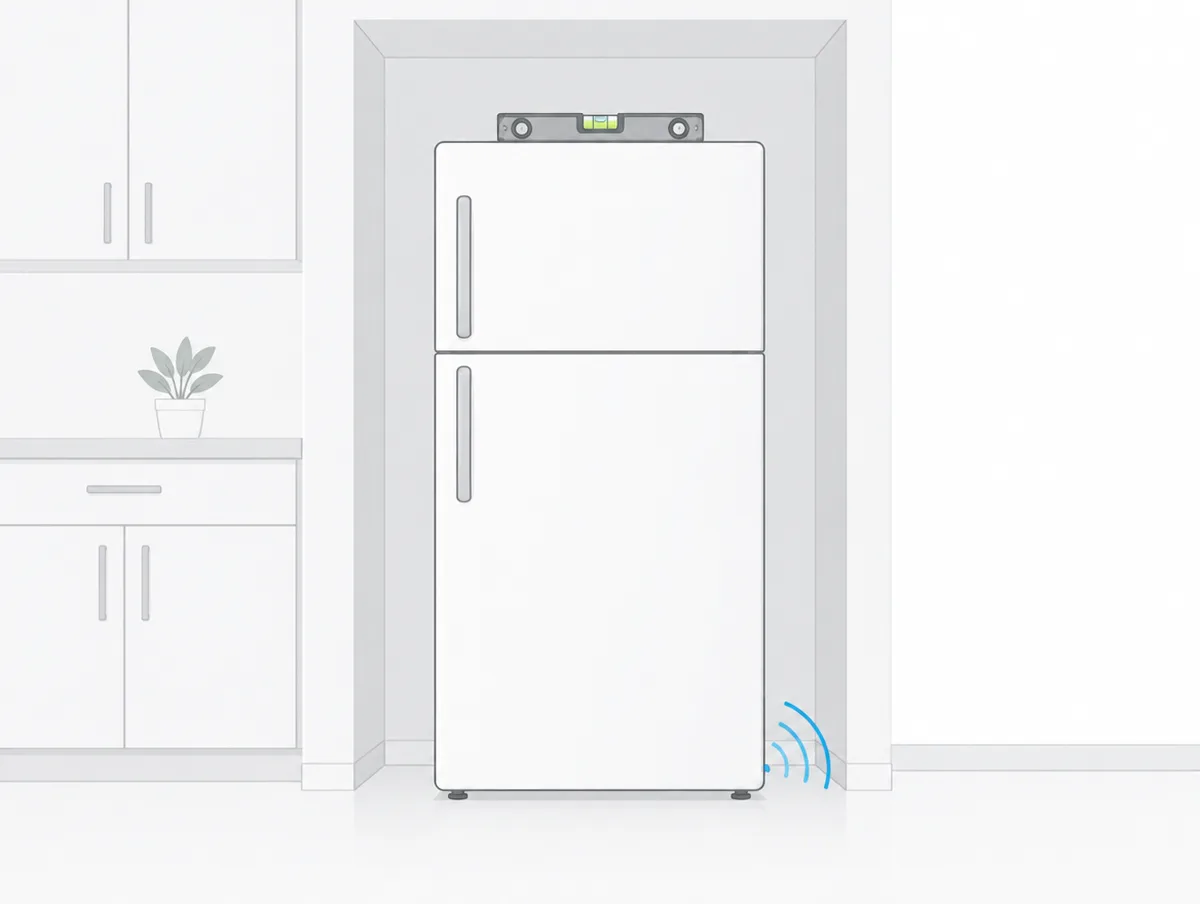
- Check that the printer sits flat and level, with clear vents.
- Use paper the maker lists and load it correctly.
- Clean the paper feed rollers and remove jammed scraps.
- Treat grinding or clicking that survives these steps as a fault.
Does quiet mode make a printer quieter?
Yes, by slowing it down. Brother is the one maker that prints numbers for it, 3 to 5 dB(A) less sound pressure on its current lasers, according to the user guides:
| Brother model | Printing, full speed | Printing, Quiet Mode |
|---|---|---|
| HL-L3300CDW color laser | 46 dB(A) | 43 dB(A) |
| MFC-L3780CDW color laser | 48 dB(A) | 43 dB(A) |
| HL-L2405W mono laser | 48 dB(A) | 44 dB(A) |
| HL-L2460DW mono laser | 49 dB(A) | 44 dB(A) |
The color rows come from the HL-L3300CDW family specifications, which give every model in that family "Printing (Quiet Mode) LpAm = 43 dB (A)". The mono pair comes from the HL-L2460DW family specifications, where sound power falls as well. The HL-L2460DW goes from 6.65 B(A) down to 6.06.
Everyone else stays vague. "Quiet mode" appears as a feature on HP's Color LaserJet Pro MFP 4301fdw datasheet with no number beside it, and Canon and Epson describe the setting in their manuals without a figure either. Our Brother printer decibels page lists every Quiet Mode row Brother publishes.
Slower pages are the price
Every maker admits the speed loss, and none puts a pages per minute figure on it. HP, Epson and Canon also narrow the jobs where the setting works at all.
"When Quiet Mode is turned on, the print speed becomes slower," reads Brother's laser guide. Canon's G3070 series manual is just as plain: "Operating speed is reduced compared to when OFF is selected." In Lexmark's MS431 family guide the warning is that it "slows down the overall performance of the printer."
HP's OfficeJet Pro 8720 guide sets the tightest limits. Quiet Mode "only works when printing on plain paper", is disabled at best or presentation quality, and "does not work if you print photos or envelopes." Epson's ET-2850 guide offers its Windows driver setting for Plain Paper/Bright White Paper. Canon adds a second limit of a different kind. The function "may not be so effective depending on the printer's setting", and some noise, "such as when the printer is preparing for printing, is not reduced."
Turning quiet mode on, brand by brand
On most printers it sits in the setup or settings menu on the control panel, and in the driver or companion app on a computer. Menu names differ by maker and model, so treat the paths below as examples from each maker's guide.
HP
"Quiet Mode reduces noise levels when printing, but can also reduce print speed," says HP's slow printing page. In the HP app, open the printer, go to Advanced Settings, and choose Quiet Mode under Preferences on the Settings tab. Windows users can also use the Quiet Mode tab in HP Printer Assistant.
On the OfficeJet Pro 8720, the control panel path is Dashboard, Setup, Quiet Mode. That model can apply the setting to a single job, too: it "is only active for the current print job" when switched on from the printing screen.
Older LaserJet Pro models call it Quiet Print Mode and file it under Setup and then System Setup. It was "developed for noise sensitive users who might be in the immediate vicinity of the printer," according to HP's LaserJet Pro page, "Off" is the default, and the M402, M403, M426 and M427 need a firmware update before the setting appears.
Canon
On the G3070 series, select Settings on the HOME screen, then Quiet setting, then ON. The TS6400 series manual goes through Device settings and then Other device settings, and the panel setting there also covers printing and scanning from a computer.
On Windows, Canon's G3070 driver guide moves the switch into Canon IJ Printer Assistant Tool, under Quiet Settings, with a caveat that the "effects of the quiet mode may be less depending on the print quality settings."
Epson
On Epson models with a screen, the ET-7750 guide path is Settings, Printer Setup, Quiet Mode, On, with the note "Turning on this setting may reduce print speed."
The ET-2850 puts the switch in the driver instead. On Windows, select On in the Quiet Mode menu when printing on plain or bright white paper, while on a Mac the option sits on the Options or Driver tab, where it "Lessens noise during printing but may decrease print speed."
Brother and Lexmark
Brother's lasers and inkjets use General Setup, then Ecology, then Quiet Mode, with the factory setting off. The screenless HL-L2400D switches when you press Go 11 times, and on some models the inkjet guide shows an icon on the Home screen while it is on.
Lexmark's MS431 family lists Quiet Mode under Device Operations in the Config Menu, off by default, to "reduce the amount of noise that it makes when printing."
Scheduling quiet mode for the night
Some HP and Canon inkjets can do it for you. The OfficeJet Pro 8720 guide gives "10 p.m. to 8 a.m. everyday" as its example, and Canon's driver takes start and end times.
Canon's G2010 driver guide offers three choices: Do not use quiet mode, Always use quiet mode, and Use quiet mode during specified hours. Two details trip people up.
If the start and end times match, "the quiet mode will not function", and a schedule set this way does not apply to copies or direct prints made at the printer itself.
Brother, Epson and Lexmark describe only an on and off switch in these guides, so on their printers the same job gets done by hand, with quiet mode switched on in the evening and off again in the morning.
A flat, level surface and room to breathe
Placement matters to HP, which tells owners to set the printer on a flat, level surface "To help prevent printing issues and noise." Epson and Lexmark ask for the same kind of surface, with space left around the printer for air.
HP's grinding noise page wants a printer that "rests directly on a flat surface", checked with a bubble or spirit level. The ET-2850 guide wants "a flat, stable surface that extends beyond its base in all directions", because the printer "will not operate properly if it is tilted or at an angle."
Lexmark's list is longer: "a flat, sturdy, and stable surface", away from stray staples and paper clips, and out of the direct airflow of air conditioners, heaters or ventilators. Its guide also sets a recommended clearance around the printer for ventilation. A closed cabinet would not leave that space, and no maker here approves one.
Pads and mats do not come up at all. The makers' answer to vibration is a solid, level surface with nothing hanging over the edge.
Paper, rollers and two-sided printing
Dirty or obstructed paper feed rollers "might cause noisy operation," HP warns, and unsuitable or badly loaded paper is on Canon's list of causes for strange sounds from its imageCLASS lasers.
The imageCLASS X LBP1238 II page starts by checking for scraps of paper or plastic bags inside the machine. Then it asks whether the paper is suitable, whether it is loaded correctly and whether the toner cartridges are seated. To clean the rollers on an HP, follow the paper jam instructions for your model, which is where HP keeps those steps.
Two-sided printing comes out quieter on Lexmark's figures. The MS431 family guide gives 1 meter average sound pressure of 53 dBA one-sided and 50 dBA two-sided, measured under ISO 7779, with 14 dBA in ready. No other maker here publishes a separate two-sided figure.
Why does a printer make noise when it is not printing?
An idle inkjet is usually maintaining its print head. A printer that makes noise after sitting for a while is "performing routine maintenance. This is normal," according to the ET-2850 guide.
New ink makes more of this. After the first fill of the tanks the printer must charge its print head, and Epson asks owners to leave it on until the power light stops flashing. If the head stops moving and charging has not finished after about 20 minutes, turn the printer off and on, and contact Epson if charging is still in progress.
Lasers can run a fan between jobs. Ready noise on Brother's HL-L3300CDW family is inaudible, but "If fan motor is functioning: LpAm = 40 dB (A)." Quiet mode does not touch any of this, since Canon says preparation noise is not reduced and HP calls some startup noise normal on an inkjet.
Grinding, clicking and squeals that mean a fault
Grinding, clicking, squeaking or loud metallic sounds can each point to something wrong. HP links them to a paper jam or a carriage stall, Brother to a drum unit that needs replacing, and Canon to foreign objects or badly seated cartridges.
"Loud, metallic, or grinding noises might indicate a paper jam, carriage stall, or other problem," HP's grinding page begins. Its steps run in order: remove jammed paper and foreign objects, check that the carriage moves freely, reset the printer, update the firmware, level the printer and clean the feed rollers. Do not reach for tweezers or pliers when clearing a jam, and unplug the printer before moving the carriage by hand.
On the HL-L2460DW and its siblings, the cause named on Brother's grinding and squealing page is "Drum unit needs replacing". Print a settings report, try a previously used drum if you have one, and run a test print. If the noise stays with the old drum installed, the machine "will require service."
A printer that makes noise but produces nothing is covered in the ET-2850 guide: run a nozzle check, clean the print head if needed, and make sure the printer is level.
When a loud printer needs service
When grinding or clicking survives the maker's checks. By then the jam is cleared, the carriage moves freely, the firmware is current, the printer is level, the rollers are clean and the supplies are seated, and HP and Brother both send owners to repair.
HP's line is to service or replace the product "if the issue persists after completing all the preceding steps", with repair fees possible out of warranty. Brother sends owners in warranty to its support line and those out of warranty to a Brother Authorized Service Center.
Third-party supplies carry a risk. Brother's limited warranty does not apply to problems caused by third-party drums, toner cartridges or toner, and Canon asks owners to use only genuine Canon toner cartridges as replacements.
How loud should a printer be?
Between 46 and 61 dB(A) while printing, if you go by the sound pressure figures makers print for the home and small office models in our guide. A laser in ready can be close to silent, but most makers print no ready figure.
Two printers share the lowest printing figure in our quietest printers guide, 46 dB(A): Epson's EcoTank ET-4950 in color and Brother's HL-L3300CDW. The highest, 61 dB(A), belongs to HP's fast OfficeJet Pro inkjets. HP mostly rates its printers in sound power, B(A), which our HP printer decibels page explains model by model.
A 6.0 B(A) rating and a 49 dB(A) rating measure two separate things, and neither can be ranked against the other. Why a bel rating and a decibel rating diverge is the subject of sound power vs sound pressure, and our decibel chart puts printer figures next to familiar household sounds.
When a quieter printer is the better fix
If yours is level, clear of jams, running quiet mode on plain paper and still too loud for the room you share with it, the published figures show a few dB(A) between models.
The quietest printers guide ranks lasers and inkjets by those figures. Where Quiet Mode numbers count most, the Brother printer decibels page is the only one that has them, while the HP printer decibels page sorts HP's range by sound power.
For the rest of a desk setup, our quiet home office explainer covers computers, UPS units, fans and heaters, and quiet and sleep modes shows how the same idea works on other appliances.
Older guides and HP's support pages
Several of these guides are for older models: HP's OfficeJet Pro 8720, Canon's G3070, G2010 and TS6400 series, Epson's ET-2850 and ET-7750, Brother's HL-L2460DW, HL-L3300CDW and MFC-J1360DW families, and Lexmark's MS431 family. They are cited where a current guide did not cover the step, and menus on your printer may differ. The Quiet Mode figures were read from Brother's online user guides on November 10, 2026, and HP's support pages, which would not load for automated tools, were read in a web browser.