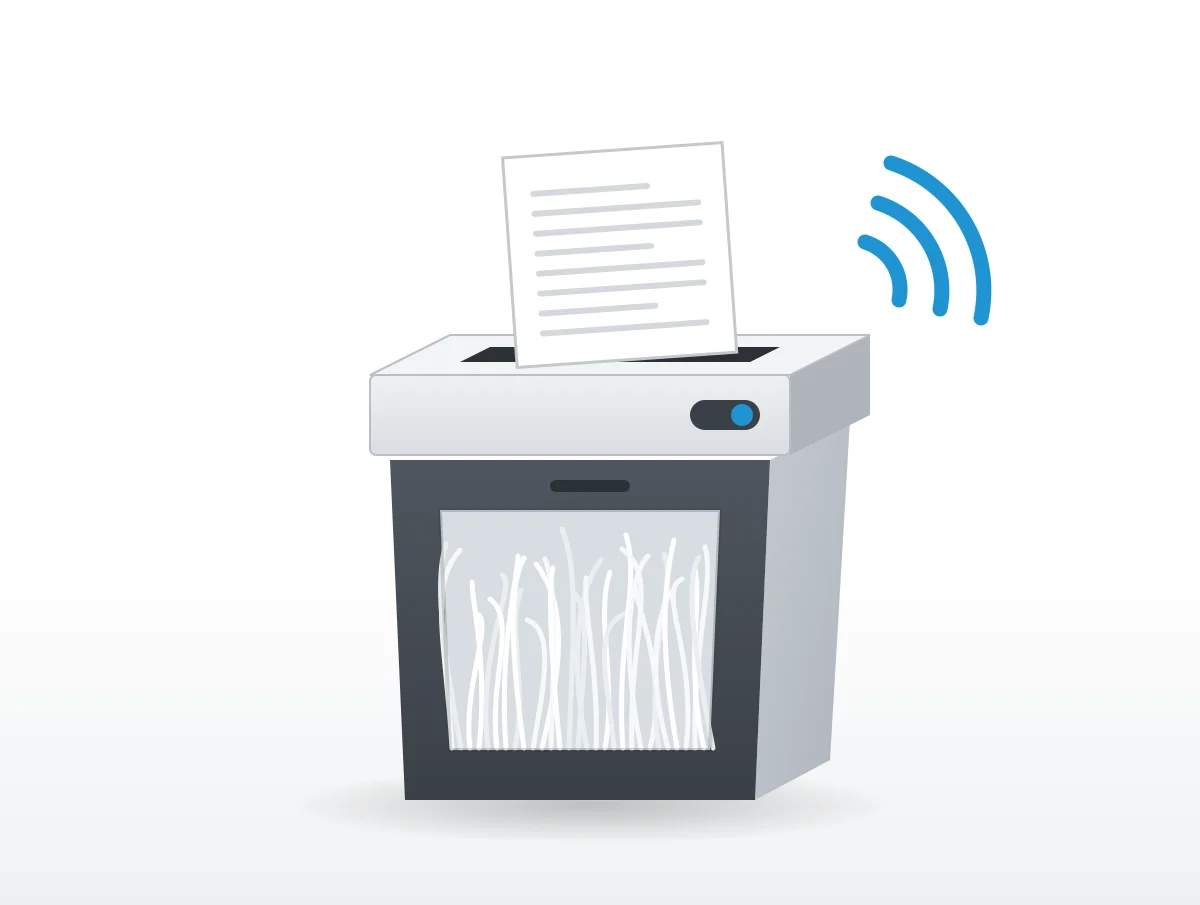
Dry cutters come first. Before any broken part, Fellowes, Amazon Basics, Bonsaii and HSM all blame a louder shredder on a lack of oil, and most of them print an oiling routine to put it right.
The other sounds owners ask about each have their own answer. A rattle with nothing feeding, a motor that will not stop and a sudden silence come up in manuals and help pages from Fellowes, Amazon Basics, Bonsaii, Aurora, GBC and HSM, quoted below, along with the places where those makers disagree or say nothing.
Why is my paper shredder making a loud noise?
Mostly because its cutters need oil. The makers list a lack of it as the cause of new or growing noise ahead of any fault, and the wording barely changes from one manual to the next.
The Fellowes 125Ci manual is the most direct: "All cross-cut shredders require oil for peak performance. If not oiled, a machine may experience diminished sheet capacity, intrusive noise when shredding and could ultimately stop running." Amazon Basics' 18 sheet cross cut manual repeats it almost word for word, "If not oiled, this product may experience diminished shredding capacity, intrusive noise when shredding and could ultimately stop operating." Skipping oil on a Bonsaii "could result in reduced sheet capacity performance, excess noise, paper jams and possibly machine failure," according to its C222 manual. And HSM oils the cutting unit as soon as "cutting performance decreases, a sound develops".
Two other causes turn up. A full bin "can result in paper jamming in the cutters, which will increase the machine's noise level," in GBC's SX15-06 instructions.
The second is odder. Bonsaii's C222 troubleshooting table has a row for "Loud Noise" whose cause is "The shredder is placed on a unsuitable place" and whose fix is "Change location".
Grinding and squealing, and when it means broken gears
Residue and friction on the cutters make the grind and the squeal, and oil is the first fix offered. Bonsaii says to oil "if excess squeaking and rubbing noise is coming from the machine or if the shredders sheet capacity has diminished." Oiling strip cut units, according to HSM's Classic FAQ, "avoids squeaking noises resulting from jammed paper residues."
A harsher grind with no paper moving is a different case. HSM covers a shredder that will not draw paper in "even though the engine is running." Once the feed slot is clear, "if the fault is accompanied by an unusual noise, broken gear wheels could be the cause." Without the noise, "the cutting rollers might be worn." Either way, the next step is customer service.
There is no sound in any of these documents that tells a dry cutter from a damaged gear. The order HSM, Bonsaii and Fellowes imply is to oil first and call the maker if the noise stays.
Rattles, clicks and short runs that are normal
Clicking gets no entry by that name anywhere. Rattling gets one, from HSM, and it points at a clogged insertion slot before anything else. The shredstar FAQ files a rattle with a machine that "is running but it is not drawing anything in," and the answer is short: "Please check if the insertion slot is clogged. If this is not the case, please contact our customer service."
Some brief, repeated sounds are the machine working as designed. "Shredder runs briefly after each pass to clear entry," say the Amazon Basics and Fellowes P-30C manuals in the same words. On Aurora's AU1030MB, "It is normal for the motor to run for a moment" after switching to Auto, "but it should stop until paper is inserted."
Overload changes the sound as well. With a stack that is too thick, "the motor will run in reverse" on a GBC, and an Amazon Basics shredder whose overload light comes on reverses by itself "to withdraw the paper." A shredder that keeps starting and backing off is usually being fed too many sheets.
Clearing a jam without hurting the motor
All of them start with the reverse setting, then soften stubborn paper with oil. The cautions differ: empty the bin first, and do not flip directions quickly.
The P-30C manual holds the switch on Reverse "for 2-3 seconds" and says to "Alternate slowly back and forth", then has you switch off, unplug and "Gently pull uncut paper from paper entry." GBC is firm about speed: "Please do not alternate between the Reverse and Forward functions quickly as this may damage the motor." Aurora adds an order of operations, "Never attempt to clear a jam by using the reverse function until you have emptied the wastebasket," and Amazon Basics asks for the same with its bin.
When reverse fails, oil and time take over. "Drizzle some oil into the feed slot where the paper is jammed. Let it soak for about 30 minutes," reads the Amazon Basics manual, and Aurora also allows "about 30 minutes". HSM's Classic FAQ doubles it, with "plenty of special cutting block oil for about 60 minutes."
Aurora and Amazon Basics then push the softened paper through with something stiffer. Aurora's suggestion is "an index card or a rigid sheet of cardstock (old greeting card, folded file folder, or a sheet torn from a cereal box)". GBC draws one hard line, never "metal objects (scissors, letter openers, etc.)" to clear the entry.
How often should you oil a paper shredder?
Anywhere from every bin to once a month, depending on whose manual you hold. Bonsaii manages two different schedules in two manuals.
| Maker and document | How often to oil |
|---|---|
| Fellowes P-30C and 125Ci manuals | "each time you empty your waste bin", procedure repeated twice |
| HSM shredstar FAQ | "after emptying the paper container" |
| Amazon Basics 18 sheet manual | "once a month" |
| Aurora maintenance page and AU1030MB manual | "once a month" |
| Bonsaii C222 manual | "every 5th or 6th time you empty the basket" when noise or capacity loss shows |
| Bonsaii 3S30 manual | "every time the collection unit gets completely full twice" |
| GBC SX15-06 manual | No oiling steps; its symbol list includes one labelled "No oil" |
The methods come in two styles. Fellowes and HSM put oil straight into the slot. In the Fellowes version you switch off, apply "oil across entry" and run Reverse "for 2-3 seconds"; HSM says to "Inject the special oil over the entire width of the feed slot onto the blade shafts" and then reverse. Amazon Basics and Aurora drizzle oil onto a few sheets of paper and feed those through, after which Amazon Basics runs reverse for 3 to 5 seconds. Bonsaii accepts either liquid or "one piece of lubricant sheet", then alternates Auto and Reverse "at least three times".
The SX15-06 manual says nothing about oil beyond that one symbol, which it never explains. If your manual has no oiling step, ask the maker before adding any.
What oil can you use in a paper shredder?
Nothing aerosol and nothing petroleum based. Beyond that the makers split, with Aurora happy with kitchen oil and Amazon Basics and HSM asking for shredder oil.
Aurora's line is "Your basic vegetable or cooking oil (nothing flammable or petroleum based) can be drizzled onto a few sheets of paper". Fellowes wants "Only use a non-aerosol vegetable oil in long nozzle container", naming its 35250 as an example, and the Bonsaii C222 manual reads "Use only a vegetable oil-based lubricant in a non-aerosol container." Amazon Basics is stricter, "Use a dedicated shredder oil only (not provided)", and HSM's FAQ specifies "special HSM oil".
The warnings, by contrast, are uniform. "DO NOT use aerosol products, petroleum based or aerosol lubricants on or near shredder," Fellowes prints, because "Vapors from propellants and petroleum based lubricants may combust causing serious injury." Spray lubricants "may present a risk of flash fire" in GBC's manual.
Canned air divides them again. Fellowes says "DO NOT USE “CANNED AIR” OR “AIR DUSTERS” ON SHREDDER", and Aurora, "DO NOT USE CANNED AIR." Yet HSM tells owners a blocked light barrier "can be cleaned with compressed air." Follow the manual for the machine in front of you.
A sudden stop is usually the thermal cut out
A shredder that stops mid job and goes silent has most likely overheated. Every one of these makers builds in a cut out and a cool down, and the waits run from 10 minutes to about an hour:
| Model and maker | Continuous run | Cool down |
|---|---|---|
| Fellowes P-30C | "Up to 3-minute maximum" | 40 minutes |
| Fellowes 125Ci | "45 minutes maximum" | 45 minutes |
| Amazon Basics 18 sheet cross cut | 30 minutes | "10-minute cool down period" |
| Bonsaii C222-A and C222-B | 20 minutes | "rest 45 min." |
| Aurora AU1030MB | Not stated in the manual | "30 minutes or longer" |
| GBC SX15-06 | "120 minutes or more" | "approx. 60 minutes" |
| HSM shredstar X5, X6pro, X8, X10 | Not stated in the FAQ | "about 60 minutes" |
| HSM shredstar X12pro, X13, X15 | Not stated in the FAQ | "about 30 minutes" |
What to do with the power switch while it cools is where they contradict each other. Aurora wants you to "switch the shredder Off for 30 minutes or longer." Amazon Basics says the opposite, "Stop using the product but do not switch it off. This allows the fan to accelerate the cooling process." Bonsaii's C222 manual, for its part, sets the switch to "AUTO" and lets the device cool. Check which instruction your manual gives.
Heat is not the only cause of a silent stop. GBC, Aurora and Amazon Basics all cut power when the bin is full, pulled out or not seated, and GBC also when the door is open. GBC's troubleshooting list puts "Is the machine jammed with paper?" and "Has the motor overheated?" right beside "Is the shredder bin fully pushed in?"
Why does my shredder keep running with no paper?
Paper dust on the feed sensor, in most cases. Fellowes, Amazon Basics, Bonsaii, Aurora and HSM all give that cause and a way to clean it.
On a Fellowes, the paper sensors "may become blocked by paper dust causing the motor to run even if there is no paper present". Amazon Basics lists "The sensor(s) is dirty" and the fix, "Clean the sensors of both feed slots with a dry cotton swab." The C222 table has a "Keep Running" row with "Paper dust and other foreign objects cover the sensor." Aurora's fix is mechanical: an index card fed "directly in the center of the feed slot, while applying force".
HSM's machines use a light barrier. When one "does not switch off after shredding", the "light barrier is interrupted", and you clean "both the sender and the receiver". A machine that runs only in reverse has a light barrier that "is defective", and that one goes to customer service.
Staples, clips and credit cards
Nothing in these documents links staples or cards to extra noise. What each maker does print is a list of what its machines accept, and feeding anything off that list risks a jam or damaged cutters.
| Machine | Staples | Paper clips | Credit cards |
|---|---|---|---|
| Fellowes P-30C | Yes | No | Yes, 1 per pass |
| Fellowes 125Ci | Yes | "small paper clips" | Yes |
| Amazon Basics 18 sheet | Yes | "small paper clips" | Yes, one at a time |
| Aurora AU1030MB | Yes | "small paperclips" | Yes, one at a time |
| GBC SX15-06 | "26/6 and 24/6 or smaller" | "small/medium paperclips" | No |
Even where clips are allowed, Amazon Basics and Aurora both ask that "you remove paper clips whenever possible" to extend the shredder's life. "Heavy duty staples" and "Bulldog clips" appear on GBC's list of things the SX15-06 cannot shred.
Two more warnings sit beside those lists. "Do NOT shred greeting cards with sound chips or batteries," is a fire warning from Fellowes. "DO NOT ACTIVATE REVERSE FUNCTION WHILE SHREDDING CREDIT CARDS," is Aurora's.
Making a shredder quieter
Keep the cutters oiled, empty the bin before it fills, feed fewer sheets, and stand the machine on a flat surface. Those are the steps the makers give, though none prints a decibel gain for any of them.
Bonsaii's 3S30 manual answers "Machine sounds too loud" with two questions, "Is the surface uneven? Is the equipment in a straight position?", and a fix, "Place the equipment on a flat surface." The same manual advises using "a number of sheets of paper below the technical capacity in order to achieve a long life expectancy." Aurora is blunter about why: "Overfeeding will strain the machine and quickly wear and break the cutting blades and internal components." Since GBC ties a full bin to a higher "noise level", emptying it early is the cheapest fix on the whole list.
Quiet branding is a feature claim, not a figure. The SX15-06 "has been designed with whisper shredding technology" so you can shred "with the peace of mind that you will not disturb others." Fellowes markets SilentShred, but as our quietest paper shredders guide records, we found no current Fellowes decibel figure.
The figures that do exist, collected in that guide, run from HSM's "ca. 57 dB(A)", labelled "idle operation", to "Audible Noise 70 db" on Amazon Basics' smaller models, with "below 58 dB" on the GBC SX15-06 page. The dBA explainer and the decibel chart put those numbers in context.
Noise that means stop and call the maker
A noise that survives oiling, a motor that runs while no paper moves, or a strong smell. Those are the cases where the makers want you to stop.
An "unusual noise" with nothing drawn in goes to HSM's customer service, since "broken gear wheels could be the cause", and its FAQs close most entries with "please contact our customer service" if the fix fails. GBC's instruction is blunt: on "any visible damage, a strong odour, or excessive overheating of components, unplug all the components immediately and stop using the device." It adds "Do not attempt to service or repair the unit yourself." Aurora uses capitals: "DO NOT ATTEMPT TO REPAIR BY OPENING THE SHREDDER HEAD. This will completely void the product warranty." Bonsaii's troubleshooting tables end by sending owners to customer service at the address printed in each manual.
A shredder that was quiet once and has slowly grown louder fits the general pattern in why appliances get louder with age.
The rest of a quiet home office
Shredders are ranked by their makers' published noise figures in the quietest paper shredders guide. For the printer next to it, see the quietest printers and how to make a printer quieter, and for the whole room, setting up a quiet home office covers desks, fans and the machines around you.