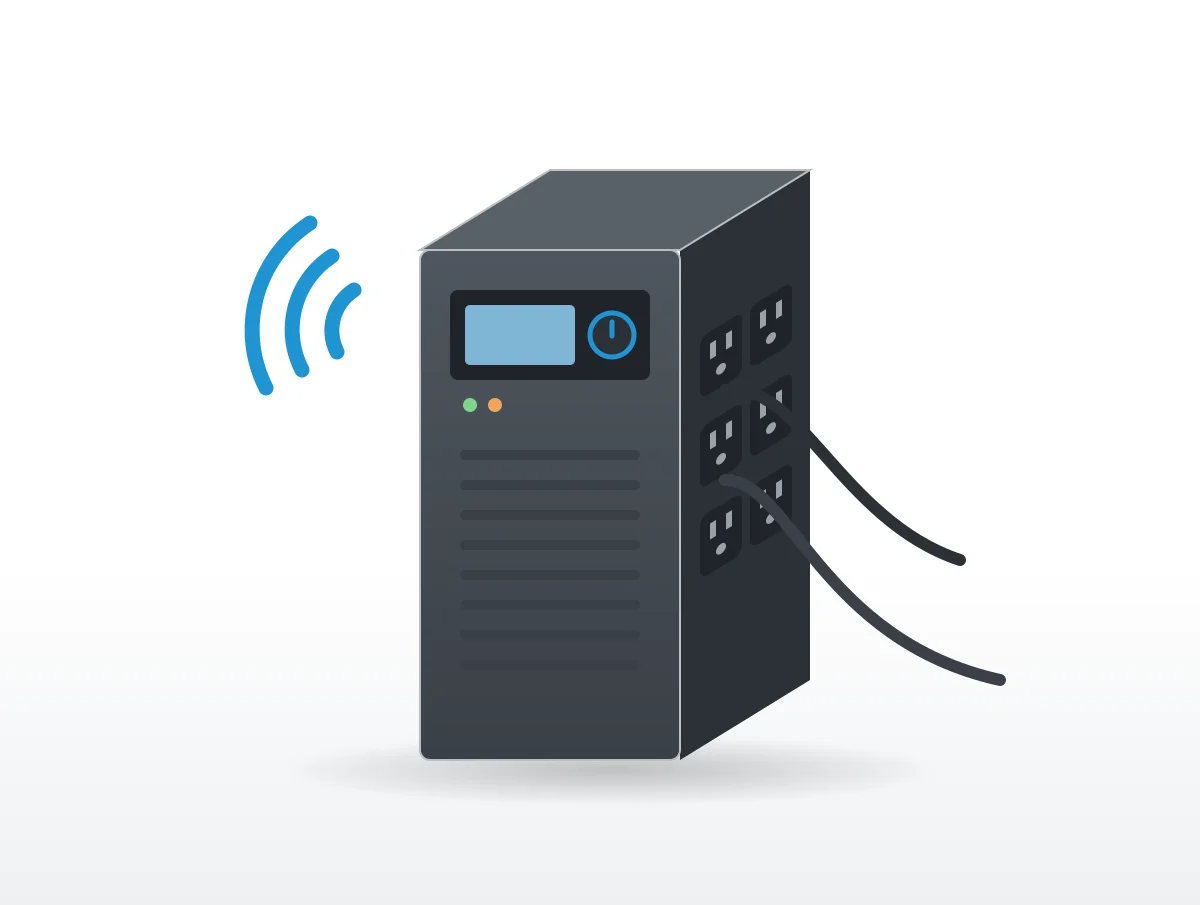
Four beeps every 30 seconds on an APC Back-UPS Pro, two short beeps and a pause on a CyberPower, one beep every 10 seconds on a Vertiv Liebert PSI5. All three say the same thing: the unit is running on its battery.
Most UPS noise is deliberate like that. A UPS beeps on battery, when the battery runs low and when it is overloaded, and it can click, hum or spin up a fan while it corrects the wall voltage or recharges. APC (Schneider Electric), CyberPower, Tripp Lite, Eaton and Vertiv explain each sound in their manuals and support pages, but every brand has its own beep code, so one pattern can mean different things on two different units.
Some sound is simply normal. APC puts the usual level of a Back-UPS at "around 45 dBA which is going to be fairly quiet." The sounds the makers do flag are a constant tone or constant beeping with an error on the display, a replace battery chirp, an overload alarm, and clicking that never lets up.
Before blaming the UPS, check whether the power has actually dropped. In every manual here, the alarm you will hear most often is the one announcing the switch to battery.
What do UPS beeps mean?
One of four things: running on battery, low battery, an overload, or a battery or internal fault. The pattern for each differs by maker, so find your brand in the table.
| Maker and model | On battery | Low battery | Overload | Battery or unit fault |
|---|---|---|---|---|
| APC Back-UPS Pro BR1000MS to BR1500MS | "Four Beeps Every 30 Seconds" | "Continuous Beeping" | "Continuous tone" | "Continuous chirping" (failed self-test); "Chirps every 2 Seconds" (battery disconnected) |
| APC Smart-UPS SMT | "a series of short beeps" | audible alarm at a set runtime, 150 seconds by default | not given as a beep pattern | "beeps for one minute every five hours" (weak battery); "constant beeping sound" (internal error) |
| CyberPower CP1350PFCLCD and CP1500PFCLCD | "two short beeps followed by a pause" | "beep rapidly every 1/2 second" | "one long beep" | fault codes E01 to E22 on the screen |
| Tripp Lite SmartPro SLT | "4 short beeps followed by a pause" | "an alarm sounds continuously" | red load LED with an alarm | "an alarm sounds intermittently" after a self-test |
| Vertiv Liebert PSI5 | "1 beep every 10 seconds" | "1 beep every 2 seconds" | "1 beep every second" | "Constant, solid tone" |
The codes clash in places. One beep every 2 seconds is low battery on a Vertiv PSI5, while chirps every 2 seconds on an APC Back-UPS Pro mean the battery is disconnected. A continuous tone is an overload on the APC and a fault on the Vertiv.
Running on battery
The unit is "running on battery. You should consider saving any work in progress," in the words of the Back-UPS Pro manual. A Smart-UPS SMT keeps up its short beeps for as long as the battery is carrying the load.
CyberPower's two-beep pattern sounds "During a severe sag or loss in utility power". Tripp Lite names a blackout or severe brownout and adds a warning: "you should save files and shut down your equipment since internal battery power will eventually be depleted."
Low battery
This is the one to act on, the faster or steadier beep near the end of a run. On a CyberPower, the half-second beep means "the UPS's batteries are nearly out of power. You should save files and turn off your equipment immediately or allow the software to shut the system down." The Back-UPS Pro asks you to "Promptly save any work in progress, exit all open applications, and shut down the operating system." On a Tripp Lite, the continuous alarm means "UPS shutdown is imminent."
The Smart-UPS SMT lets you choose how early the warning comes. Its Low Battery Setting sounds the alarm "when the remaining runtime has reached this level", 150 seconds as shipped.
Overload
The battery outlets are being asked for more power than the UPS can give. CyberPower's fix is to "unplug one piece of equipment from the battery-supplied outlets at a time until the icon turns off and the alarm stops." APC's is much the same, disconnecting "one of the items connected to the Back-UPS" and watching whether the Overload icon stops flashing.
Leaving it overloaded has a cost that only shows up later, during an outage. An overload left in place "may cause the UPS to shut down and cease supplying output power in the event of a blackout or severe brownout," Tripp Lite warns.
Beeping while the power is still on
With the lights on, a beeping UPS is usually flagging its battery, a self-test or bad wall power. On the Back-UPS Pro, chirps every 2 seconds mean "Battery is disconnected", and continuous chirping means the battery failed its self-test.
Self-tests make sounds of their own. Vertiv lists "1 beep" for a battery self-test, and the SmartPro SLT's alarm "will sound" during its roughly 10 second test as it switches to battery. The Smart-UPS SMT runs one "On start-up and every 14 days" unless you change it.
A UPS can also drop to battery with the plug firmly in the wall. The Back-UPS Pro manual gives two causes, an automatic self test that needs no action, or input voltage, frequency or waveform out of range, in which case you adjust the transfer voltage and sensitivity. For the Smart-UPS SMT, the suggested fix is moving the UPS to an outlet on a different circuit.
A wiring fault light is another matter entirely. CyberPower, Tripp Lite and APC all send owners to a qualified electrician when the UPS reports a site wiring problem such as a missing ground.
Why is my battery backup clicking?
Usually it is the relay inside, switching as the UPS boosts low voltage, trims high voltage or moves to battery. "The relay inside the UPS may be audible in some environments," says APC, which counts that as proper operation.
Tripp Lite and CyberPower agree. While the SmartPro SLT corrects high or low voltage, "The UPS will also emit a slight clicking noise. These are normal, automatic operations of the UPS, no action is required on your part." CyberPower describes its AVR icon in nearly the same terms: "a normal, automatic operation of your UPS, and no action is required on your part."
Clicking that keeps happening is different, and APC lays out the steps. "If the clicking becomes frequent, there may be issues with incoming power." Then the fix: "Reducing your Back-UPS' input power sensitivity may allow it to operate with less or no audible clicking." And if that does not settle it, "It is recommended that you contact an electrician for further assistance in identifying the source of the issue."
Turning the sensitivity down
On the Back-UPS Pro, hold the power button for six seconds with the unit on mains but switched off, then step through Low, Medium and High. Low accepts 78 to 150 Vac, though APC marks it "Not recommended for computer loads."
The CP1500PFCLCD manual explains the trade. At Low Sensitivity "the UPS will go to Battery Mode less often", while High Sensitivity sends it to battery more readily for equipment that is sensitive to power events. Fewer transfers mean fewer clicks and fewer on-battery beeps.
One click-related code is not normal at all. Back-UPS Pro error F06 reads "Relay Welding", one of the errors from F04 to F09 that "cannot be corrected by the user". If it appears, call APC support.
Hum and buzz from the inverter, charger and transformer
A hum or slight buzz is often normal, and APC's buzzing article names the parts in a Back-UPS that make it. There is the "Inverter : to convert battery power to useful AC power if the unit is running on battery", the "Rectifier / Charger : If it is charging the batteries", and the AVR transformer that line-interactive units use to correct sags and swells before touching the battery. The cooling fan makes a fourth.
Expect more noise on battery. Vertiv rates its Liebert PSI5 at under 45 dB in line mode and under 55 dB in battery mode. APC asks owners to contact support "If the unit exhibits issues greater than this or something that is concerning", and none of these makers names a buzz as the sign of a specific fault.
The fan speeds up on battery and while charging
"The fan runs continuously to cool the UPS system's internal components," reads the SmartPro SLT manual, and it "will operate at a higher speed when the UPS is in battery backup mode, charge mode, carrying a heavy electrical load or an over-temperature condition." On APC's Back-UPS Pro the fans come on while on battery, while charging, above 75% of rated watts, or once the inside passes about 104°F (40°C).
A fan that roars after an outage is usually just recharging the battery.
Load moves the number a long way. CyberPower rates its OL1K5RTHD online unit at 17.3 dBA with nothing plugged in and 47.6 dBA under full load, measured 1 meter away, figures collected in our quietest UPS battery backups guide. A fan that stops altogether is a fault, though: APC lists error F08 "Fan Error" for the BR1500MS, and Eaton's 5SC manual has a fan fault alarm. Neither gives a fan repair you can do yourself.
How do you silence a UPS alarm?
With a held button or an alarm setting on most units, though low battery and fault alarms often keep sounding regardless. Try it before an outage, while the UPS is on wall power, so you know how your model behaves.
| Model | How to mute |
|---|---|
| APC Back-UPS Pro | Mute mode, held for 2 seconds with the unit on, will "Enable or disable the audible alarms", and "Pressing the MUTE button pauses the chirping." |
| APC Smart-UPS SMT | With Audible Alarm set to Off, "The UPS will mute all audible alarms". |
| CyberPower CP1500PFCLCD | "Holding the button for more than 2 seconds will silence the alarm." |
| Tripp Lite SmartPro LCDT | "Silent mode will deactivate the beeper completely." |
| Vertiv Liebert PSI5 | "Mute: When in On/Battery mode, press and hold for 3 seconds" |
The exceptions are where the danger is. On a CyberPower, "when there is a problem with the UPS, the alarm will still beep even in silent mode." Silent mode on the Tripp Lite LCDT "can only be selected while the unit is in online mode", and "The low battery alarm will still sound even if the battery alarm is temporarily muted." On the SmartPro SLT, "continuous alarms (warning you to immediately shut down connected equipment) cannot be silenced." That alarm is the one telling you the battery is about to run out, so a muted unit can still go dark with no warning if nobody is near it.
When does a noisy UPS need a new battery?
When it fails its self-test, shows a replace battery icon, or runs for far less time than it used to. The Smart-UPS SMT manual adds a calendar limit, "at least every 5 years".
Its full list calls for an immediate replacement when "the UPS indicates a battery over-temperature condition", when "there is evidence of electrolyte leakage", or when it shows any battery alarm on a battery near the end of its life. Then: "Power off the UPS, unplug it from the AC input, and disconnect the batteries. Do not operate the UPS until the batteries have been replaced."
Swollen is a word none of these manuals uses. A battery case that has changed shape belongs with the leakage and over-temperature warnings, so stop using the UPS and contact its maker.
On life span, "The batteries typically last for two to five years," according to the SMT manual, and the Back-UPS Pro manual says 3 to 5 years, less with frequent outages or heat. APC also warns that "Delaying the replacement of parts may corrode the batteries in the cartridge." Before giving up on a battery that failed a self-test, the SmartPro SLT asks you to let it recharge for 12 hours, test again, and contact Tripp Lite if the warning stays lit; the SMT gives a weak battery four hours of charging before a new self-test.
Battery safety warnings in the manuals
Fire, explosion, toxic electrolyte, burns and electric shock all come up, because of the sealed lead acid batteries inside. The wording below is quoted exactly.
APC's Smart-UPS SMT manual heads its battery section "RISK OF HYDROGEN SULPHIDE GAS AND EXCESSIVE SMOKE AND FIRE". Beneath that: "Released electrolyte is toxic and may be harmful to the skin and eyes", "CAUTION: Do not dispose off batteries in a fire. The batteries may explode.", and "CAUTION: Failed batteries can reach temperatures that exceed the burn thresholds for touchable surfaces."
The CP1500PFCLCD manual reads "CAUTION! Do not open or mutilate batteries. Released material is harmful to the skin and eyes. It may be toxic." and "CAUTION - RISK OF EXPLOSION IF BATTERY IS REPLACED BY AN INCORRECT TYPE." Before working on batteries, "Remove watches rings, or other metal objects" and "Use tools with insulated handles." Disposal gets its own line, "Batteries are considered HAZARDOUS WASTE and must be disposed of properly", and CyberPower points out that most retailers that sell lead acid batteries collect them for recycling.
From Tripp Lite's SmartPro SLT manual: "Batteries can present a risk of electrical shock and burn from high short-circuit current." Then "There are no user-serviceable parts inside the UPS. Do not open the UPS except to perform battery replacement." and "Unplug and turn off the UPS before performing battery replacement." Battery replacement itself "should be performed only by authorized service personnel".
A constant tone means a fault
A constant tone, or constant beeping with an error code, is an internal fault. The makers want the unit out of use and a call to them, and the Smart-UPS SMT manual leaves no room for doubt. For a lit Error LED with "a constant beeping sound", the instruction is "Do not attempt to use the UPS. Turn the UPS off and have it serviced immediately." Vertiv's PSI5 table gives a "Constant, solid tone" for a fault.
Error codes narrow it down. The Back-UPS Pro manual lists F01 to F09 and sends you to APC technical support for all except F01 (overload on battery) and F02 (output short). CyberPower wants a call for charger faults E01 and E02 and battery overvoltage E11.
Repeated overload alarms are a sizing problem rather than a fault, solved by unplugging whatever does not need backup power. For anything else the advice is to contact the maker. None of them offers a repair for a noisy relay, transformer or fan inside the case.
How quiet should a UPS be?
Quiet units list figures from the high 30s to the mid 40s in dBA. APC calls a Back-UPS at around 45 dBA normal, and Vertiv rates its PSI5 under 45 dB on line power.
In our quietest UPS battery backups guide, Tripp Lite's SMART1500LCDT is rated under 36 dB, measured 1 meter in front of the unit, and Eaton rates its 5SC1500 at under 40 dB at 1 meter. APC lists 35 dBA for its BE600M1 with no distance given. Online double conversion towers sit higher, with Eaton's 9SX1500 and Tripp Lite's SmartOnline 1000VA both at 51 dB at 1 meter. The Eaton figures are the ones recorded in that guide, because Eaton's own manual pages would not load for us; the Tripp Lite manuals quoted here come from Eaton's Tripp Lite brand.
Makers measure at different distances and loads. The dBA explainer and comparing decibel ratings show how to line their numbers up.
Quieter backup power
For a quieter unit, start with the quietest UPS battery backups. Longer outages are the territory of the quietest power stations and quietest generators for home backup.
If the noise is coming from the computer the UPS protects, try power supply noises explained and computer fan noises explained. A NAS on the same battery is covered by the quietest NAS, and the room as a whole by the quiet home office.