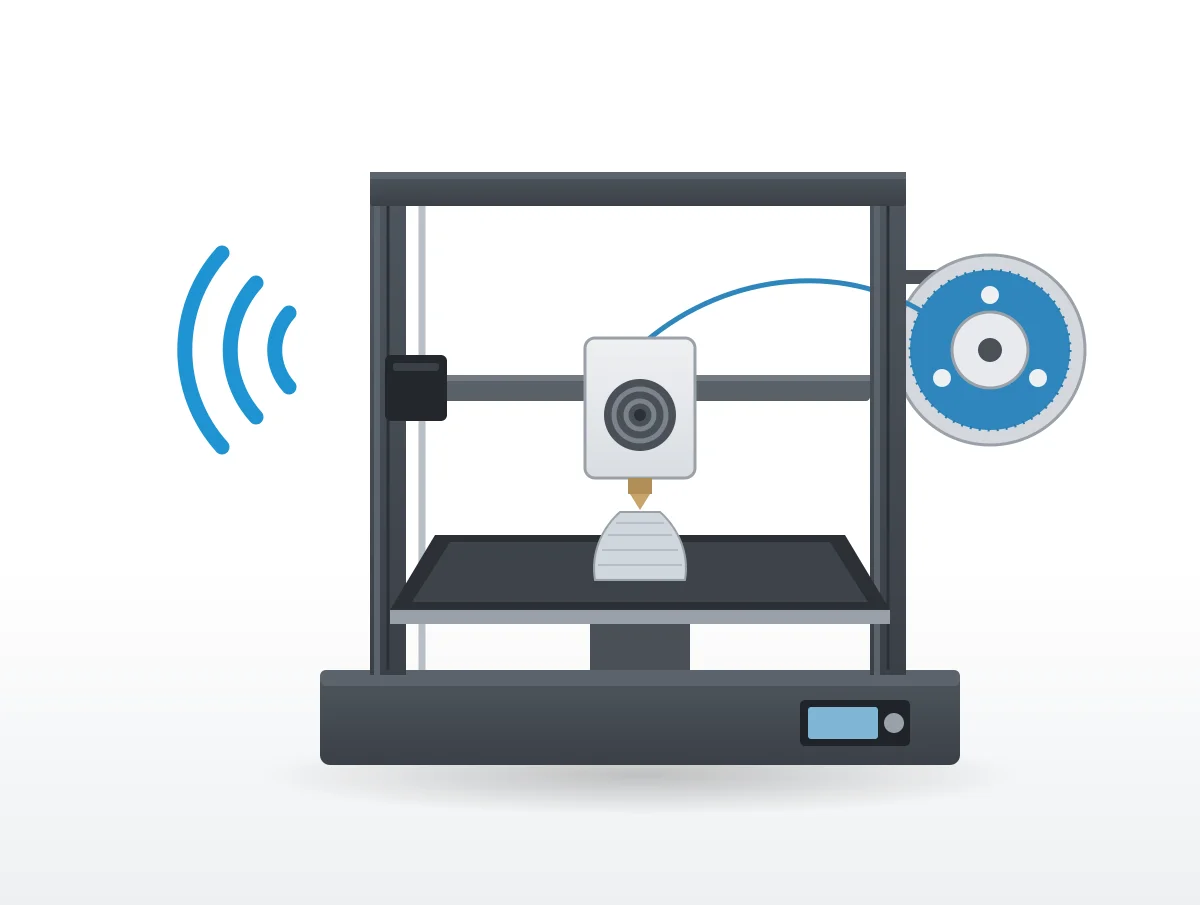
When an extruder clicks, its motor is giving up. Prusa's explanation is that the stepper has hit a force limit and is "jumping back by one or more steps (skipping) to relieve the pressure", and almost every other troubling sound a filament printer makes leads back to the same few causes: a clog, a badly set idler, heat in the wrong place.
The rest is a machine doing its job. Stepper motors drive the head and bed, a cooling fan blows on fresh plastic, and gears feed filament. Prusa, Bambu Lab, Creality, Elegoo, Anycubic and FlashForge each publish support pages on the sounds that fall outside that routine, and this page works through them for FDM (filament) printers, from clicking and grinding to rattles, fans and the quiet modes.
Some noise is part of printing
FlashForge puts it flatly in its Adventurer 5M manual: "Vibrations and noise during calibration are normal." The line comes during first startup, with a request to "keep the machine on a stable surface and do not move it during calibration." Bambu Lab machines run a vibration compensation routine too, and the A1 belt page sends you back to it after any belt adjustment.
A printer "may be causing some vibrations during use", according to Prusa's article on MINI vibration, and "In most cases, this will not cause any printing issues". Its power modes page goes further and calls Prusa machines "very silent, even in the standard mode".
A sound that is new, rhythmic or arrives with a failing print is another thing. Clicking from the extruder is the most common of those.
Why is my 3D printer extruder clicking?
The motor cannot push the filament forward, so it skips. Prusa, Bambu Lab and Creality all start with a clogged nozzle, then move on to idler tension, temperature and softened filament.
Prusa has the fullest account of the mechanism: "The clicking sound means that the stepper motor is having to suddenly exert more force than a specific preset threshold and it's jumping back by one or more steps (skipping) to relieve the pressure." The cause, it adds, "can be a mechanical issue, electrical issue, software issue, jammed/clogged hotend, or a combination of this." In Creality's guide the motor "struggles to push filament through, causing the gear to slip and produce a clicking sound."
A clogged nozzle or hotend
"The most frequent culprit behind extruder clicking" is how Creality describes a clogged nozzle. First heat the nozzle and push filament through by hand; if that fails, use a cleaning needle or a cold pull.
On the A1 series page, the symptom is gears that "do not rotate smoothly, and the sound of 'clicking' and jumping gears keeps coming from the extruder." Bambu Lab's test isolates the hotend. Take it off, enable maintenance mode, set the nozzle to 170 degrees C and extrude by hand. Filament that feeds freely with the hotend removed means the hotend is the clog.
When cleaning fails on a Prusa, the hotend may have to come out so you can "disassemble it completely", clean it and add thermal paste to the heatbreak before putting it back together.
Idler tension set wrong
"If the extruder idler screws are overtightened, the gears will not push the filament properly." The tension "must be accurate (neither too tight nor too loose)", Prusa adds, and Creality describes both failures: too loose and "the gear won't grip the filament adequately; if too tight, it may grind the filament."
Two smaller checks go with it. The motor gear's grub screw should bear "against the flat part of the motor axis", and the gears should be "clear of any leftover plastic" and turn freely.
Heat softening the filament near the gears
Bambu Lab's X1 maintenance guide gives this as a reason to service the extruder: "The internal temperature of the toolhead is too high, causing the filament near the drive gear to deform. The extruder makes clicking or grinding noises."
Creality's term is heat creep, where filament "softens prematurely in the heat break, causing jams". Too little heat causes trouble as well. A nozzle running cool leaves filament unmelted, which forces "the extruder gear to skip."
A first layer printed too close to the bed
Clicking that mostly happens on the first layer can mean the bed itself is blocking the nozzle. Bambu Lab's description is a nozzle that "is almost against the surface of the heat bed, making it almost impossible to extrude the filaments", and its fix is a full bed leveling. From Prusa: "Having the first layer calibration set too close can eventually cause a clogged hotend."
Slicer, retraction and filament settings
Prusa reaches for software first. Slice again with the latest PrusaSlicer and its filament presets, and "increase the hotend temperature" by 5 to 15 degrees C.
Creality looks at retraction, where "Excessive retraction distance or speed" pulls molten filament up into the heat break. Its suggested ranges are 2 to 6 mm for Bowden setups, 0.5 to 2 mm for direct drive, and 25 to 45 mm/s for retraction speed. Damp filament and uneven diameter are on its list too, with a dry box as the answer.
Grinding means the gears are chewing filament
Grinding is clicking's companion. The drive gears wear a groove into the filament instead of feeding it, and the causes are the same.
Prusa describes "Filament grinding, which is accompanied by a 'clicking' or 'squeaking' sound coming from the extruder", which "usually happens when the extruder gears are unable to push the filament further towards the nozzle." Left alone, "the gears grind away the filament, until they can't grab it anymore."
An over-tight idler is the specific cause both Prusa and Creality give for grinding, while Bambu Lab ties it to heat inside the toolhead. FlashForge's usage troubleshooting has a variant: "a creaking sound" while loading filament by hand, from a clogged extruder or a feeding gear that "was slipping." The PTFE tube is worth a look as well, since debris there "would prevent the filament from being loaded properly."
Stepper motor whine and buzz
Steppers hum or whine whenever they move or hold position. None of the six makers here calls that a fault, and Prusa's remedy is stealth mode.
On the MK3 family, stealth mode "utilizes Trinamic StealthChop technology" and "makes the printer almost inaudible where the print cooling fan is the noisiest part of the printer." The older MK2 family gets a plainer description: "The silent mode uses less current and makes the printer quieter but less powerful."
There is a price on the MK3: "Stealth mode does not provide Crash detection (lost steps cannot be detected)." Newer Prusa printers keep crash detection and cap speed instead, covered under quieting below.
Bambu Lab, Creality, Elegoo, Anycubic and FlashForge have no page we could find that names motor whine or buzz and says what to do about it.
Why is my 3D printer fan so loud?
Speed, mostly. The print cooling fan runs hardest on PLA, and a fan that is dirty, blocked or damaged makes a different noise with a different fix.
Prusa's print fan article explains why the sound changes through a print. With PLA, "the print fan is spinning at 100% all the time until the print finishes." ASA and ABS are handled differently: the fan is "turned off completely for the first 4 layers", then runs at 15 to 20%. "At very low speeds the print fan can be almost inaudible."
A fan that sounds wrong gets a check "if the fan is damaged or obstructed" from Elegoo. The Anycubic Vyper page breaks it into three steps. Clean the fan and look for "sundries interference". Refasten loose screws and the fan cover. Then check "whether the fan blade is damaged or broken."
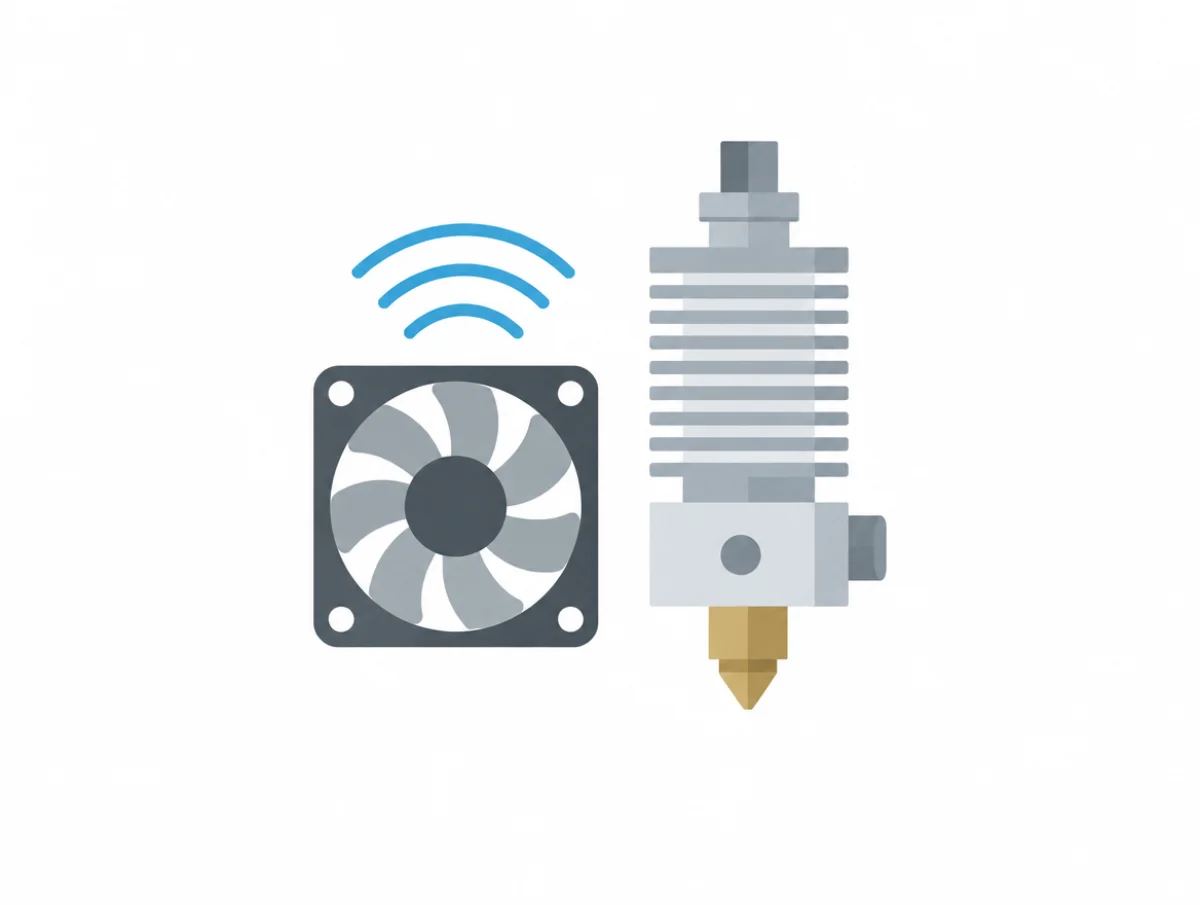
When the culprit is the small 40mm hotend fan, the quietest 40mm fans guide compares replacements by published figures, 24V models included.
Rattles and vibration start with loose parts
Loose screws, a pulley rubbing where it should not, a belt out of line or a table that lets the printer rock: those are the usual sources.
To find which, Prusa's MK3S vibration article suggests jogging one axis at a time "to see if the noise can be narrowed down to a single axis", and resting a hand on parts to hear "if it dampens the sound." Its checklist runs through heatbed screws ("the heatbed, screws, and spacers can rattle during movements"), a pulley touching its motor, an X belt "rubbing against a plastic part" and loose LCD screws. "New noises coming from the printer after many hours of use" suggest rods and bearings that "could use some attention."
Belts that need tensioning
On the A1, loosen each tension screw by one turn, push the axis back and forth by hand three times and retighten. Then run "Vibration Compensation in the calibration menu".
FlashForge's vibration test belongs "After adjusting the tension of the synchronous belt" and whenever prints show "noticeable ghosting and ringing".
A sizzle while the bed heats
The Adventurer 5M series has a listed "Sizzling Noise During Bed Preheating", caused by "Part misalignment". The fix is short: "Loosen the four bolts under the print bed and re-tighten."
How do you make a 3D printer quieter?
Turn on the quiet mode, give the printer a firm padded footing, keep the moving parts lubricated and the belts tensioned, and mute sounds you do not need.
Silent, quiet and stealth modes
Bambu Lab's A1 FAQ has four speed modes, "Silent, Standard, Sport, Turbo", switchable on the printer, in Bambu Handy or in Bambu Studio. For the Ender-3 V3 Plus, Creality claims that "In silent mode, the printing noise is greatly reduced."
Prusa's CORE One, MK4 family, XL and MINI handle it in firmware. "Once the stealth mode is enabled, the firmware sets a limit to acceleration, feedrate, and jerk values", and "Setting a cap on these parameters will lower the noise."
What silent mode costs
Time. "The trade-off is an increased print time," in Prusa's one line on it, and Elegoo's Centauri Carbon blog puts a number on it: "A job that takes around six hours at normal speeds, for example, might stretch closer to ten hours", depending on model and settings.
In Silent Mode on that printer, "fan speeds dropped noticeably" and the toolhead avoided "quick, sudden movements". There is an energy cost too, since a longer print keeps the hotend and bed hot for longer, which "can mean higher overall energy consumption."
A firm surface, then padding
"The surface that the printer is on can amplify any of the vibrations and noises coming from the printer." Prusa wants a surface that does "not wobble during printing or if pushed by hand", a hardwood table for example, and suggests a concrete slab or tile underneath to keep vibration out of the desk.
For padding, "a folded towel or foam padding" will do. Not too soft, though: "very soft padding is not optimal as the printer can wobble during operation." The MINI ships with five foam pads, which go "on the frame extrusions, not the front- and back-plate."
Lubrication, only where the maker says
The A1 FAQ separates two products. Lubricant oil is "Used for X-axis linear rail, Y-axis guide rail, and eliminating noise from idler wheels", grease goes on lead screws and extruder wheels, and grease on the X-axis linear rail is "strictly prohibited". Whatever your printer, use what your maker specifies on the parts it names and nothing else.
Beeps and sound effects
The A1's speaker can be silenced "in the printer settings", and its start and finish effects sit under "Main menu - Settings - Print options." On the Adventurer 5M, the information screen lets you "enable or disable sound".
When a noise means a broken part
Suspect a fault when the noise comes with a print that stops extruding, a fan that will not settle after cleaning, or an extruder that still clicks after the clog and tension checks.
"Excessive friction of extruder components, filament jamming, and abnormal noise may be the result of extruder gear or motor failure," according to Anycubic, which treats the extruder as a replaceable part.
Fans that stay noisy after a check go to support. Elegoo asks for an email with your order number, the batch number on the printer's base and the firmware version, and Anycubic suggests an after-sales ticket at the same point. A hotend that cannot be cleared can be swapped: Bambu Lab's clog page says "you can try replacing the hotend with a new one." If skipped steps are spoiling MK3 prints, switch out of stealth, because normal mode is "required for the detection of lost steps (shifted layers)".
Unplug first. The P2S fan guide says to "power off and disconnect power on the printer before performing maintenance work."
How loud should a 3D printer be?
Where makers publish a figure, the range in our quietest 3D printers guide runs from 44 dB to 60 dB, with silent and quiet modes at the bottom. None of the six names a noise level at which a printer needs service.
For the Kobra S1, Anycubic gives "<=46dB (Standard mode); <=44dB (Quiet mode)", measured 1 meter from the front. The Adventurer 5M Pro is listed at "Low-noise mode: 50dB; Standard mode: 55dB", the A1 at "around 48 dB" in silent mode, and the Ender-3 V3 Plus at up to 55 dB in silent mode.
A heated chamber adds to it. The Kobra S1 Max carries "55dB (with chamber heating enabled)". Most of these figures come without a distance or test standard, so comparing decibel ratings across brands works only roughly, and the decibel chart sets 44 to 60 dB against sounds you already know.
A quieter machine
Once the printer is clean, tensioned, well seated and running its quiet mode, any noise left over belongs to the machine.
The quietest 3D printers ranks enclosed and open frame machines by their makers' figures. Paper printers have their own page in how to make a printer quieter and the quietest printers, and a printer beside your desk is one item among several in setting up a quiet home office.